🏆 Expert Verdict & Overview
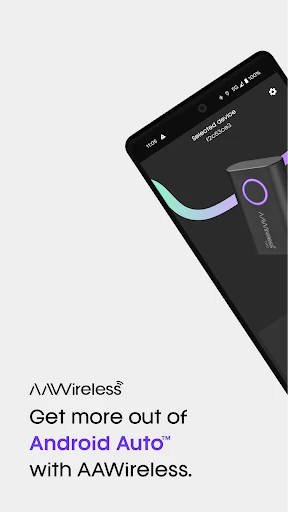
AAWireless for Android Auto™ serves as the definitive utility for drivers looking to bridge the gap between their vehicle's wired infotainment system and a modern, cable-free lifestyle. Positioned as a critical tool in the Auto & Vehicles category, this companion app transforms the AAWireless hardware from a simple bridge into a highly customizable interface. It provides an authoritative solution for users who demand stability and personalization in their Android Auto™ experience, ensuring that the transition to wireless connectivity is both seamless and feature-rich.
🔍 Key Features Breakdown
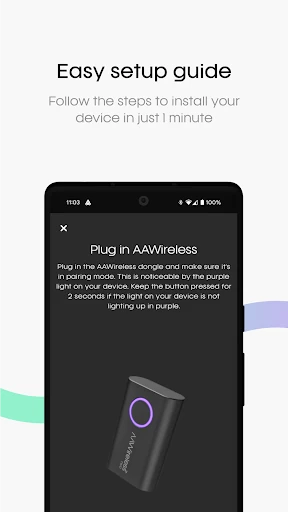
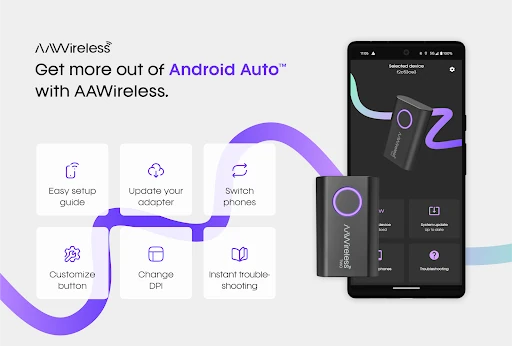
- Guided Setup Process: Simplifies the initial pairing sequence, ensuring that even non-technical users can establish a stable connection between their phone and the vehicle without manual configuration errors.
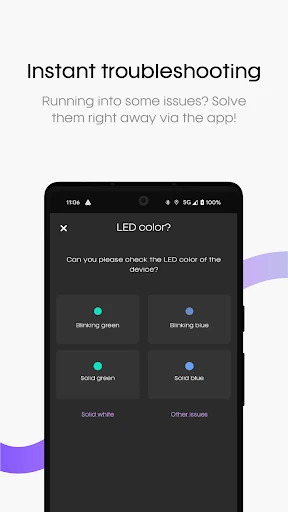
- Instant Troubleshooting: Provides an integrated diagnostic tool that identifies common connectivity hurdles, offering immediate resolutions rather than leaving the user to guess why a connection failed.
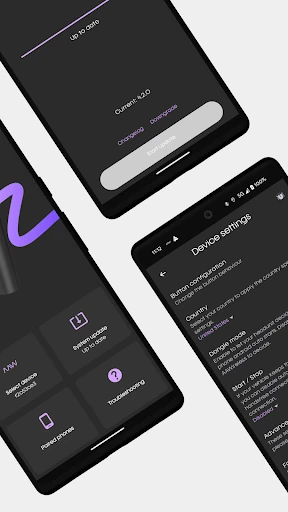
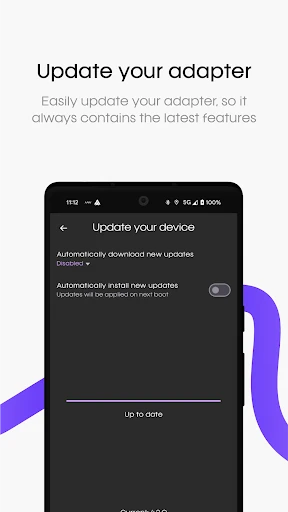
- Adapter Firmware Management: Facilitates over-the-air (OTA) updates for the AAWireless hardware, ensuring the device remains compatible with the latest Android OS updates and vehicle head unit software.
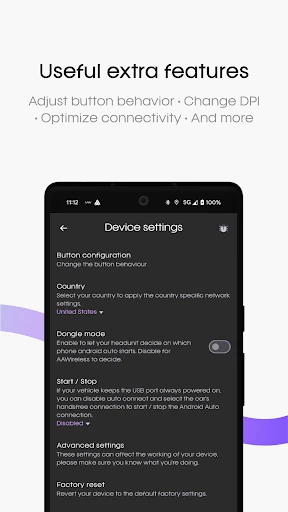
- DPI Customization: Solves the "one-size-fits-all" resolution issue by allowing users to modify the Dots Per Inch settings, effectively optimizing the layout and scale of the Android Auto interface for their specific car screen.
- Button Functionality Mapping: Empowers users to customize how physical or virtual buttons interact with the adapter, allowing for a more personalized control scheme while driving.
🎨 User Experience & Design
The UI of AAWireless for Android Auto™ adheres to the "function-first" philosophy essential for the Auto & Vehicles category. The interface is clean and uncluttered, utilizing high-contrast elements that make reading information easy in various lighting conditions. UX-wise, the app excels by minimizing the number of taps required to reach essential settings. By focusing on a logical flow—from setup to maintenance—the app ensures that users spend less time fiddling with their phones and more time focused on the road, which is the gold standard for automotive companion software.
⚖️ Pros & Cons Analysis
- ✅ The Good: Granular control over technical settings like DPI and connection start/stop behavior.
- ✅ The Good: Proactive maintenance through seamless firmware updates that extend the hardware's lifespan.
- ❌ The Bad: Zero utility for users who do not own the proprietary AAWireless hardware adapter.
- ❌ The Bad: Advanced troubleshooting steps can occasionally be intimidating for the average consumer.
🛠️ Room for Improvement
While the app is highly functional, the inclusion of a "Safe Mode" toggle for easier recovery during failed firmware updates would provide additional peace of mind. Furthermore, integrating a library of community-tested DPI presets for specific car models would eliminate the trial-and-error process for users trying to optimize their screen real estate.
🏁 Final Conclusion & Recommendation
AAWireless for Android Auto™ is a mandatory download for any driver utilizing the AAWireless adapter. It is specifically designed for tech-savvy commuters and road-trippers who want to maximize the potential of their infotainment system. By offering a blend of essential maintenance and deep customization, it stands as a premier example of how hardware and software should coexist in the modern automotive ecosystem. If you own the adapter, this app is your gateway to the best possible wireless Android Auto experience.