🏆 Expert Verdict & Overview
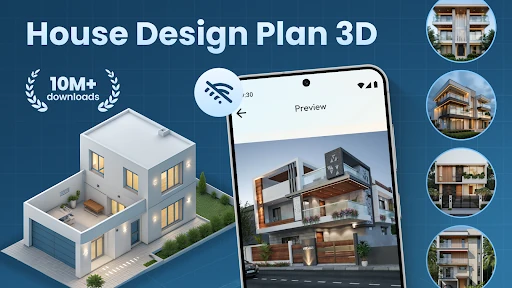
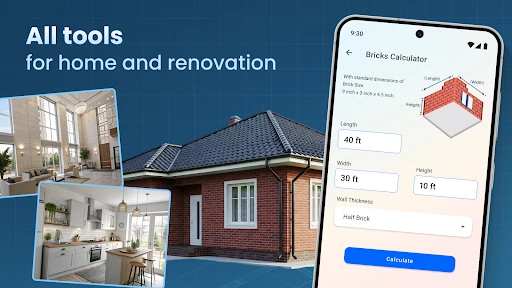
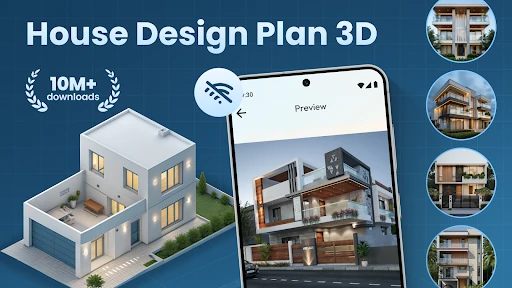
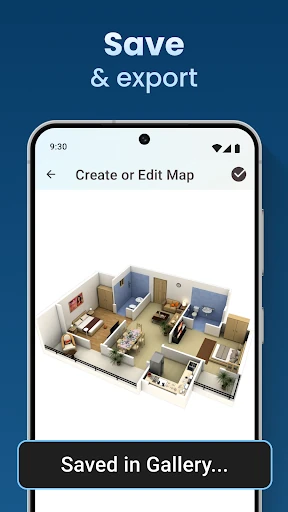
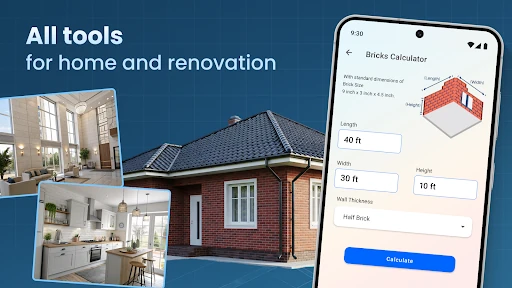
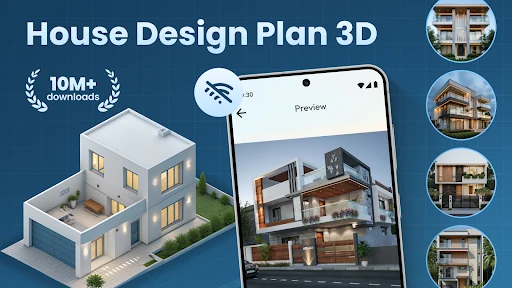
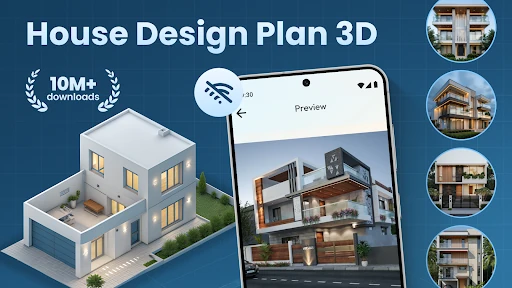
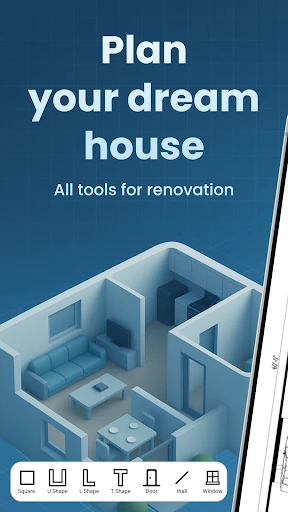
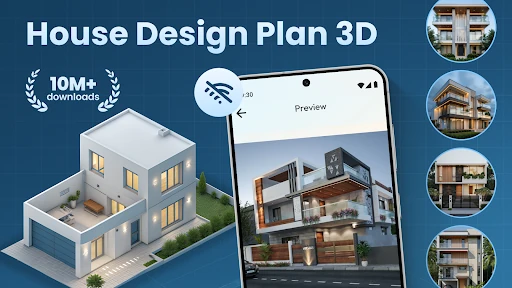
The House Design Plan 3D App emerges as a versatile and accessible entry in the House & Home category, catering to the growing demand for DIY architectural visualization. Positioned as an all-in-one solution, it successfully balances technical floor planning with creative interior design. By providing users with the tools to transition from 2D sketches to fully realized 3D environments, the app empowers homeowners and hobbyists to take control of their renovation projects. In an increasingly digital home-improvement landscape, this app stands out for its commitment to making complex architectural concepts approachable for the average user.
🔍 Key Features Breakdown
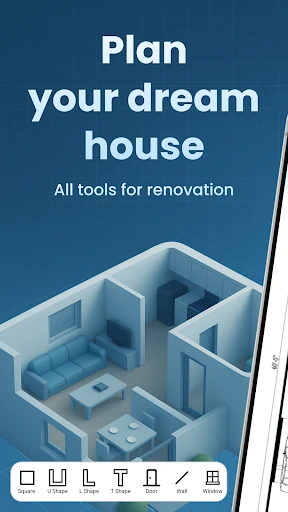
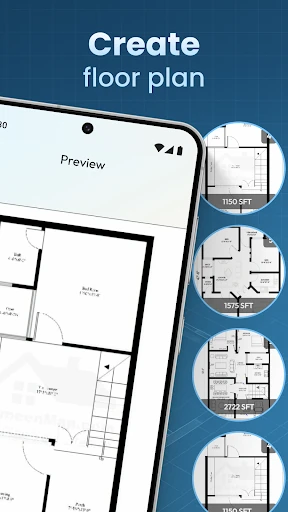
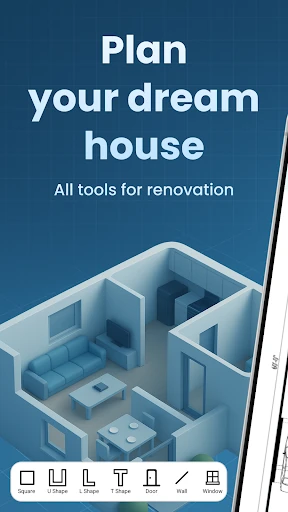
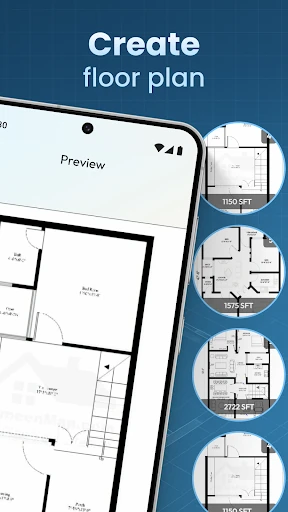
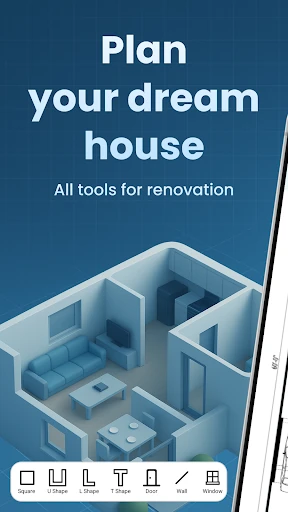
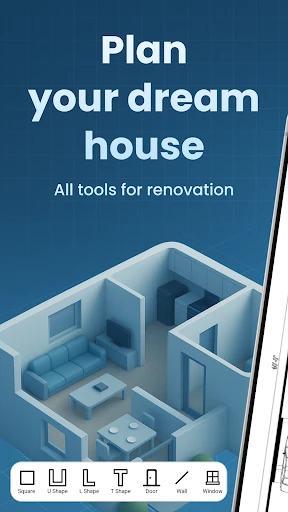
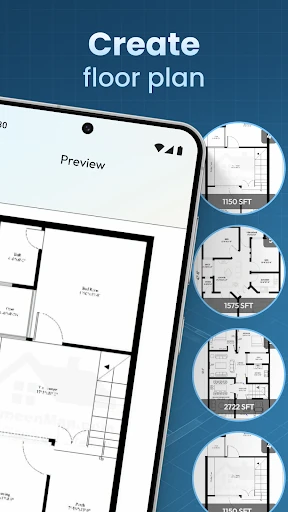
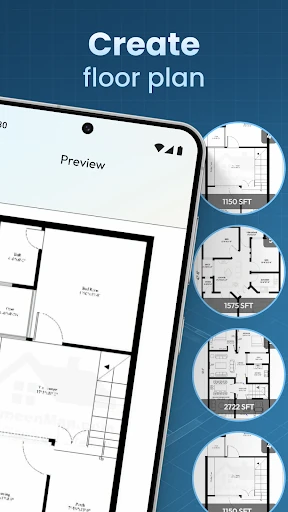
- Drag-and-Drop Floor Planning: This intuitive system eliminates the technical barrier to entry, allowing users to draw walls and partition rooms without needing CAD expertise.
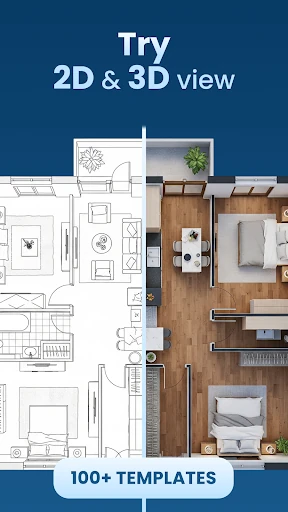
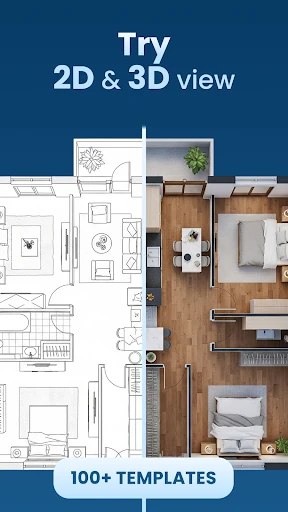
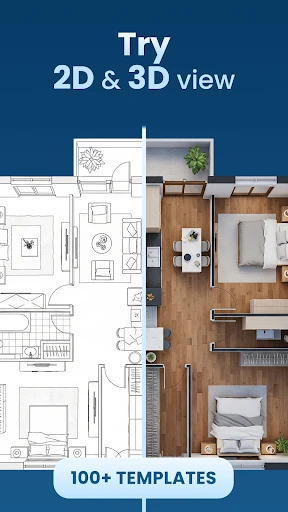
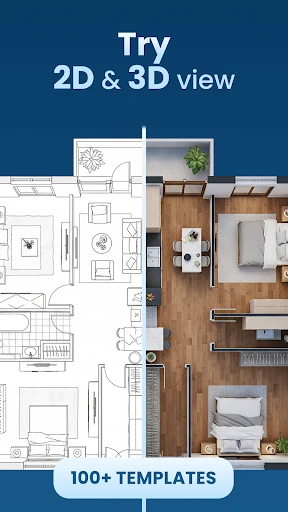
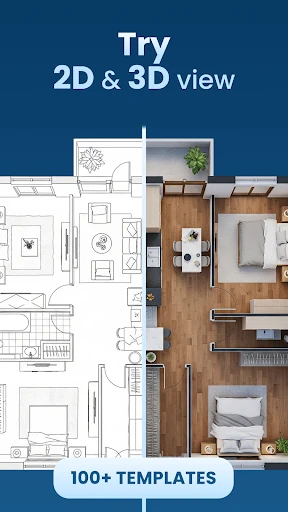
- Real-Time 3D Rendering: By offering a live visual feedback loop, the app helps users understand spatial relationships and scale more effectively than static 2D blueprints.
- Comprehensive Interior Decorator: This feature solves the problem of spatial uncertainty by allowing users to test furniture placements, wall textures, and lighting schemes before making physical purchases.
- Guided Step-by-Step Construction: The "Build A House" module acts as a digital mentor, lowering the learning curve for users attempting complex multi-room designs.
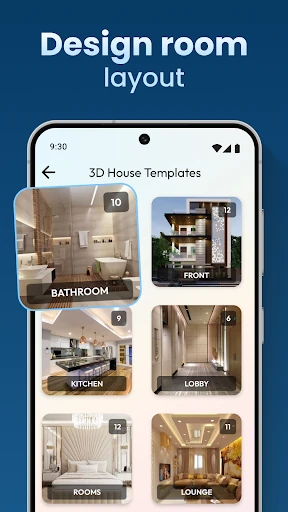
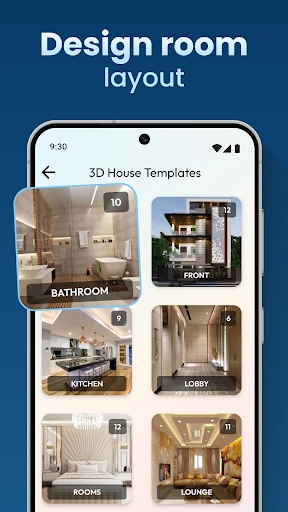
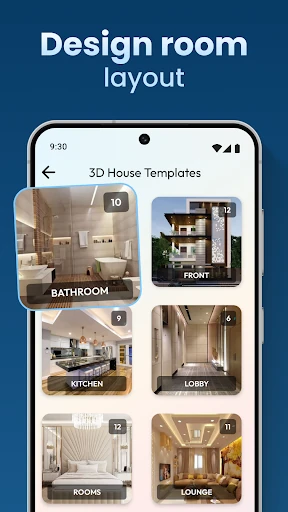
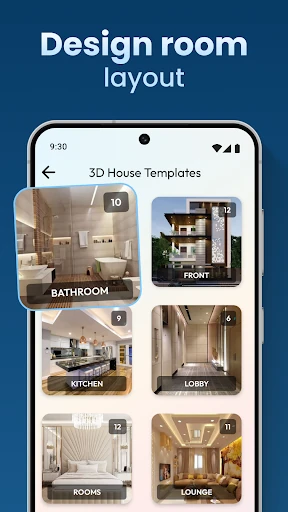
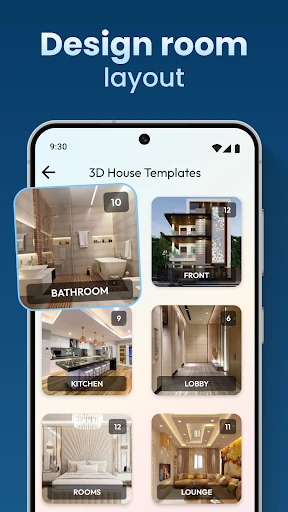
- Design Template Library: Provides a foundation for creativity, helping users bypass the "blank canvas" hurdle by offering professional architectural starting points.
🎨 User Experience & Design
From a UI/UX perspective, the House Design Plan 3D App prioritizes visual clarity and tactile interaction. The interface is built around a philosophy of immediate accessibility, ensuring that tools for furniture selection, flooring, and wall textures are within easy reach. For the House & Home category, user flow is critical; this app manages it by effectively separating the structural "building" phase from the "decorating" phase, preventing the workspace from becoming cluttered. The transition between 2D planning and 3D viewing is designed to be seamless, which is essential for maintaining a user's creative momentum on mobile hardware.
⚖️ Pros & Cons Analysis
- ✅ The Good: Highly intuitive drag-and-drop interface that makes architectural design accessible to non-professionals.
- ✅ The Good: Robust customization options covering everything from structural walls to fine interior textures and lighting.
- ❌ The Bad: The sheer depth of tools may lead to a slight initial learning curve for users completely unfamiliar with 3D navigation.
- ❌ The Bad: High-detail rendering of multi-level homes may require significant hardware resources, potentially impacting performance on entry-level devices.
🛠️ Room for Improvement
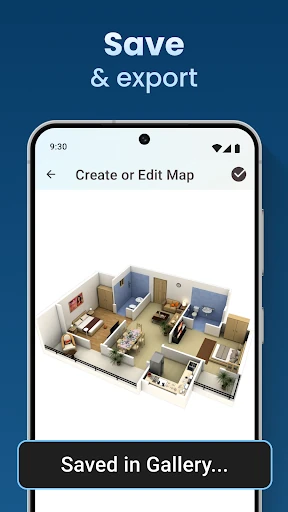
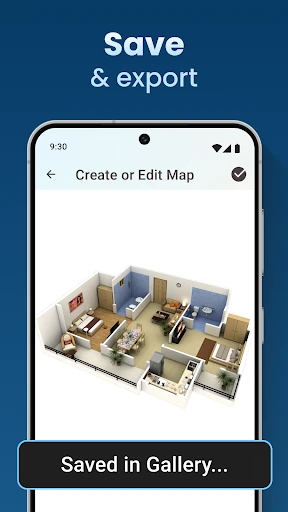
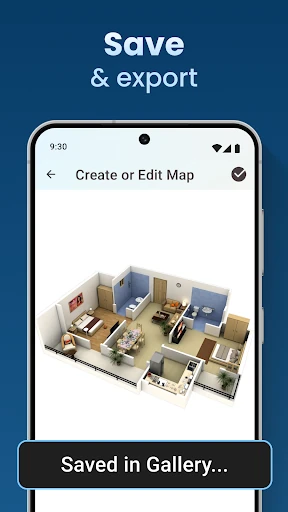
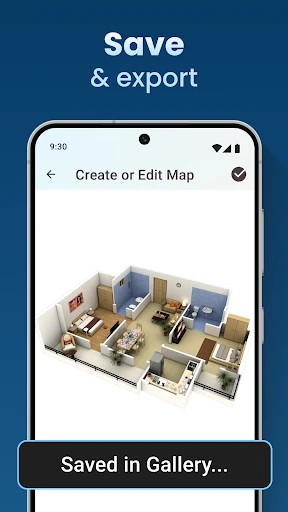
To further elevate the user experience, the developers could consider integrating Augmented Reality (AR) features, allowing users to project their virtual designs directly into their physical rooms. Additionally, adding an export function for standardized professional formats (such as PDF or CAD files) would facilitate better communication between the user and professional contractors or architects.
🏁 Final Conclusion & Recommendation
The House Design Plan 3D App is an excellent choice for homeowners planning a renovation, DIY enthusiasts, and students exploring interior design. It effectively bridges the gap between professional architecture software and casual decorating apps. If you are looking to visualize your dream home from the ground up with precision and creative freedom, this app is a highly recommended tool for your digital toolkit.