🏆 Expert Verdict & Overview
iControl: Easy Widgets Themes is a comprehensive personalization suite that bridges the gap between functional utility and aesthetic customization. Within the crowded Personalization landscape, iControl distinguishes itself by offering a unified ecosystem approach rather than being a single-purpose tool. It serves as an all-in-one "home screen designer," allowing Android users to overhaul their interface with a focus on cohesive visual themes and streamlined system controls. Its professional positioning targets users who desire a sophisticated, centralized interface—reminiscent of high-end OS designs—while retaining the granular flexibility that Android is known for.
🔍 Key Features Breakdown
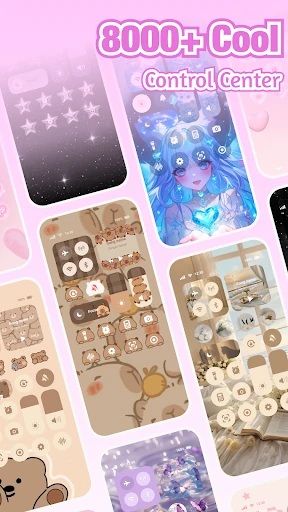
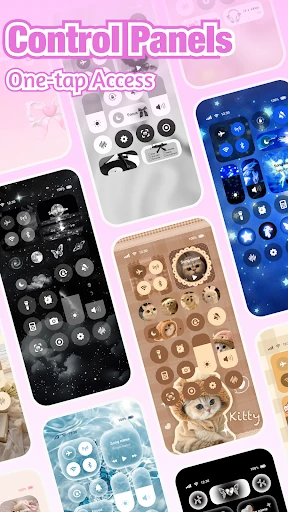
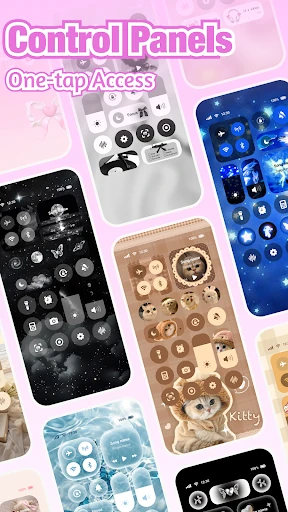
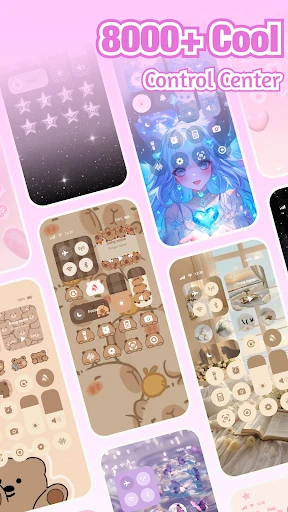
- Intelligent Control Center: Solves the frustration of digging through system menus by consolidating brightness, volume, Wi-Fi, and media toggles into a single, stylish overlay.
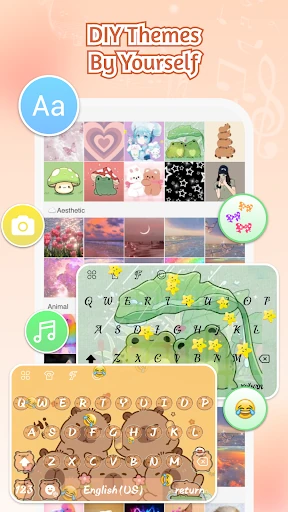
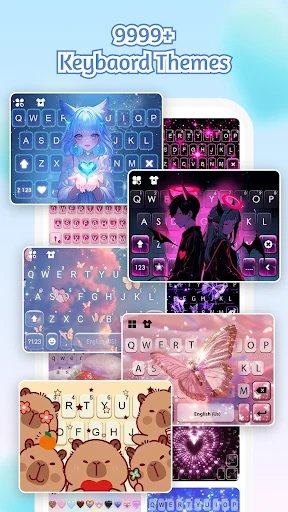
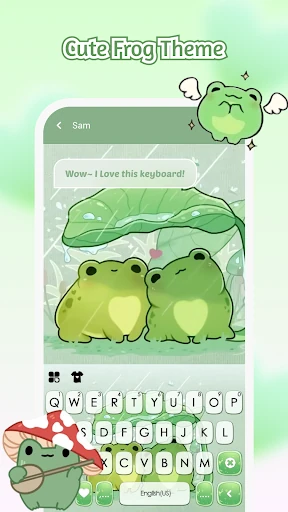
- Dynamic Keyboard Engine: Addresses typing efficiency through cloud-based prediction, gesture typing, and a multi-item clipboard, catering to heavy communicators.
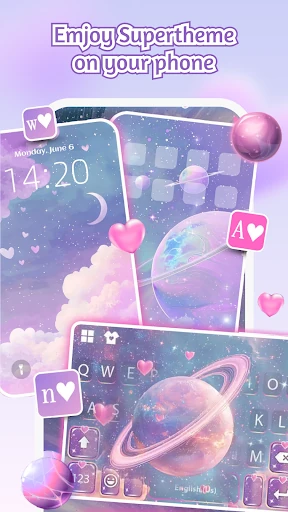
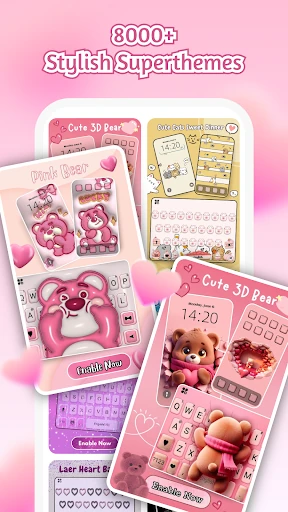
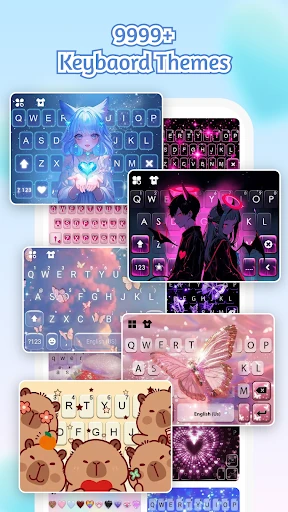
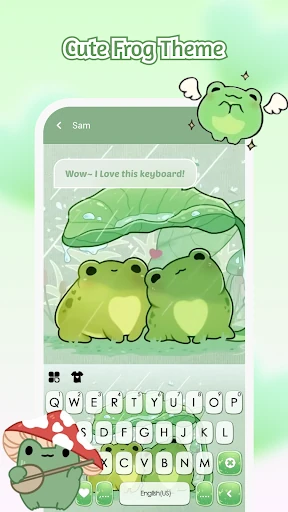
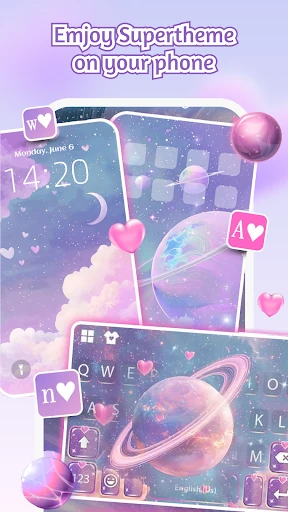
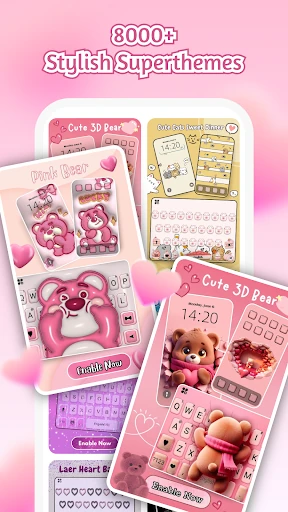
- SuperTheme Unified Aesthetics: Resolves the common issue of mismatched UI elements by providing over 500 designer templates that synchronize keyboard designs with system-wide backgrounds.
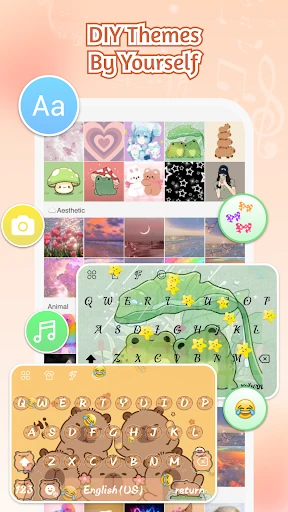
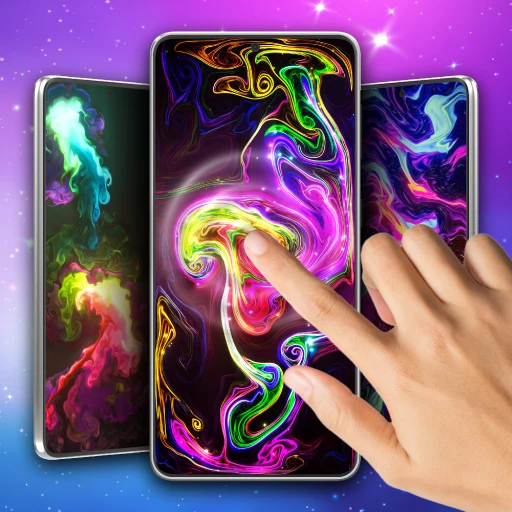
- Zero-Skill DIY Suite: Lowers the barrier to entry for creative expression by using AI-generated art and intuitive reshaping tools, allowing any user to create professional-grade themes.
- Global Linguistic Support: Provides inclusive utility for a worldwide audience with support for over 150 languages and context-aware auto-correction.
🎨 User Experience & Design
The interface of iControl is centered on the concept of "aesthetic control," moving away from the cluttered look of legacy customization apps. The UI is clean, utilizing transparency and modern iconography to ensure that added elements feel like native parts of the operating system. From a UX standpoint, the "one-tap activation" for custom designs is a standout feature, significantly reducing the friction usually associated with theme installation. However, users should be prepared for the initial setup phase, which requires enabling Accessibility Services to allow the Control Center to overlay properly—a standard but necessary hurdle for this category of software.
⚖️ Pros & Cons Analysis
- ✅ The Good: Unified design language that ensures keyboards, widgets, and menus all match perfectly for a "pro" look.
- ✅ The Good: Advanced typing features like contextual prediction and swipe-to-type that rival dedicated third-party keyboards.
- ❌ The Bad: High permission requirements, specifically the need for Accessibility Services, which may trigger caution in privacy-sensitive users.
- ❌ The Bad: Potential for branding confusion within the app, as raw descriptions point to various internal names like "StyleBoard" or specific "Hippo" themes.
🛠️ Room for Improvement
To reach a perfect score, the app could benefit from expanding its widget library to include more data-driven modules such as battery health, weather forecasts, or calendar integration directly within the Control Center. Furthermore, refining the AI art generation tool to offer more specific style prompts (e.g., "Cyberpunk" or "Minimalist") would help users achieve their desired aesthetic more quickly. Streamlining the naming conventions within the app would also provide a more cohesive brand experience for the end-user.
🏁 Final Conclusion & Recommendation
iControl: Easy Widgets Themes is best suited for "power customizers"—users who aren't satisfied with stock icons and want a curated, boutique feel for their mobile device. It is an excellent choice for those who appreciate the streamlined look of modern control centers but want the creative freedom to build their own layouts. If you are looking for a singular app to handle your keyboard, system toggles, and overall visual theme, iControl is a highly recommended, versatile contender in the personalization space.