
Advertisement
Click to download now, finish the installation quickly, and directly unlock the all-round experience
Advertisement
Screenshots
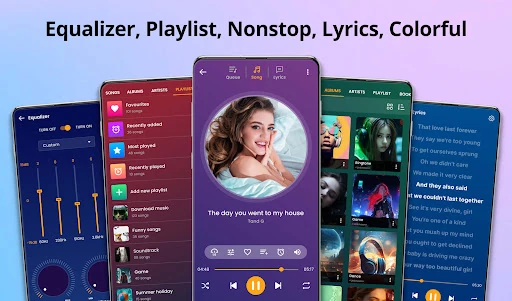
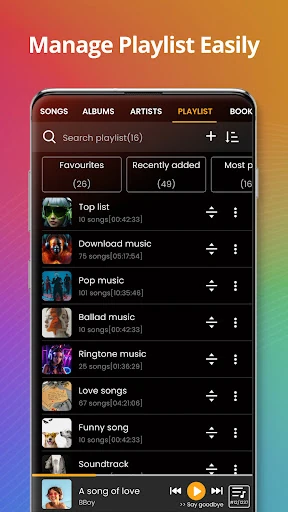
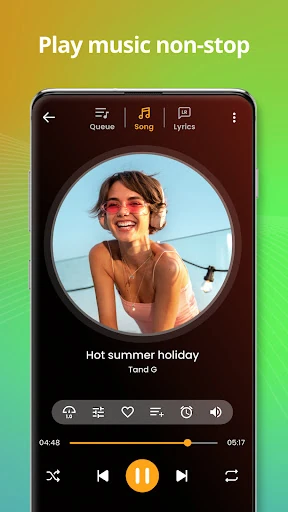
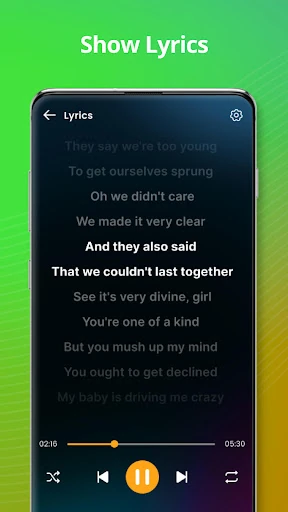
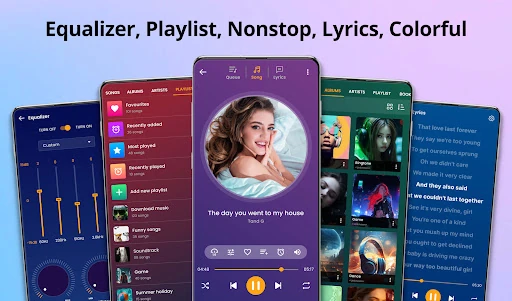
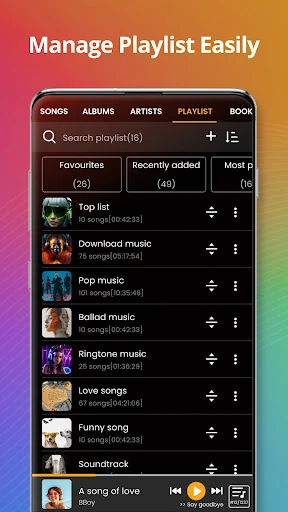
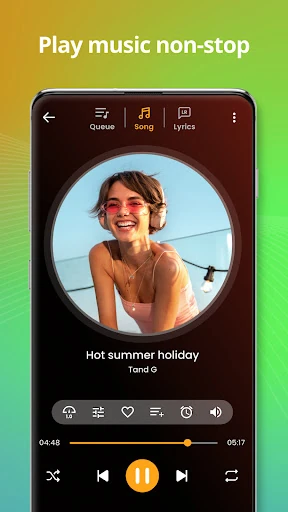
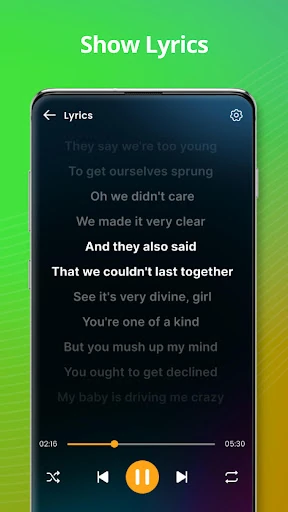
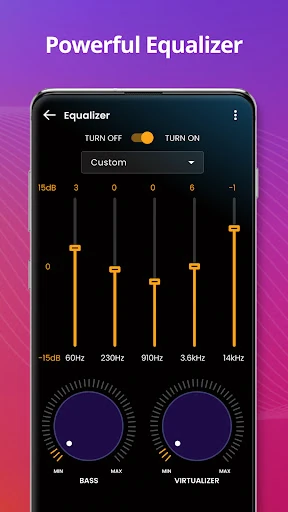
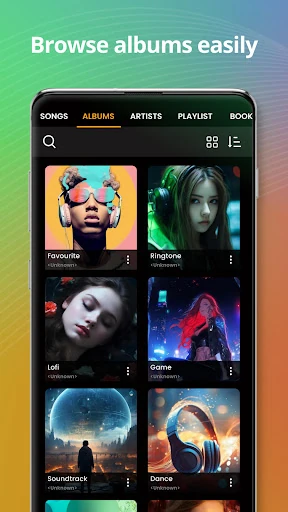
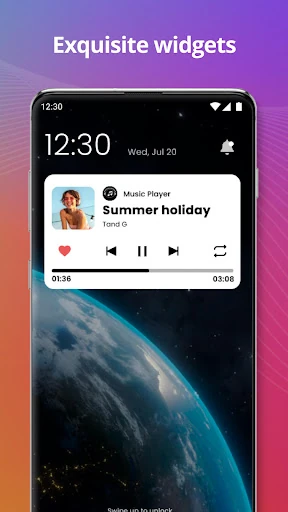
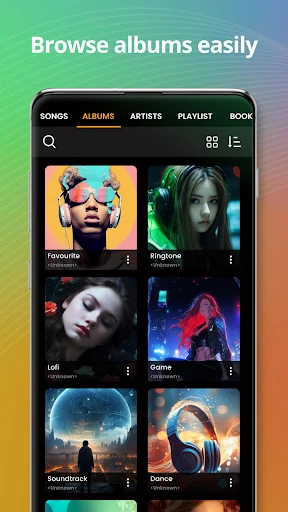
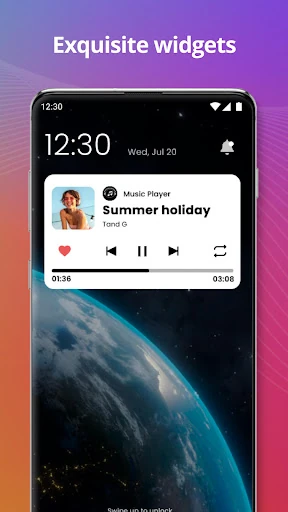
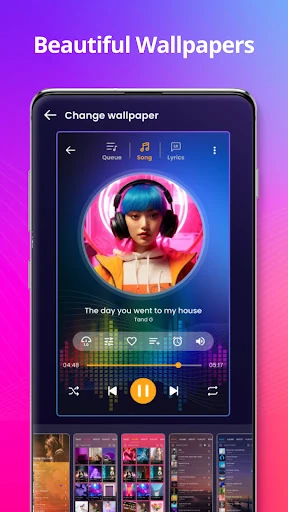
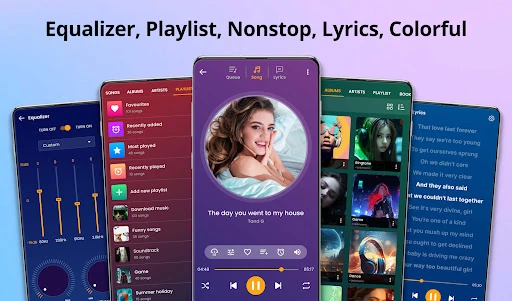
Click to download now, finish the installation quickly, and directly unlock the all-round experience
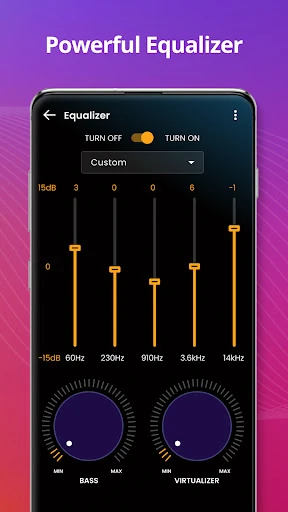
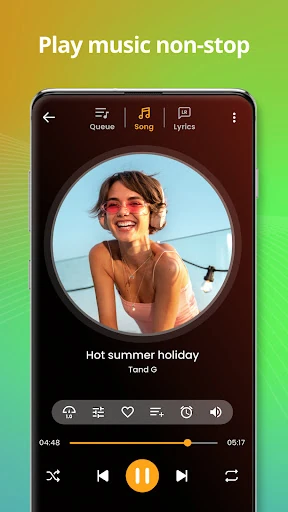
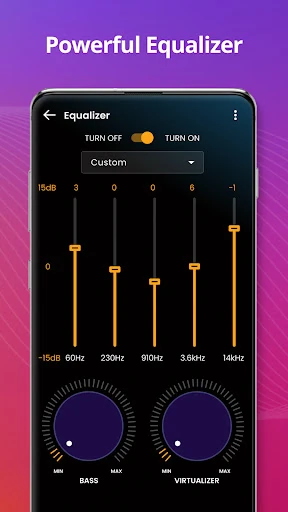
The "Music player" app is a comprehensive local audio management utility designed for users who prioritize offline playback and a curated library over streaming services. In the competitive Music & Audio landscape, this application distinguishes itself as a versatile "Swiss Army knife" for MP3, FLAC, and OGG files. It addresses the needs of the traditional Android user by combining high-fidelity playback with essential file maintenance tools, such as tag editing and ringtone creation. It serves as a reliable, functional alternative to stock players, offering a significant degree of personalization and control over one's local media collection.
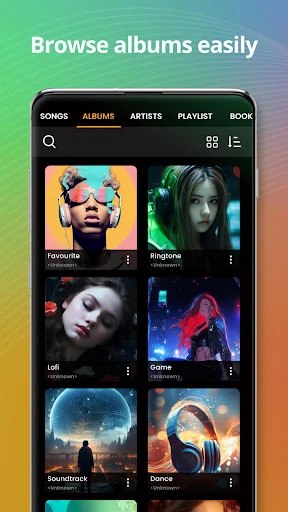
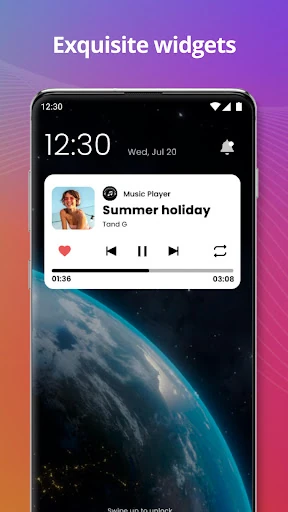
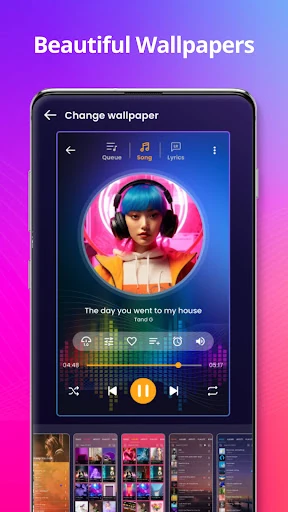
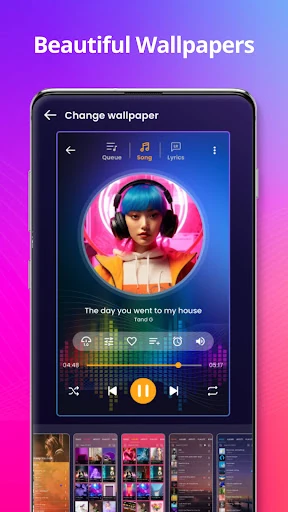
The user interface adheres to classic Android design principles, focusing on utility and ease of navigation through a tabbed categorization system. The UX is streamlined to minimize the steps required to find a specific track, utilizing a robust search function and directory-based browsing for those who prefer folder structures. While the design is utilitarian, the inclusion of custom themes allows users to modify the aesthetic to their preference. The inclusion of a mini-player for the lock screen and status bar ensures the app integrates well into the daily multitasking habits of the user.
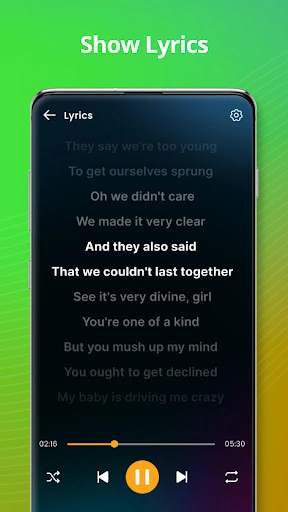
To elevate the app to a premium status, the developers should consider implementing a "Material You" design refresh to better align with modern Android aesthetics. The addition of a sleep timer, crossfade transitions between tracks, and the ability to fetch missing album art or lyrics from the internet would significantly enhance the user experience for power users. Furthermore, adding a backup/restore feature for playlists would provide much-needed security for users with highly curated collections.
This app is tailor-made for the "local file" enthusiast—the user who maintains a physical collection of music on their device and demands high-quality playback. It is a perfect fit for users in regions with limited connectivity or those who want to avoid the data costs of streaming. For anyone seeking a robust, all-in-one mp3 player that handles both playback and library organization with ease, "Music player" is a highly recommended utility.