
Advertisement
Click to download now, finish the installation quickly, and directly unlock the all-round experience
Advertisement
Screenshots

Click to download now, finish the installation quickly, and directly unlock the all-round experience
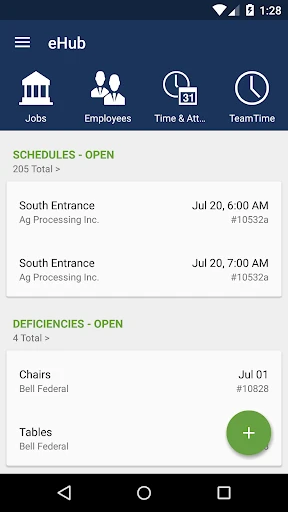
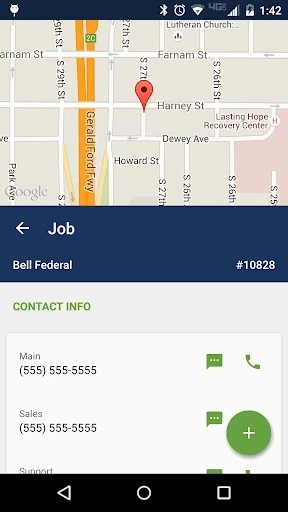
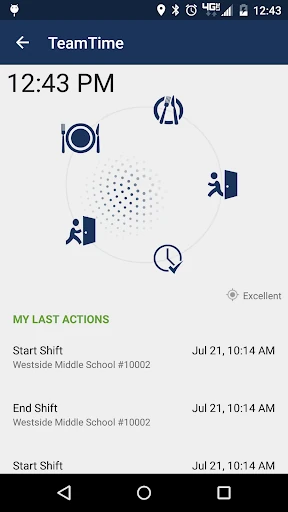
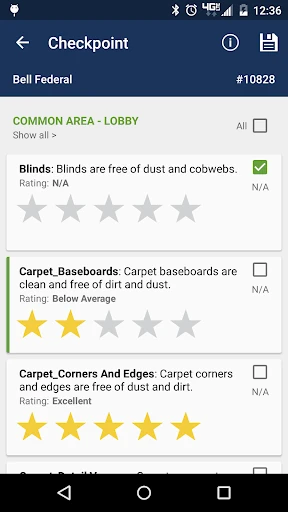
eHub by TEAM Software is a sophisticated workforce management solution specifically engineered for the building service and security industries. As a dual-purpose portal, it effectively bridges the gap between field operations and administrative oversight. In the modern Business landscape, eHub functions as a critical node for transparency, allowing firms to digitize labor-intensive processes such as timekeeping, work ticket management, and client reporting into a single, mobile-centric ecosystem.
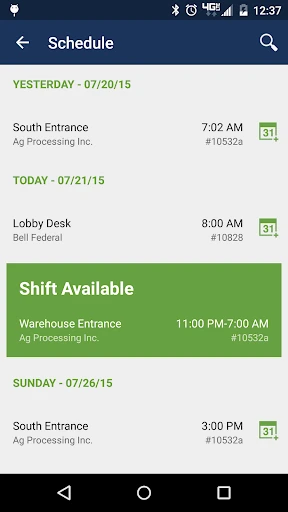
The interface of eHub is built with a focus on utility and high-stakes reliability. Given its primary use by field personnel and security officers, the design emphasizes clear typography and logical data segmentation. While the UI leans toward a functional, enterprise-standard aesthetic rather than a consumer-facing one, the user experience is streamlined to minimize the number of taps required for essential actions like clocking in or signing off on an inspection. This utilitarian approach ensures that technology remains an enabler rather than a distraction in fast-paced work environments.
To further enhance the application, the developers should consider implementing more robust offline capabilities for work ticket completion in dead zones, ensuring data is cached and synced automatically when a connection is restored. Additionally, a modernization of the visual design to include more intuitive iconography and a dark mode option could reduce eye strain for security personnel working night shifts.
eHub is an essential tool for employees and clients of service contractors who utilize TEAM Software. It is best suited for large-scale security firms and facility management companies that require rigorous tracking of labor and service delivery. For its target audience, it is a powerful productivity multiplier that replaces paper-based inefficiencies with real-time digital precision.