
Advertisement
Click to download now, finish the installation quickly, and directly unlock the all-round experience
Advertisement
Screenshots
Click to download now, finish the installation quickly, and directly unlock the all-round experience
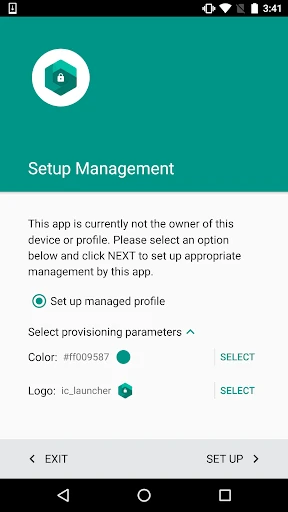
Test DPC stands as a foundational utility within the Libraries & Demo landscape, serving as the gold standard for Android Enterprise development. As a sample Device Policy Controller, it provides a specialized sandbox that allows developers to simulate the complex lifecycle of managed profiles and device ownership. It is not a consumer application but a critical diagnostic and reference tool that bridges the gap between raw API documentation and real-world implementation.
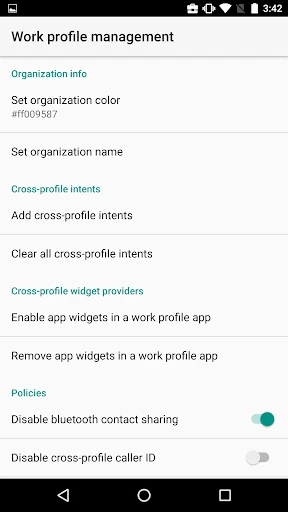
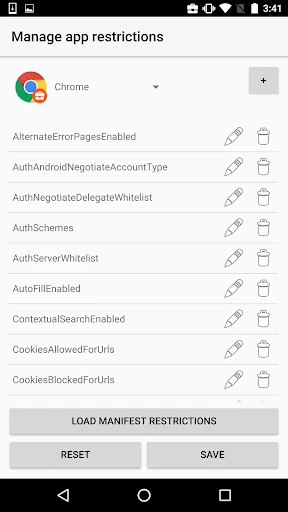
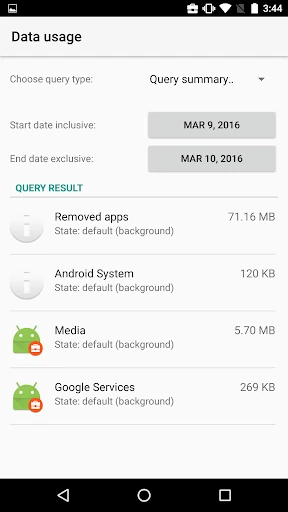
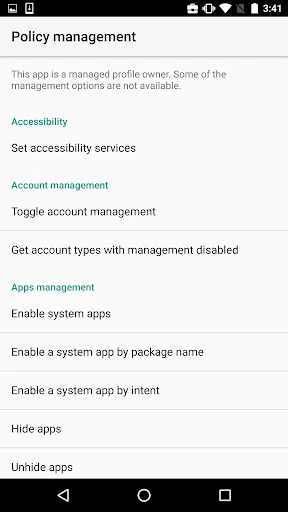
In the context of the Libraries & Demo category, Test DPC favors technical density over aesthetic flair. The UI is strictly utilitarian, utilizing a standard list-based navigation that mirrors the Android System Settings. While the interface may seem overwhelming to a layperson, it is highly efficient for developers, providing a transparent, one-to-one mapping of Android Enterprise APIs. The UX is optimized for quick toggling and testing cycles, though it assumes the user possesses a high degree of technical literacy regarding the Android SDK.
To enhance its utility for modern development teams, Test DPC could benefit from a search function within its extensive list of policies to reduce scroll time. Additionally, the inclusion of "preset" templates—such as a "Strict Security" or "Kiosk Mode" configuration—would allow for faster environment setup. Improved in-app documentation explaining the specific API calls triggered by each toggle would also increase its value as a learning tool.
Test DPC is an essential requirement for any developer or QA engineer building apps for the corporate sector. It is the definitive tool for verifying that software respects the boundaries of managed environments. While strictly not for use with real data or production environments, it is the most robust and reliable way to ensure an app is "Enterprise Ready." If you are developing for the workplace, this is a mandatory addition to your testing toolkit.