Advertisement
Click to download now, finish the installation quickly, and directly unlock the all-round experience
Advertisement
Screenshots
Click to download now, finish the installation quickly, and directly unlock the all-round experience
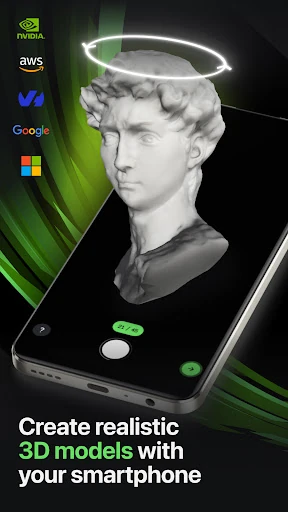
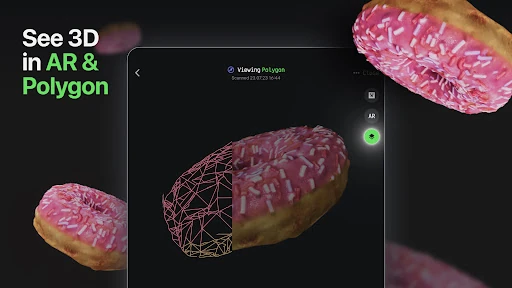
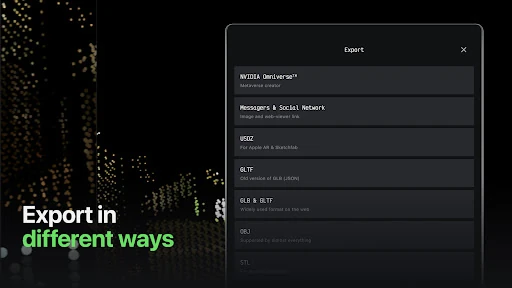
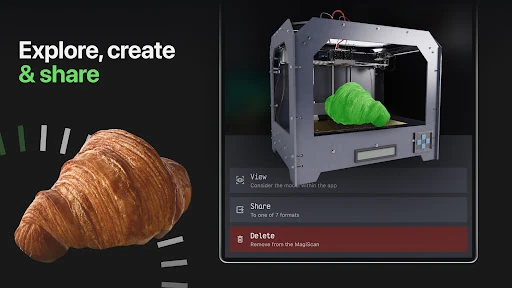
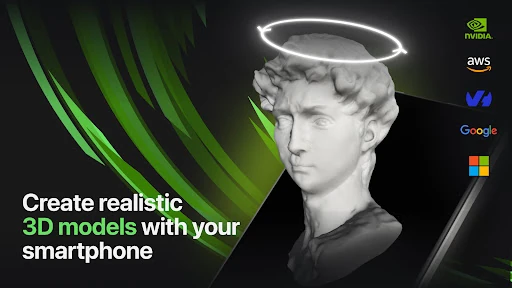
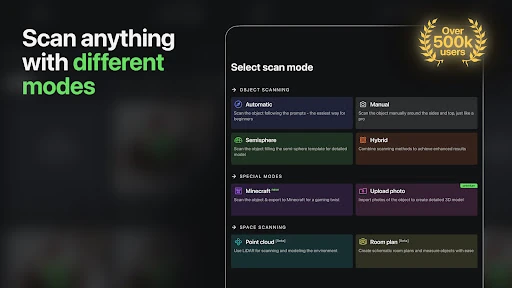
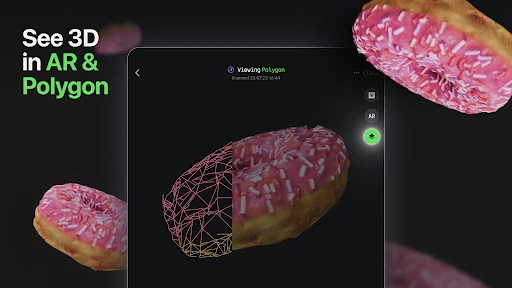
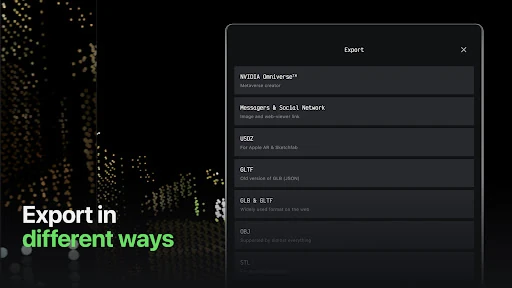
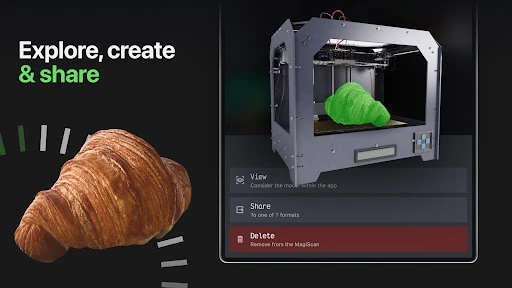
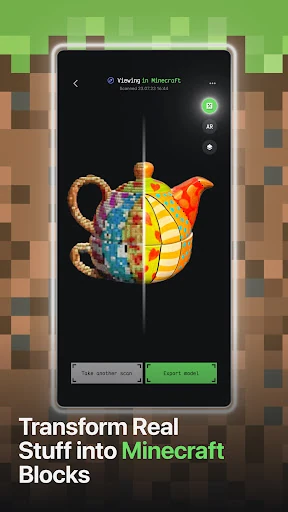
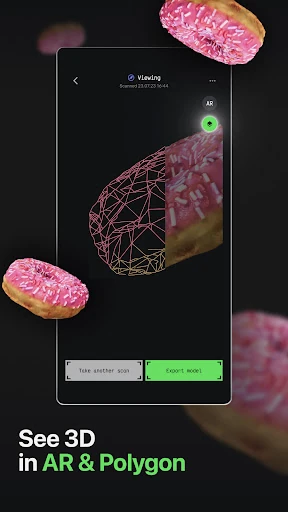
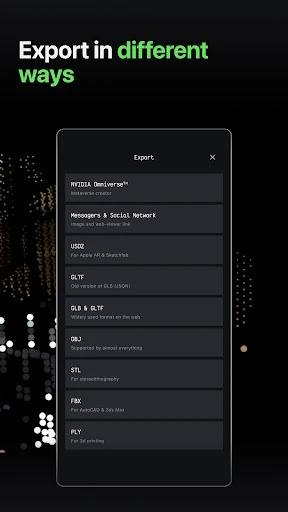
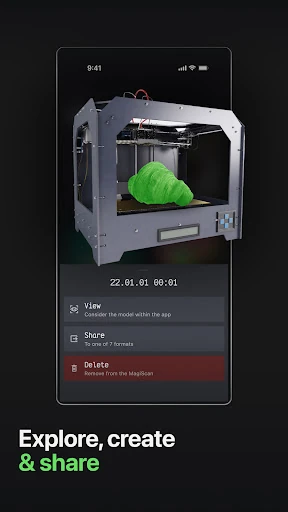
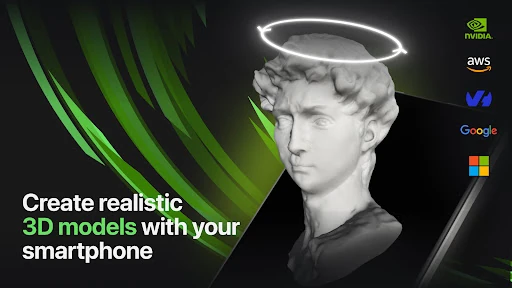
MagiScan - AI 3D Scanner app stands as a sophisticated entry in the Tools category, bridging the gap between physical reality and digital modeling. By leveraging advanced AI to process smartphone camera data, it eliminates the traditional requirement for expensive LIDAR hardware or complex photogrammetry setups. This application is a high-utility asset for professionals and hobbyists alike, offering an authoritative solution for rapid 3D asset generation and seamless integration into industry-standard workflows.
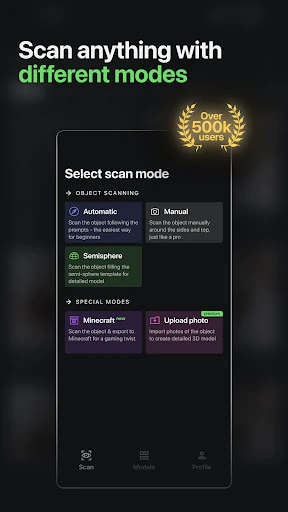
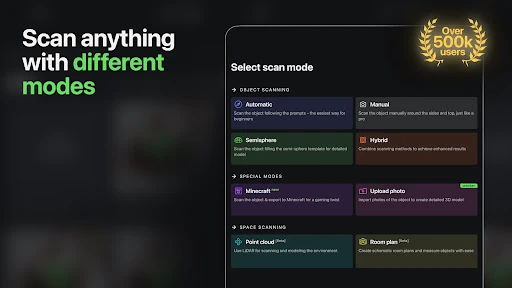
In line with top-tier Tool applications, MagiScan features a streamlined UI that prioritizes the viewfinder and real-time feedback. The user experience is designed to be frictionless, guiding the user through the 360-degree capture process without requiring deep technical knowledge of 3D mesh topology. The interface remains clean, focusing on the utility of the scan rather than overwhelming the user with unnecessary settings, though the transition from scanning to processing is handled with enough transparency to satisfy professional users.
To further solidify its position as a market leader, MagiScan should look into providing more manual controls over the mesh decimation process before export. Additionally, moving away from a daily scan limit for Premium subscribers toward a truly unlimited model would better serve professional engineers and architects who may need to perform dozens of iterative scans in a single workday.
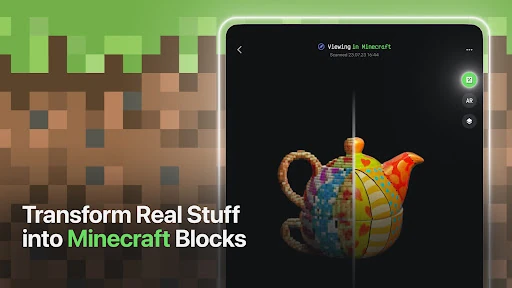
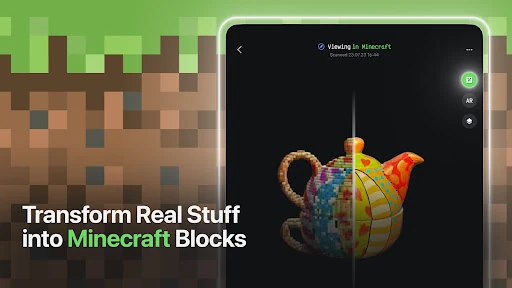
MagiScan - AI 3D Scanner is primarily aimed at 3D artists, game developers, engineers, and Minecraft power-users. It is an excellent recommendation for anyone who needs to quickly digitize physical objects for use in digital spaces. While the subscription costs should be weighed against the frequency of use, the app’s ability to turn a standard smartphone into a professional-grade scanner makes it a standout tool in the mobile ecosystem.