Advertisement
Click to download now, finish the installation quickly, and directly unlock the all-round experience
Advertisement
Screenshots

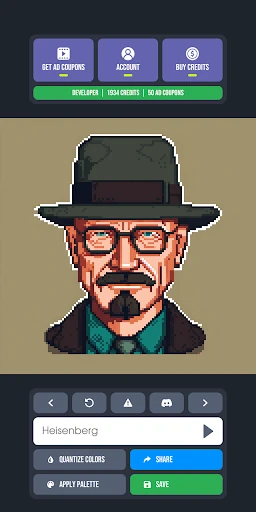
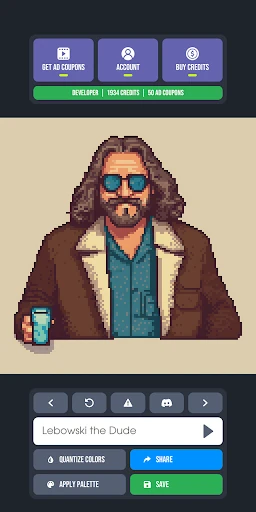
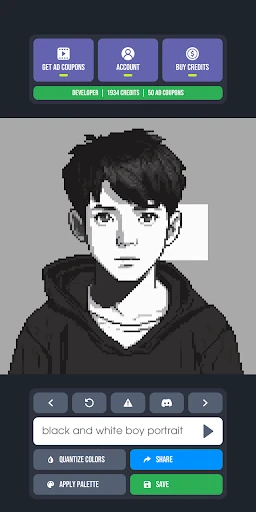

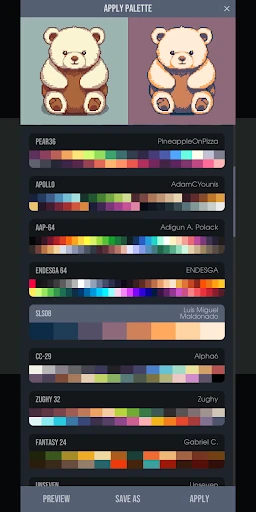

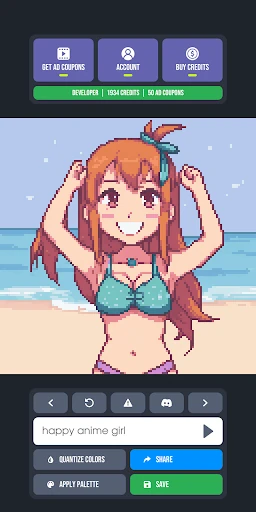
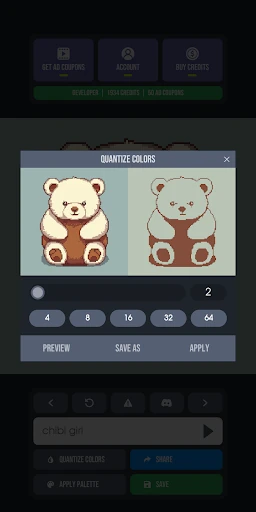
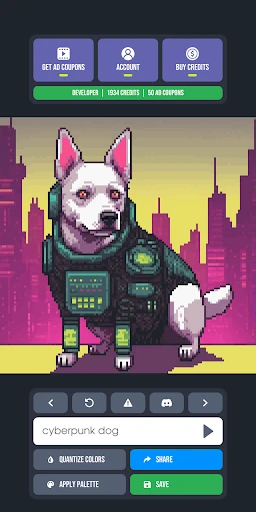
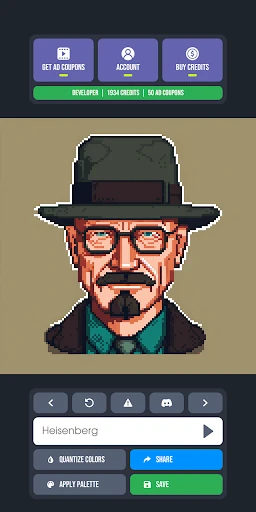
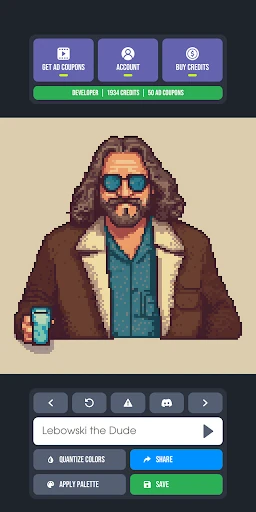
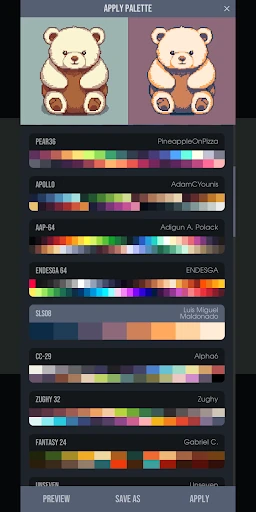
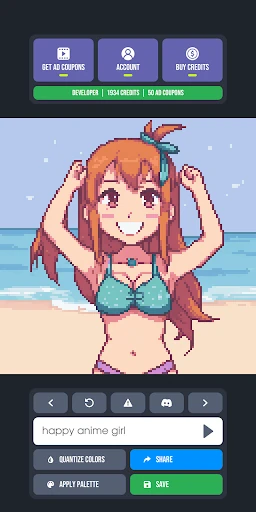
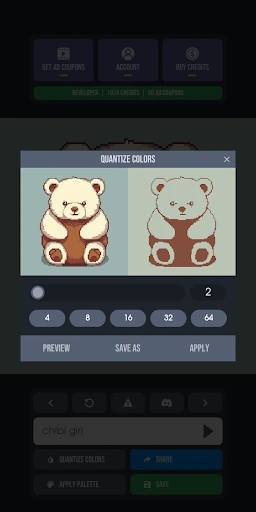
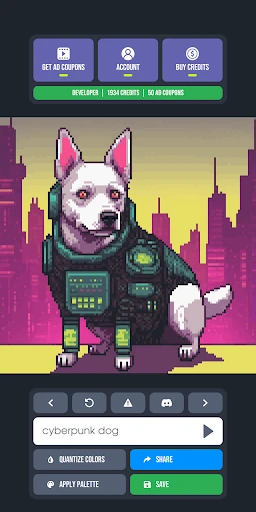
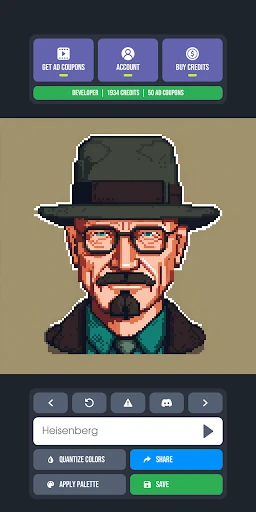
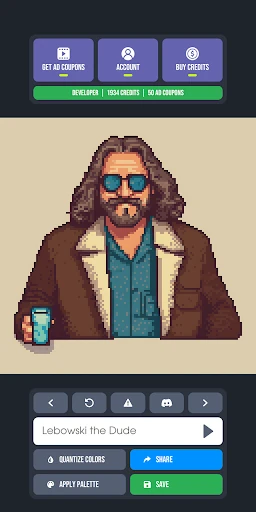
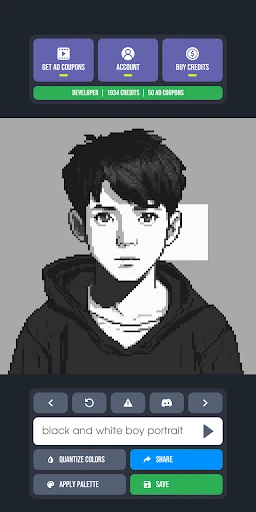
Click to download now, finish the installation quickly, and directly unlock the all-round experience
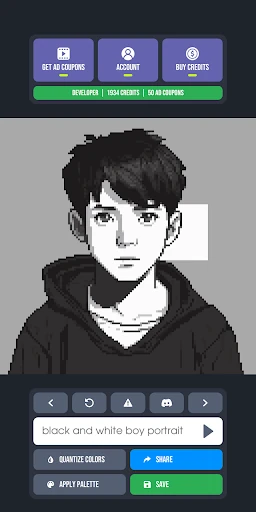
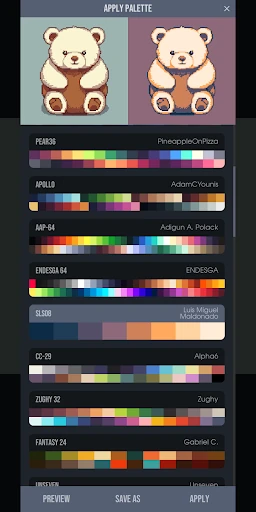
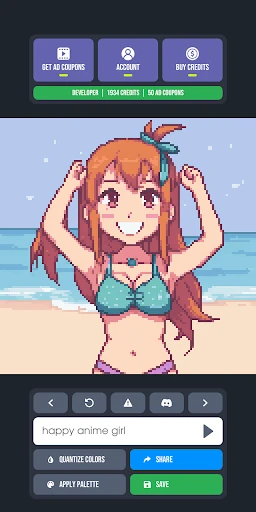
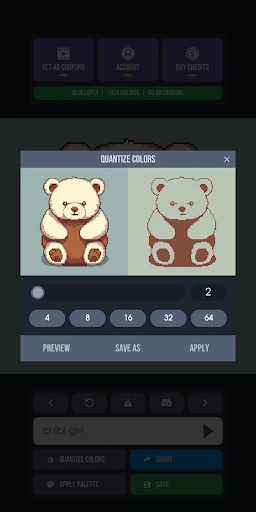
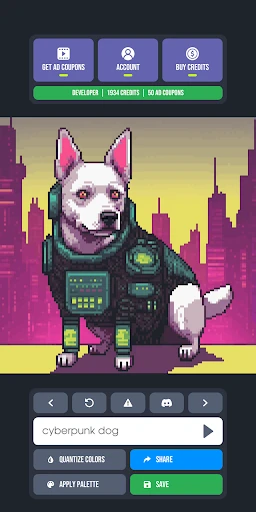
Pixel Diffusion emerges as a specialized powerhouse within the Art & Design landscape, effectively bridging the gap between generative AI and the technical constraints of retro aesthetics. While many general AI tools struggle to maintain the strict grid fidelity required for authentic pixel art, Pixel Diffusion distinguishes itself by prioritizing "pixel-perfect" outputs over mere stylistic filters. It serves as an essential utility for creators who need rapid prototyping for game assets or digital illustrations without the typical artifacts found in standard latent diffusion models. Its authoritative approach to fixed palettes and quantization makes it a serious contender for both hobbyists and indie developers looking to streamline their workflow.
The user interface of Pixel Diffusion is designed with a "minimal friction" philosophy. By removing the requirement for complex style tags or technical parameters, the UX caters to users who want immediate results. The layout is intuitive, focusing the user's attention on the prompt entry and the subsequent gallery. From a design perspective, the app mirrors the aesthetic it produces—clean, functional, and efficient. The post-processing suite is integrated seamlessly, allowing for quick adjustments without forcing the user to navigate through multiple sub-menus, which is a significant win for mobile productivity.
To further solidify its position, Pixel Diffusion could benefit from the inclusion of a layer-based manual editor, allowing users to tweak individual pixels directly within the app. Additionally, introducing the ability to upload and save custom hex-code palettes would be a major upgrade for professional game developers who need to match assets to an existing project's color scheme. A batch generation feature would also improve the workflow for creators looking for variations of a single concept.
Pixel Diffusion is a must-have tool for indie game developers, NFT creators, and retro art enthusiasts who require high-quality assets with minimal turnaround time. It successfully carves out a niche by focusing on technical accuracy rather than broad appeal. We highly recommend this app for anyone who needs a reliable, AI-driven starting point for their pixel-based creative projects.