🏆 Expert Verdict & Overview
Video Player All Format, also known as Arc Player, establishes itself as a powerhouse in the Video Players & Editors category. In a market often saturated with ad-heavy alternatives, this application distinguishes itself by offering a robust, feature-rich experience that remains free and ad-free. It is designed to be a universal solution for Android users, tackling the common pain point of codec incompatibility by supporting virtually every modern video container. From 4K Ultra HD playback to sophisticated multitasking tools, it provides a professional-grade toolkit that bridges the gap between basic system players and desktop-level media software.
🔍 Key Features Breakdown
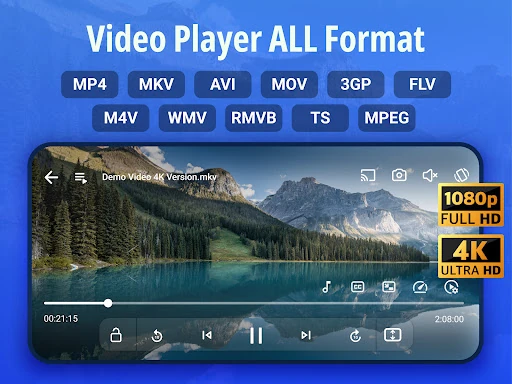
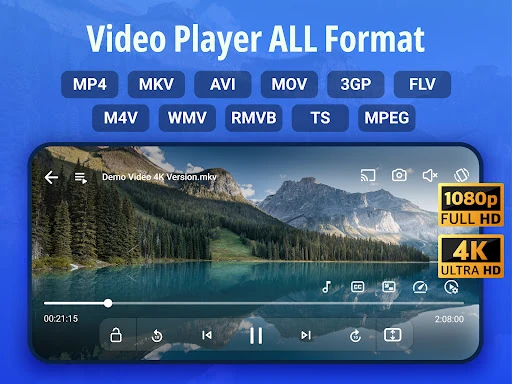
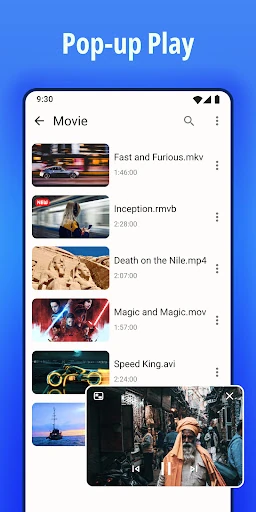
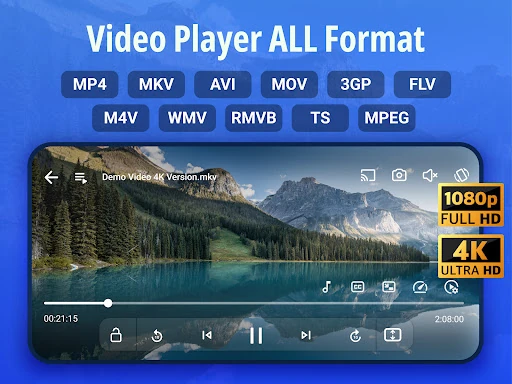
- Universal Format Support: By supporting MKV, MP4, MOV, AVI, and more, it eliminates the need for third-party transcoding, allowing users to play high-quality encodes directly.
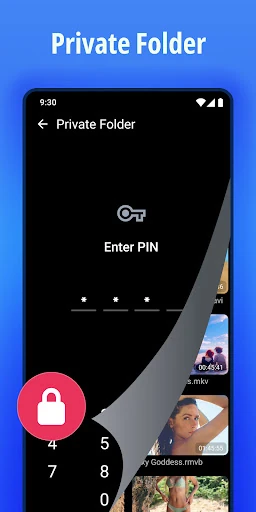
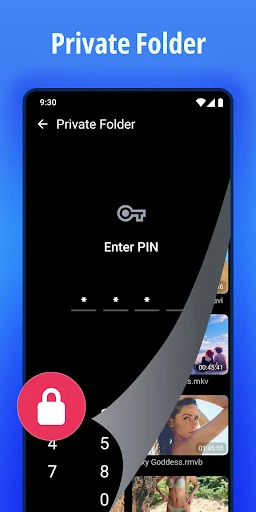
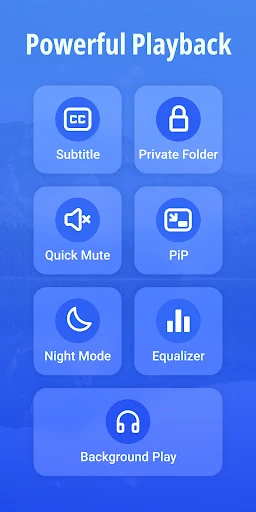
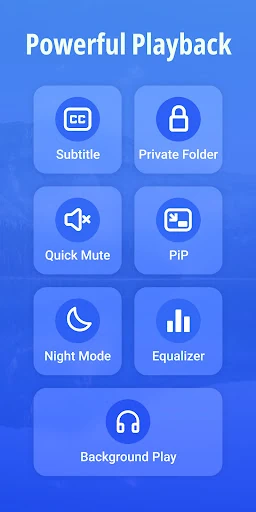
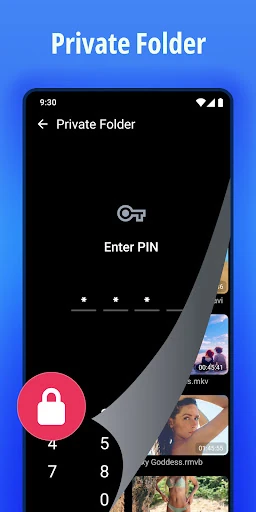
- Encrypted Private Folder: This feature addresses user privacy concerns by allowing the hiding and password-protecting of sensitive media files within the app’s ecosystem.
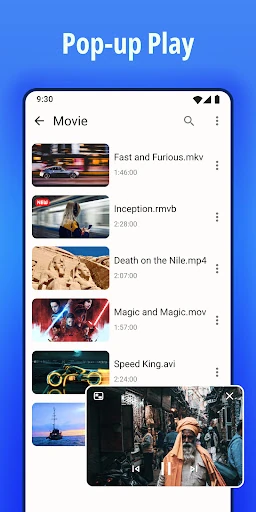
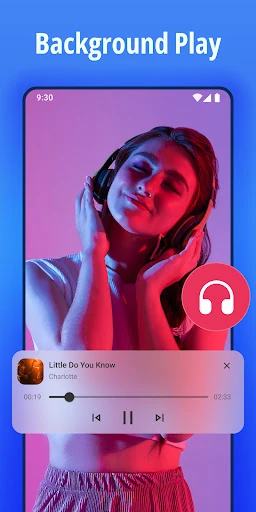
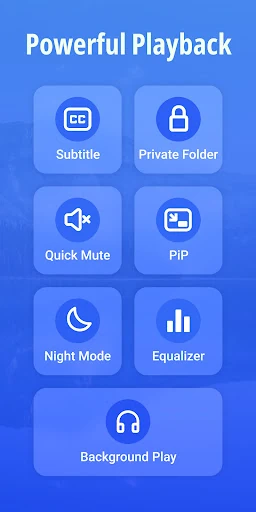
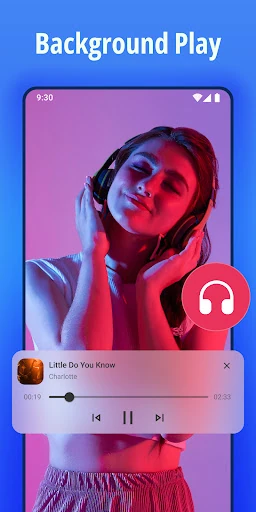
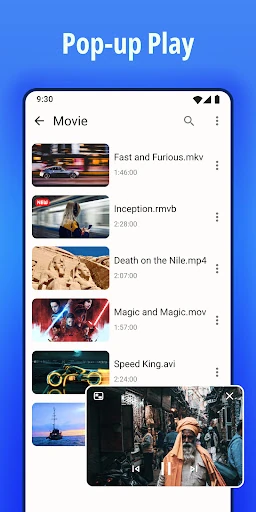
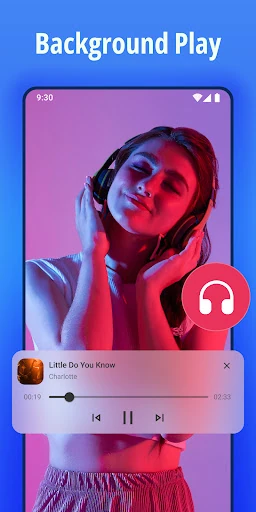
- Advanced Multitasking (Floating & Background Play): It solves the limitation of single-tasking on mobile by allowing videos to run in a resizeable pop-up window or as background audio, similar to a music player.
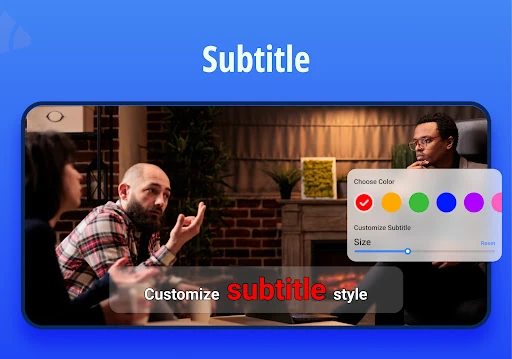
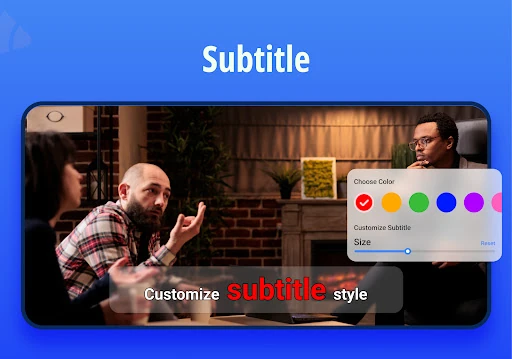
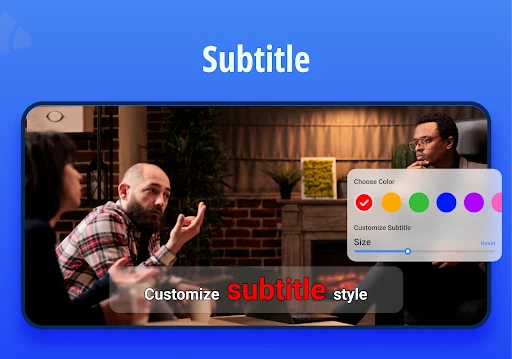
- Integrated Subtitle Downloader: It streamlines the viewing experience for foreign language content by allowing users to search for and customize subtitles without leaving the interface.
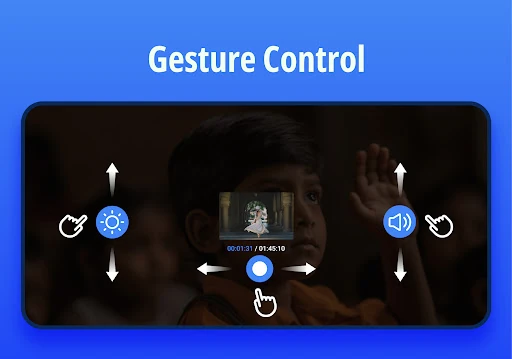
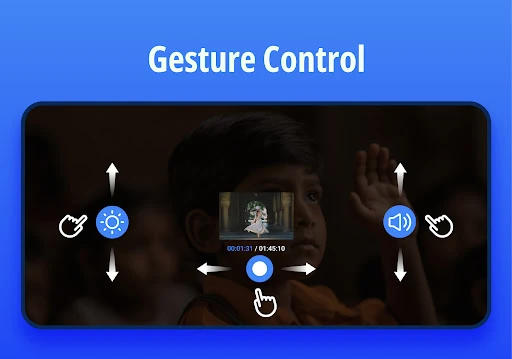
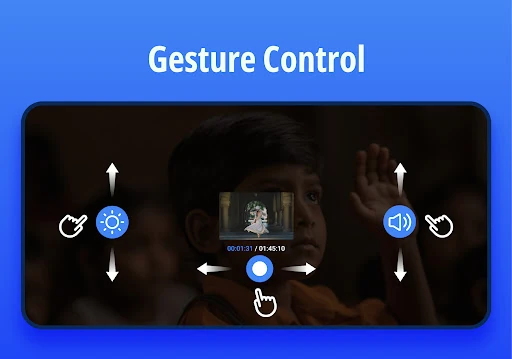
- Hardware Acceleration & Gesture Control: Utilizes the device’s GPU for smoother high-bitrate playback while offering intuitive swipes for volume, brightness, and seeking.
🎨 User Experience & Design
The UI of Video Player All Format is built on the principles of efficiency and accessibility. The interface is clean, prioritizing content discovery through its automatic scanning of local and SD card directories. For a category where utility is king, the UX shines in its playback overlay—controls are logically mapped and don't clutter the screen during viewing. The inclusion of Night Mode and Sleep Timer demonstrates a deep understanding of user psychology, specifically for those who consume media in low-light environments or before bed. The transition between full-screen and the floating window is seamless, indicating a well-optimized codebase.
⚖️ Pros & Cons Analysis
- ✅ The Good: Completely free with no intrusive advertisements, which is rare for such a high-utility tool.
- ✅ The Good: Exceptional performance on 4K/Ultra HD files thanks to hardware acceleration and 10-bit support.
- ❌ The Bad: The sheer volume of features and settings may feel slightly overwhelming for casual users who just want "plug and play" functionality.
- ❌ The Bad: File management features, while functional, lack some of the advanced batch-processing found in dedicated file explorers.
🛠️ Room for Improvement
To further elevate the app, the developers could consider integrating cloud storage support (such as Google Drive or Dropbox) to allow for direct streaming from the cloud. Additionally, adding a more robust Wi-Fi transfer feature for moving files from PC to phone without cables would strengthen its position as a central media hub. Fine-tuning the equalizer presets to include more genre-specific profiles would also appeal to the audiophile segment of its user base.
🏁 Final Conclusion & Recommendation
Video Player All Format is an essential utility for power users, media enthusiasts, and anyone who frequently downloads high-quality video content from diverse sources. It is particularly well-suited for users who value privacy and an ad-free environment. Because it handles everything from 4K MKV files to background MP3 playback, it serves as a viable replacement for both the stock video player and basic music apps. It is highly recommended for anyone looking for a reliable, all-in-one media solution for Android.