🏆 Expert Verdict & Overview
Wink: Video Enhancer & Editor is a sophisticated entry in the Video Players & Editors landscape, specifically targeting the high-growth niche of AI-driven post-production. Unlike traditional editors that focus primarily on cutting and sequencing, Wink distinguishes itself by offering professional-grade restoration and beautification tools once reserved for desktop suites. It serves as an all-in-one utility for creators who need to salvage low-quality footage or apply precise aesthetic refinements to their social media content, effectively bridging the gap between casual mobile editing and high-end visual effects.
🔍 Key Features Breakdown
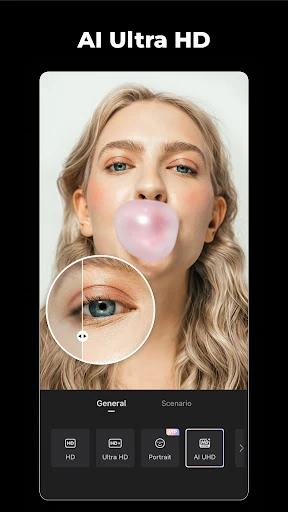
- AI Repair & 4K Upscaler: This tool solves the common problem of "grainy" or low-resolution mobile footage by using neural networks to reconstruct pixels, allowing users to output content in HD or 4K.
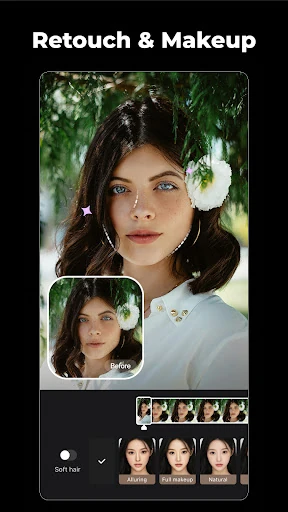
- Intelligent Face & Body Retouch: Addresses the need for consistent visual presentation in vlogs by providing automated skin smoothing, slimming, and makeup application that tracks naturally with movement.
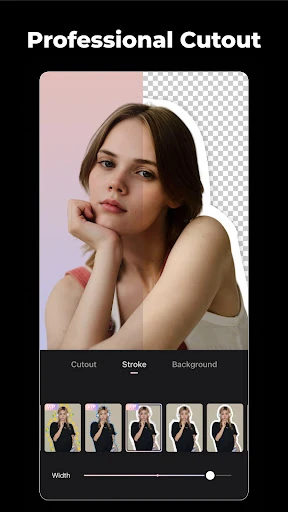
- AI Remover & Background Cutout: Solves the issue of distracting elements in the frame, allowing users to instantly erase unwanted objects or swap backgrounds without manual masking.
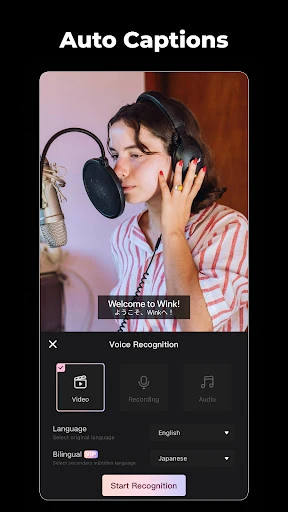
- Auto Captions & Subtitles: Enhances accessibility and viewer retention for social media platforms where users often watch videos on mute, automating a historically tedious manual task.
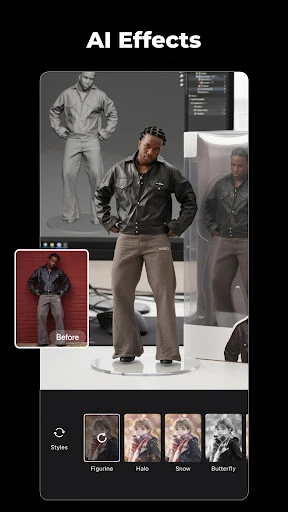
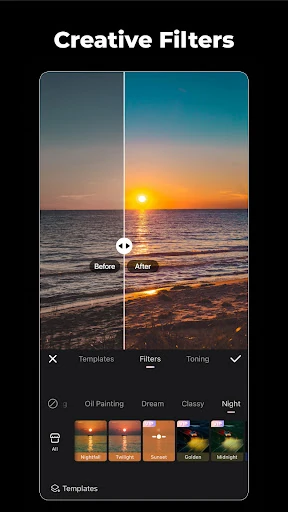
- Creative AI Styles: Enables users to stay ahead of viral trends by transforming standard video into anime, cartoons, or 3D figurines with a single tap.
🎨 User Experience & Design
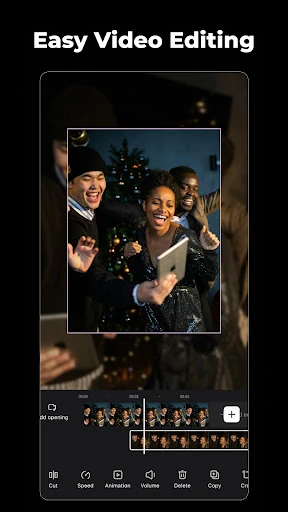
The interface of Wink: Video Enhancer & Editor is built around the philosophy of "complex technology, simple execution." The UI prioritizes visual feedback, using a clean, dark-themed workspace that makes colors pop. Navigating the myriad of AI tools is intuitive for those familiar with the modern Video Players & Editors category, utilizing a bottom-toolbar logic that minimizes the learning curve. However, the sheer density of features means that deeper settings are sometimes buried, though the "one-tap" templates successfully mitigate this for casual users who want immediate results.
⚖️ Pros & Cons Analysis
- ✅ The Good: Exceptional AI upscaling capabilities that can genuinely save unusable, low-light, or old footage.
- ✅ The Good: Highly precise facial tracking for beauty filters that avoids the "glitching" often seen in lesser editing apps.
- ❌ The Bad: Most of the high-performance AI features are locked behind the VIP subscription, which may be a barrier for casual users.
- ❌ The Bad: Heavy AI processing can be resource-intensive, leading to longer export times on older hardware.
🛠️ Room for Improvement
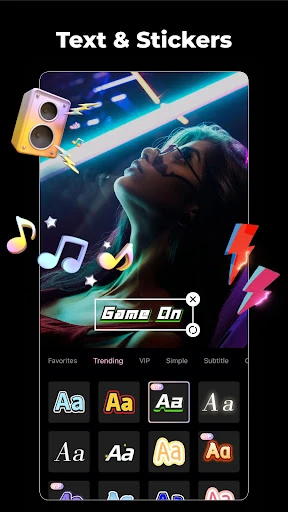
To further solidify its market position, Wink should consider implementing batch processing for the AI Repair tool, allowing users to upscale multiple clips simultaneously. Additionally, providing more granular manual controls over the "AI Remover" intensity would benefit professional users who need to fine-tune the blending. Improving the categorization of the "Trending Templates" library would also help users find specific styles more efficiently as the content library grows.
🏁 Final Conclusion & Recommendation
Wink: Video Enhancer & Editor is primarily designed for social media influencers, vloggers, and content creators who prioritize visual perfection. It is an essential tool for anyone looking to "rescue" low-quality video or achieve a highly polished, professional aesthetic on the go. While the subscription model is a consideration, the time saved by its automated AI tools provides a significant return on investment for serious creators. If you need to transform smartphone footage into studio-quality content, Wink is a top-tier recommendation.