🏆 Expert Verdict & Overview
Cast to TV, Chromecast & Roku emerges as a powerful, Swiss-army-knife utility within the Video Players & Editors landscape. While many apps struggle with the fragmentation of streaming protocols, this tool provides a unified bridge between Android mobile devices and nearly every major television ecosystem. By streamlining the "second screen" experience, it effectively solves the common frustration of cross-platform incompatibility, making it a definitive leader for users who want to transition their mobile media to a larger display without the need for multiple proprietary apps.
🔍 Key Features Breakdown
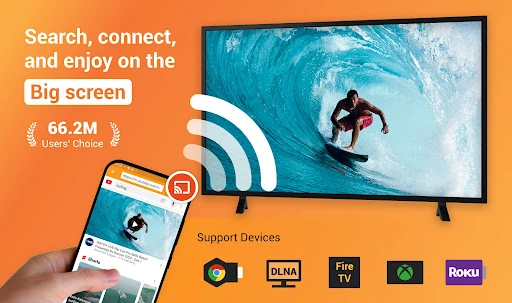
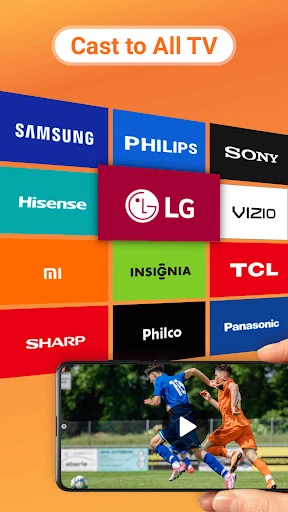
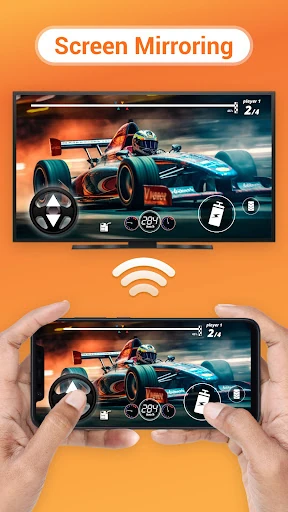
- Universal Casting Protocol Support: By integrating Chromecast, AirPlay, DLNA, and Roku protocols, the app eliminates the need for hardware-specific casting tools, allowing users to move between different smart home environments seamlessly.
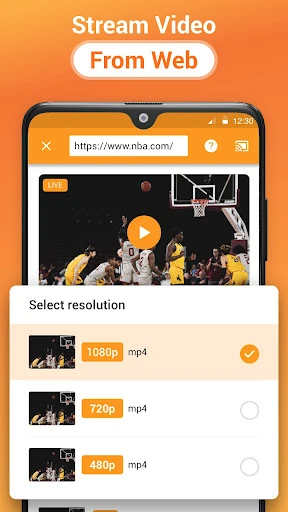
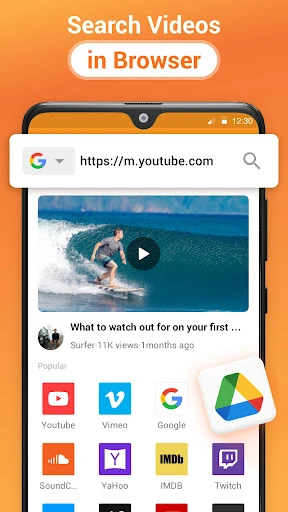
- Integrated Web Browser Casting: This feature solves the limitation of "non-castable" websites, enabling users to extract video URLs directly from web pages and project them onto the TV, bypassing the need for native app support.
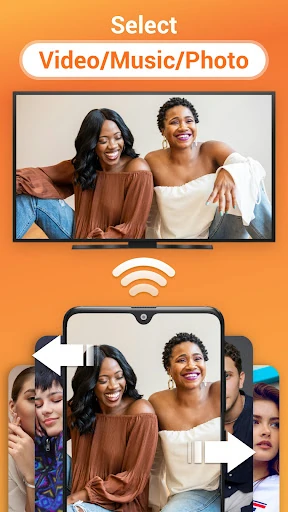
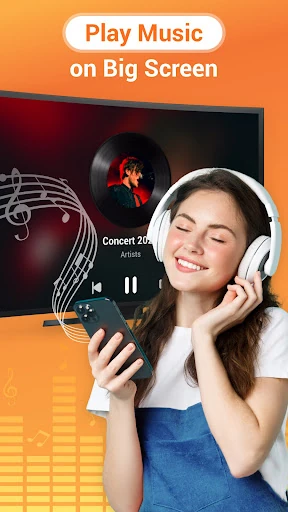
- Comprehensive Local Media Management: The app automatically indexes local video, audio, and photo files, including those on SD cards, which removes the manual effort of file searching and organization for the user.
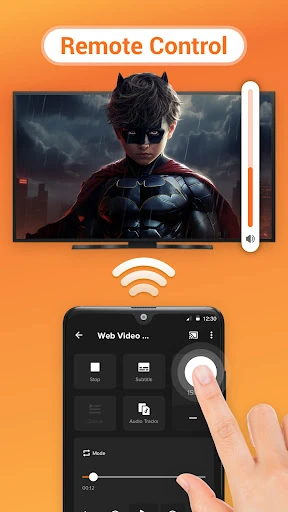
- On-Device Remote Control: By providing playback, volume, and navigation controls within the phone interface, it minimizes the friction of switching between a mobile device and a physical TV remote.
🎨 User Experience & Design
The user interface is built with a utility-first philosophy, prioritizing speed of discovery over aesthetic flair. Upon launching, the auto-search functionality immediately scans the network for available devices, which adheres to modern UX principles of reducing "time to value." For the Video Players & Editors category, the layout is intuitive; the separation between local media and web-based content ensures that users can find their desired media with minimal taps. The inclusion of playback queues and shuffle modes provides a layer of sophisticated media management usually reserved for dedicated desktop players.
⚖️ Pros & Cons Analysis
- ✅ The Good: Exceptional versatility in hardware support, covering everything from legacy DLNA devices to modern Apple TVs and Fire Sticks.
- ✅ The Good: The ability to cast live sports and gaming streams directly from a mobile browser significantly expands the TV’s utility.
- ❌ The Bad: Heavy reliance on local Wi-Fi stability and router performance can lead to latency or disconnection in congested network environments.
- ❌ The Bad: Media format compatibility is strictly tied to the receiving device's native capabilities, which may frustrate users trying to play older or obscure codecs.
🛠️ Room for Improvement
The developers should focus on implementing server-side or on-the-fly transcoding for unsupported file formats to ensure a "play anything" experience regardless of the TV's hardware limitations. Additionally, enhancing the built-in browser with more aggressive ad-blocking and popup prevention would greatly improve the UX when navigating third-party streaming sites. Finally, the formal release of the teased Kodi and IPTV integrations would solidify its position as the ultimate all-in-one streaming hub.
🏁 Final Conclusion & Recommendation
Cast to TV, Chromecast & Roku is an essential tool for "cord-cutters" and media enthusiasts who operate in multi-brand hardware environments. It is particularly well-suited for users who store large libraries of local media or who frequently consume web-based video content that lacks native casting icons. For anyone looking to simplify their home theater workflow into a single mobile interface, this app is a top-tier recommendation.