🏆 Expert Verdict & Overview
Photo video maker with music establishes itself as a highly accessible and utility-focused contender within the Video Players & Editors landscape. Unlike many competitors that burden the user with complex timelines or restrictive paywalls, this app prioritizes a streamlined workflow for converting static imagery into dynamic storytelling. Its commitment to a watermark-free experience and high-definition output positions it as a professional-grade tool for casual creators and social media enthusiasts who require quick, high-quality results without the steep learning curve of desktop-class software.
🔍 Key Features Breakdown
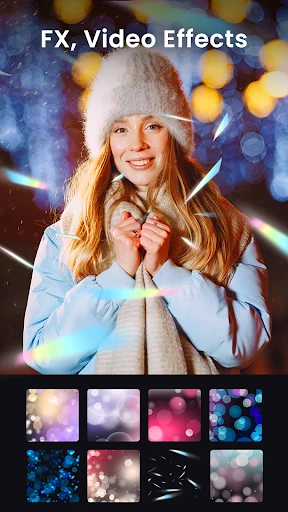
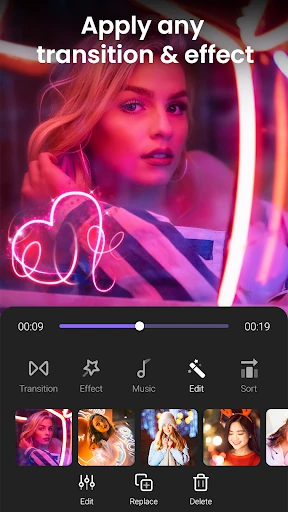
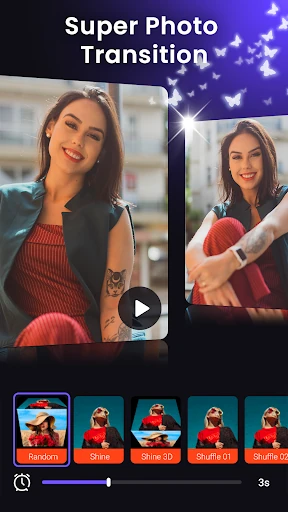
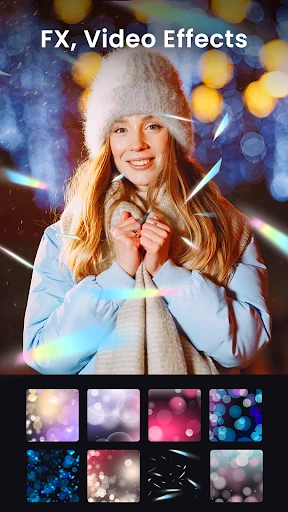
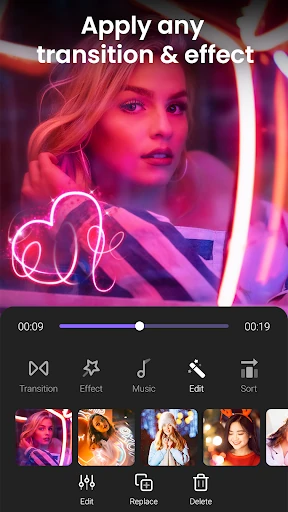
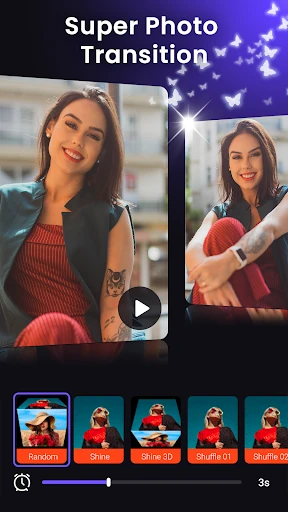
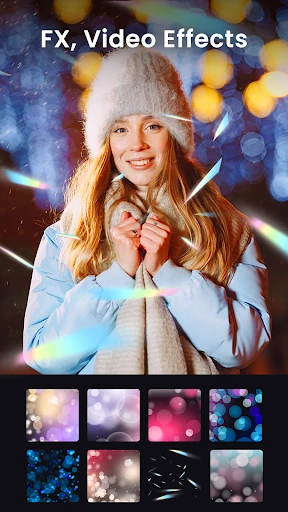
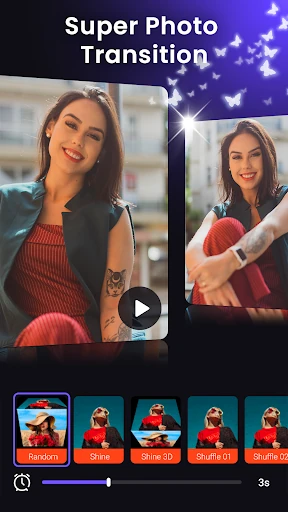
- Automated Slideshow Engine: Simplifies the video creation process by allowing users to merge photos with customizable transitions, frames, and live overlay effects in a matter of seconds.
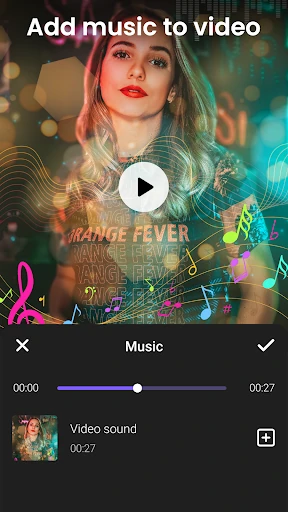
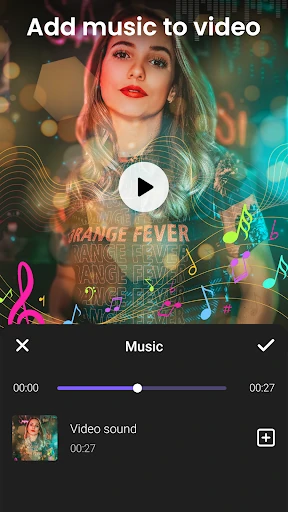
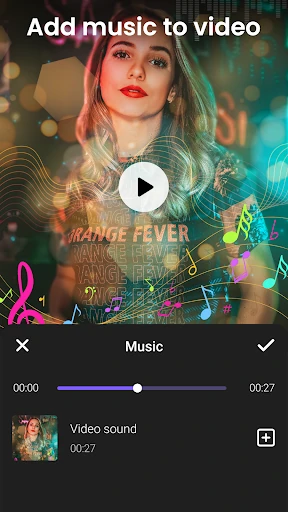
- Dynamic Audio Integration: Solves the issue of dull content by allowing users to swap original video audio with custom soundtracks from their local device or the app's internal library.
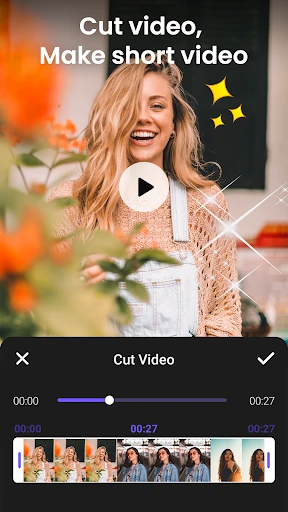
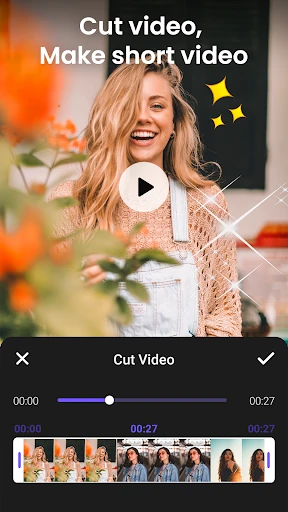
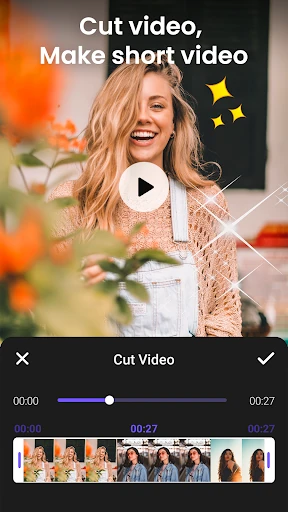
- Precision Video Cutting: Provides a dedicated "Video Cutter" tool that allows users to trim footage to specific lengths, making it easier to meet the strict duration requirements of platforms like Instagram and TikTok.
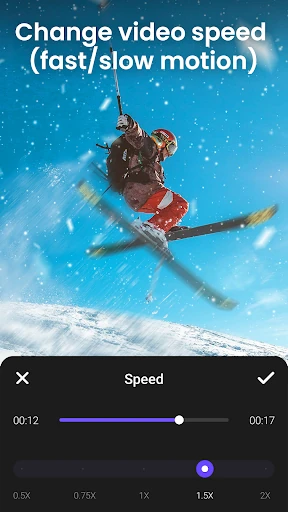
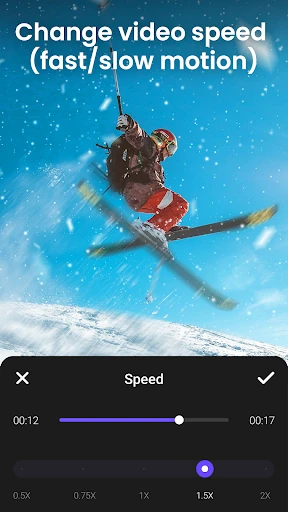
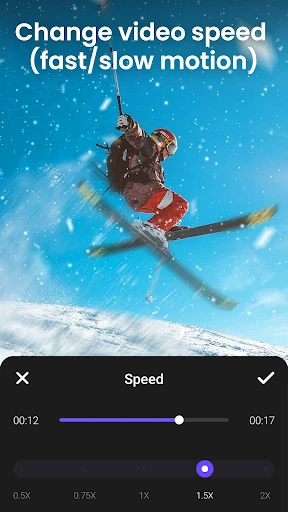
- Speed Modulation Tools: Offers a speed control range from 0.5x to 2x, enabling creators to emphasize emotional beats with slow motion or add energy through fast-motion sequences.
- Advanced Memory Compression: Utilizes modern encoding technology to export videos up to 1080p resolution while significantly reducing file size, solving the common problem of limited device storage.
🎨 User Experience & Design
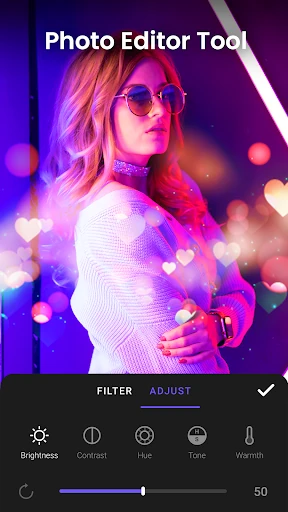
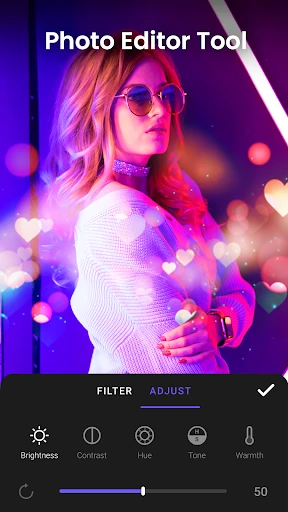
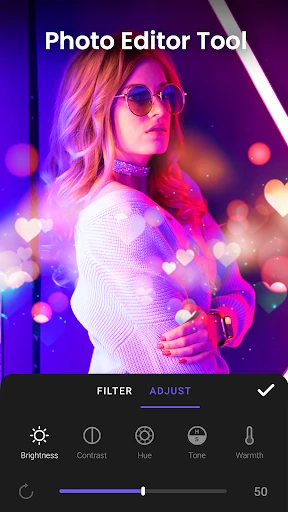
The UI design follows a logical, linear progression that caters specifically to users who may lack formal video editing experience. By compartmentalizing features into distinct modules—such as the photo-to-video maker, the video cutter, and the speed controller—the app avoids "feature bloat" and interface clutter. From a UX perspective, the inclusion of an integrated photo editor within the video workflow is a major win, as it allows for real-time adjustments without forcing the user to exit the project. The interaction design is responsive, ensuring that even complex tasks like layering effects feel intuitive and lightweight.
⚖️ Pros & Cons Analysis
- ✅ The Good: Zero watermark policy ensures a clean, professional look for all exported content.
- ✅ The Good: Supports high-quality 1080p exports, which is a rarity for many free-to-use editors in this category.
- ❌ The Bad: The speed adjustment range is limited to 2x, which may feel restrictive for creators looking for hyper-lapse effects.
- ❌ The Bad: Transition variety, while functional, lacks some of the AI-driven motion graphics found in higher-end subscription editors.
🛠️ Room for Improvement
To further elevate its status, the app could benefit from expanding its speed control parameters to include 4x or 10x options for more dramatic time-lapse creation. Additionally, implementing a multi-track audio interface would allow users to layer sound effects over background music, providing more depth to the auditory experience. Finally, adding cloud-saving capabilities would help users transition between devices without losing their project progress.
🏁 Final Conclusion & Recommendation
Photo video maker with music is an excellent choice for casual content creators, small business owners, and families looking to preserve memories in a digital format. It successfully bridges the gap between basic gallery tools and professional editing suites. If you need a reliable, watermark-free tool for producing high-definition social media content on the go, this app is a top-tier recommendation for your mobile toolkit.