🏆 Expert Verdict & Overview
Lock Screen, Widgets - YoLock stands out as a robust utility within the Android personalization landscape, designed specifically to break the monotony of static, default system interfaces. As mobile users increasingly seek "aesthetic" and functional autonomy, YoLock delivers a comprehensive suite of tools that bridge the gap between high-end design and practical utility. By integrating dynamic widgets, advanced typography, and gesture-based navigation, the app transforms the lock screen from a mere security gate into a centralized information hub that reflects the user's unique identity.
🔍 Key Features Breakdown
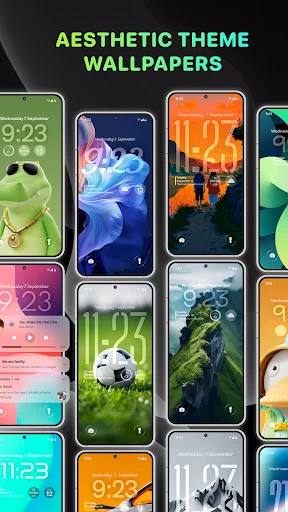
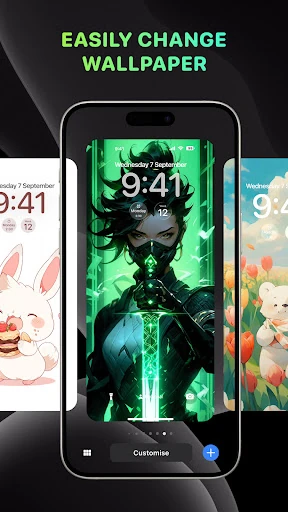
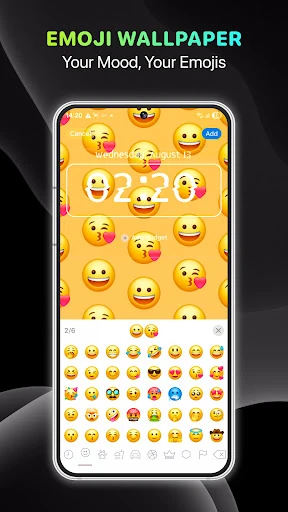
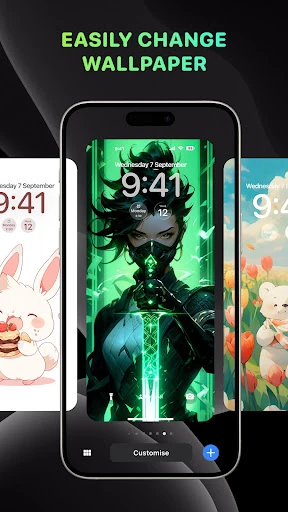
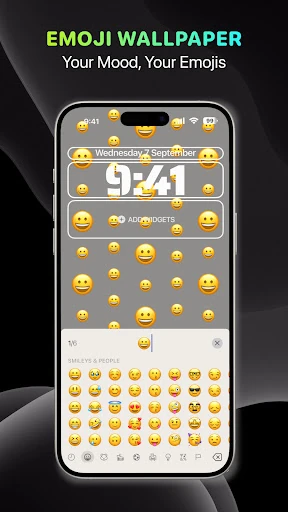
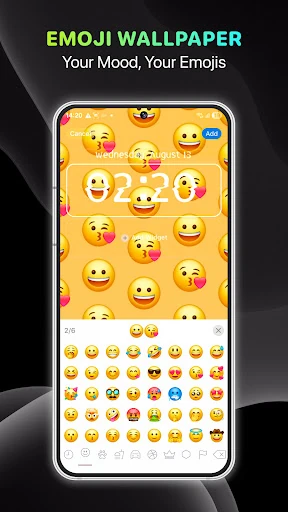
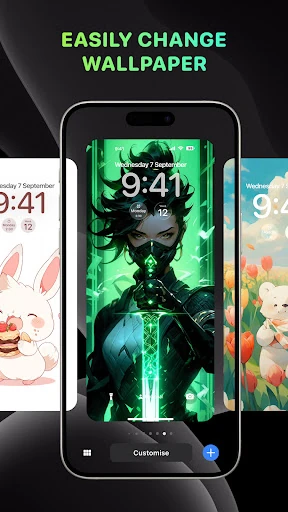
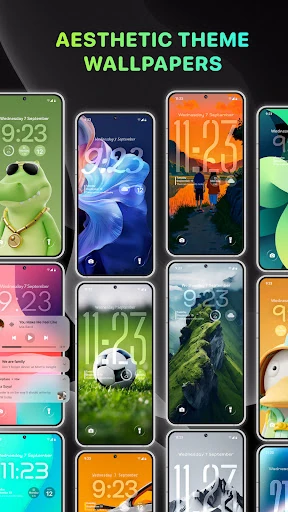
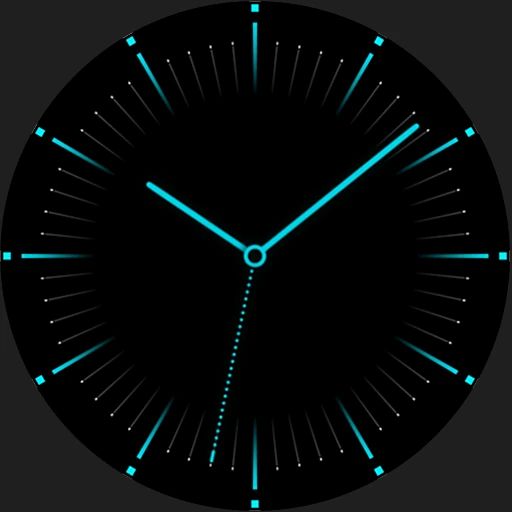
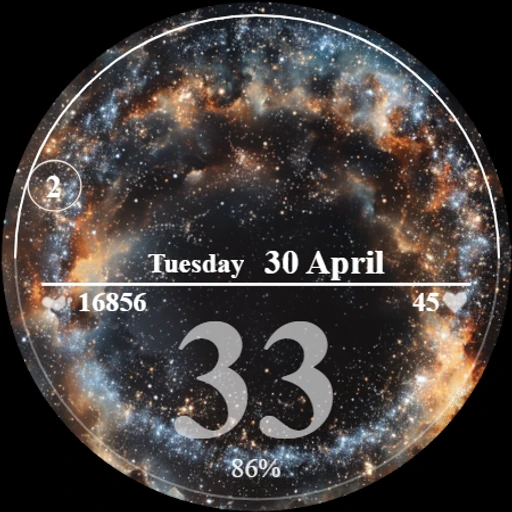
- Thematic Wallpaper Engine: Offers a diverse library ranging from Astronomy to Anime, solving the problem of visual fatigue and allowing users to align their device aesthetics with their current mood or interests.
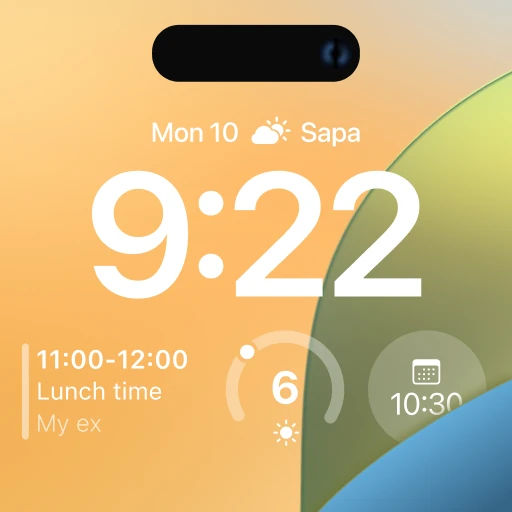
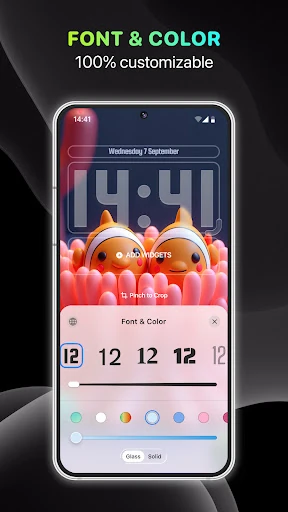
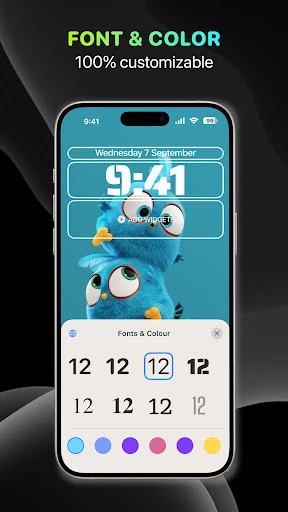
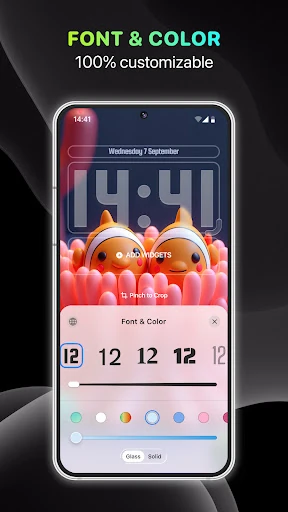
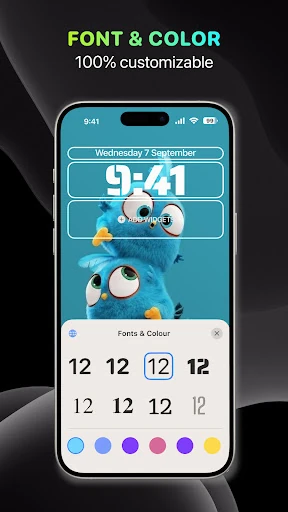
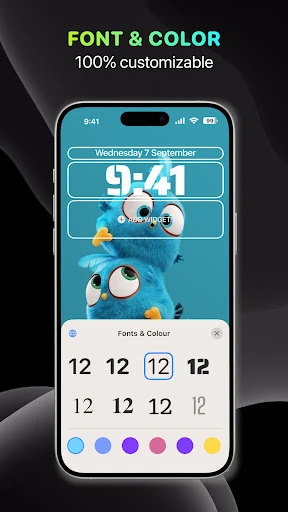
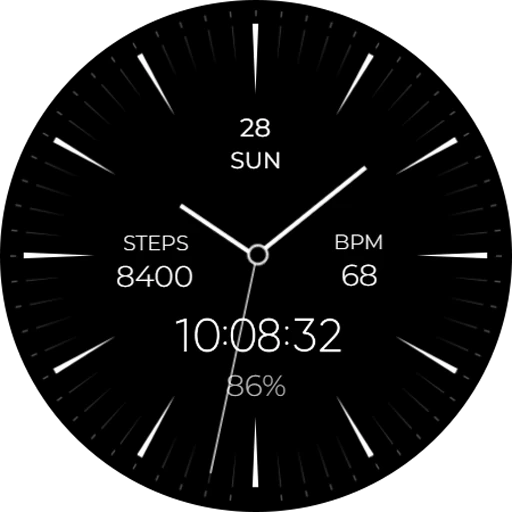
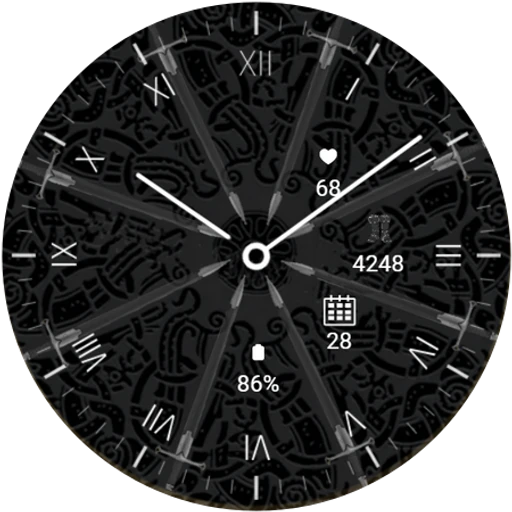
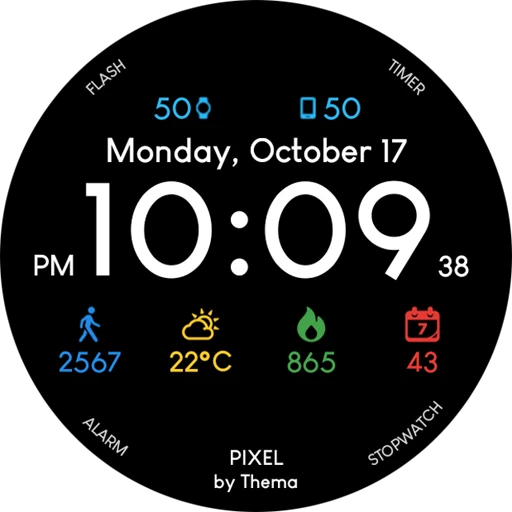
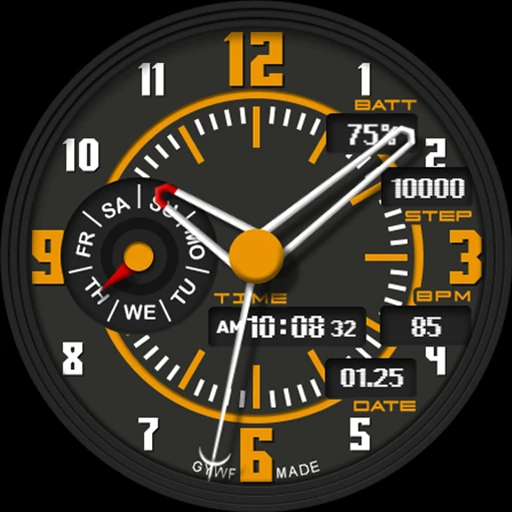
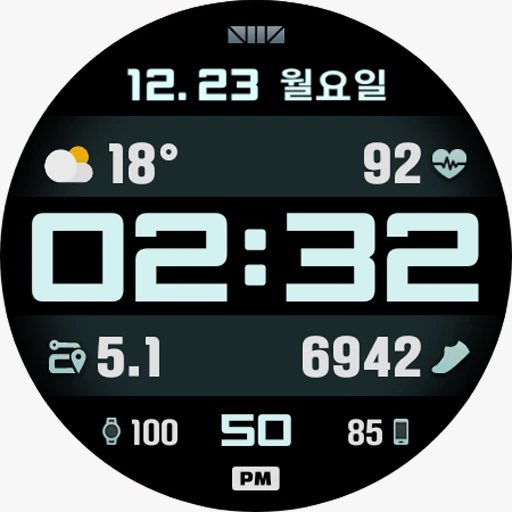
- Advanced Clock Customization: Provides granular control over fonts, colors, and styles, addressing the lack of flexibility found in stock operating system layouts.
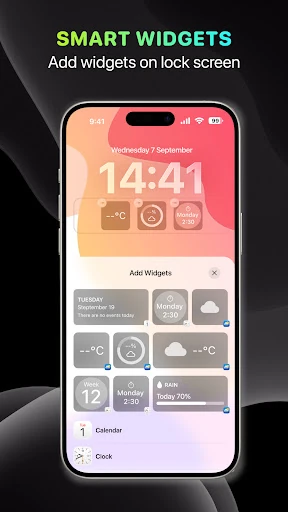
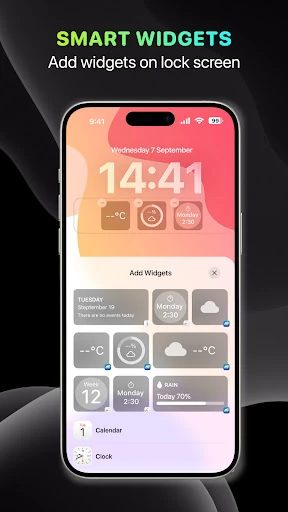
- Integrated Weather & Animated Widgets: Solves the need for instant information retrieval by placing real-time data and interactive elements (like animated pets) directly on the lock screen, reducing the need to unlock the device.
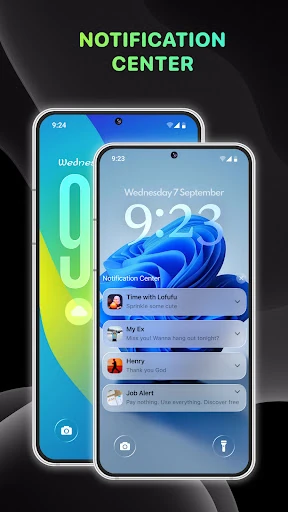
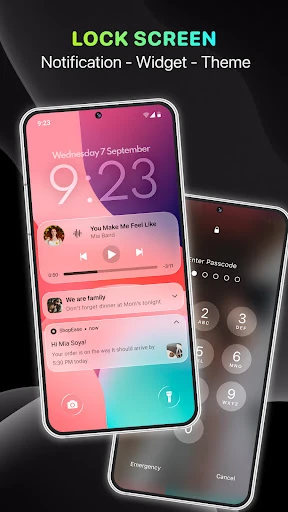
- Intuitive Notification Management: Features stack and expanded views for notifications, solving the issue of cluttered lock screens and improving the readability of incoming alerts.
- Quick Access Shortcuts: Implements a swipe-to-camera gesture, solving the friction of missing fleeting moments by providing near-instant access to photography tools.
🎨 User Experience & Design
The user experience of YoLock is centered around the principle of "discoverable customization." By utilizing familiar mobile gestures—such as the long-press to enter edit mode—the app minimizes the learning curve for new users. The interface is clean and mirrors the sophisticated design language of modern operating systems, ensuring that the personalized elements feel like a native part of the phone rather than a third-party overlay. The inclusion of Accessibility Services allows for seamless control over music and volume, creating a cohesive UX that feels deeply integrated into the hardware's ecosystem.
⚖️ Pros & Cons Analysis
- ✅ The Good: Exceptional depth of personalization, particularly through the use of animated widgets and highly specific clock typography that exceeds standard system limitations.
- ✅ The Good: Efficient navigation design, specifically the swipe-to-access camera and intuitive wallpaper-switching gestures that enhance daily device interactions.
- ❌ The Bad: Heavy reliance on Accessibility Service permissions may be a deterrent for privacy-sensitive users, despite the developer's transparency regarding data handling.
- ❌ The Bad: Potential impact on battery longevity when utilizing multiple animated widgets and high-frequency weather updates simultaneously.
🛠️ Room for Improvement
To further elevate the application, the developers should consider implementing a "Preset Sharing" community where users can upload and download community-created themes. Additionally, optimizing the resource consumption of animated widgets would improve performance on mid-range devices. Expanding the widget library to include third-party API support for productivity apps like Todoist or Spotify would also transform the lock screen into a more powerful professional tool.
🏁 Final Conclusion & Recommendation
Lock Screen, Widgets - YoLock is an ideal choice for digital enthusiasts and creative users who view their smartphone as an extension of their personal style. It is particularly well-suited for users who find stock Android or manufacturer skins too restrictive. For anyone looking to maximize the utility of their device's "first glance" without compromising on beauty, YoLock is a highly recommended addition to their personalization toolkit.