Advertisement
Click to download now, finish the installation quickly, and directly unlock the all-round experience
Advertisement
Screenshots
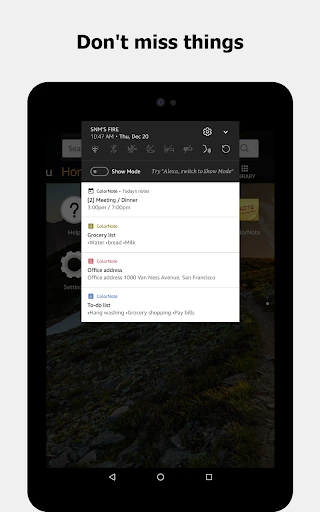
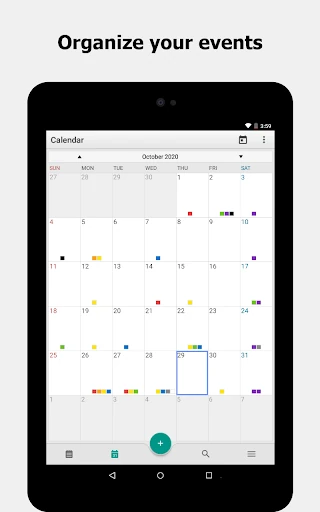
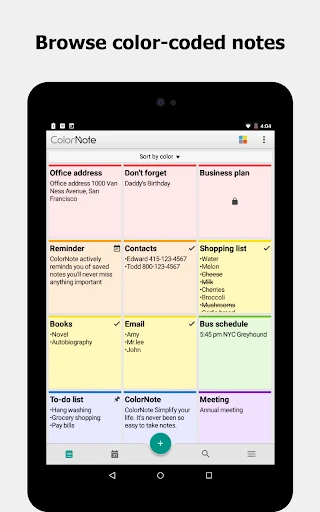
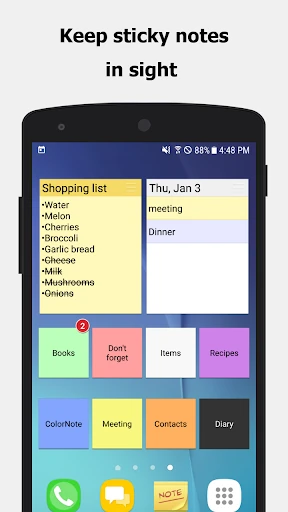
Click to download now, finish the installation quickly, and directly unlock the all-round experience
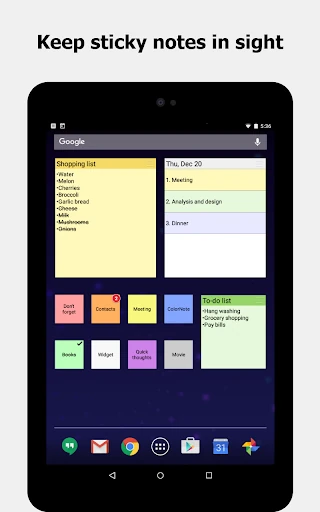
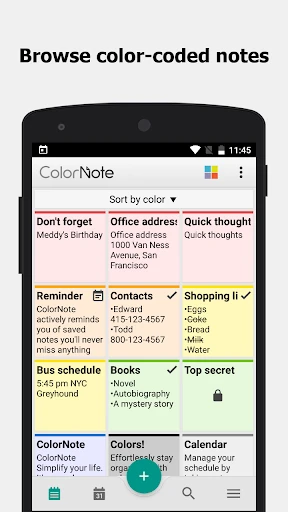
ColorNote Notepad Notes remains a quintessential pillar of the mobile Productivity landscape, catering to users who prioritize speed and efficiency over complex feature sets. While modern competitors often lean into heavy-duty project management and rich media, ColorNote excels by refining the fundamental note-taking experience into a digital equivalent of physical sticky notes. Its longevity in the Google Play ecosystem is a testament to its reliability and the intuitive nature of its color-coded organizational system, making it a benchmark for minimalist utility apps.
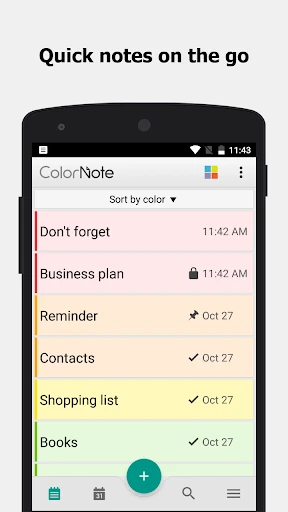
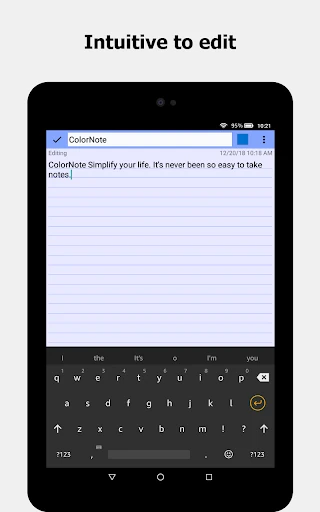
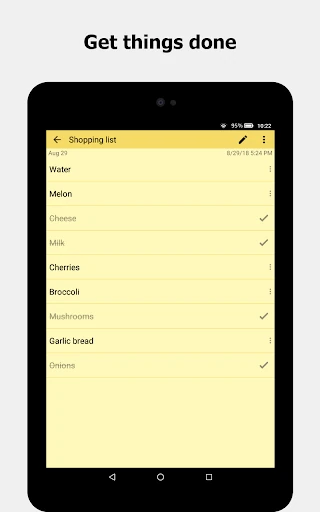
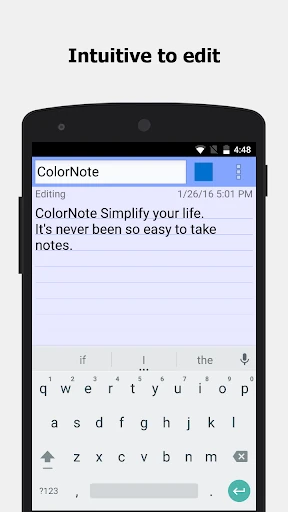
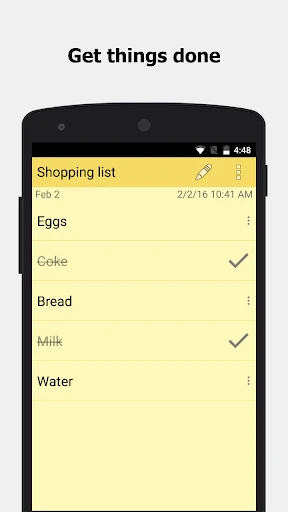
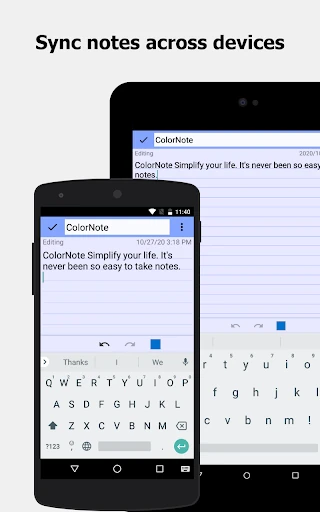
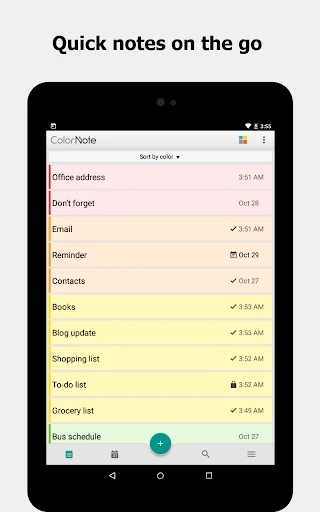
The UI of ColorNote is purposefully utilitarian, adopting a "function over form" philosophy that minimizes cognitive load. Its design mimics real-world analogs like lined legal pads and post-it notes, which makes the learning curve virtually non-existent for new users. While the interface does not follow the latest fluid animation trends seen in modern Material Design updates, its responsiveness is top-tier. The ability to toggle between list and grid views, combined with the "tap-to-strike" checklist mechanic, provides a friction-less experience that is perfectly suited for one-handed use on the go.
To stay competitive in an increasingly crowded market, ColorNote would benefit from a visual refresh that incorporates "Material You" dynamic coloring. Additionally, adding support for basic Markdown formatting and the ability to attach images or PDF files would greatly expand its utility for professional users. A "collaborative mode" for shared shopping lists would also be a significant value-add for families and teams.
ColorNote Notepad Notes is the ideal solution for students, busy parents, and professionals who need a no-nonsense, reliable digital scratchpad. It is specifically recommended for users who find feature-heavy apps like Notion or Evernote overwhelming and simply want a fast way to jot down ideas. It remains one of the most efficient tools for "Getting Things Done" (GTD) in the mobile productivity space.