🏆 Expert Verdict & Overview
GPS Maps Voice Navigation positions itself as a versatile utility in the crowded Maps & Navigation landscape. It successfully bridges the gap between a standard GPS tool and a comprehensive travel assistant by integrating satellite views, voice-guided instructions, and specialized traveler insights. For users seeking an alternative to native system apps, it provides a reliable, all-in-one suite for both daily commutes and adventurous exploration, emphasizing clarity and accessibility through its multi-layered map views.
🔍 Key Features Breakdown
- Turn-by-Turn Voice Guidance: Provides real-time audio instructions for driving, walking, or biking, allowing users to keep their eyes on the road while maintaining precise directional awareness.
- AI Traveler Guide: Offers curated insights and local attractions, transforming a standard navigation tool into a digital tour guide for tourists and explorers.
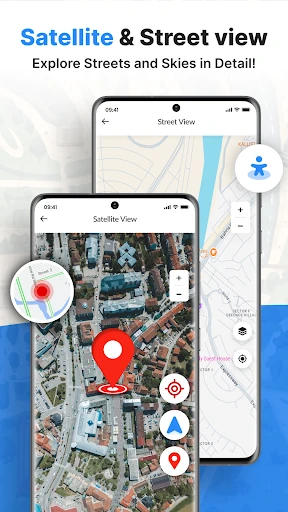
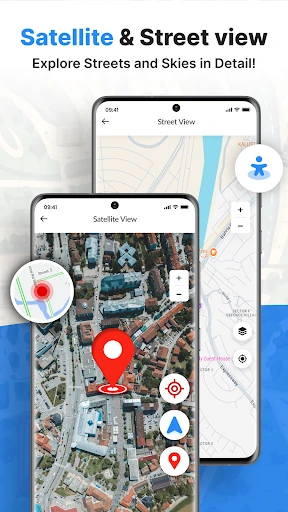
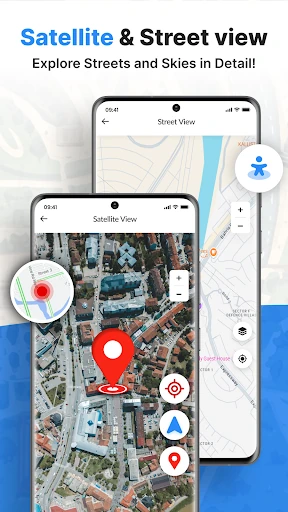
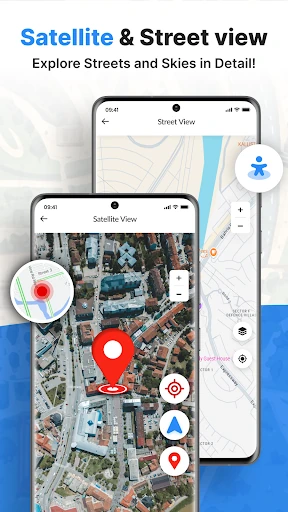
- Satellite & Street View Integration: Enhances spatial orientation by allowing users to toggle between standard maps and high-resolution visual imagery to better understand their surroundings.
- Location Safety Sharing: Enables users to broadcast their real-time coordinates to friends and family, serving as a critical safety feature during solo travel or nighttime journeys.
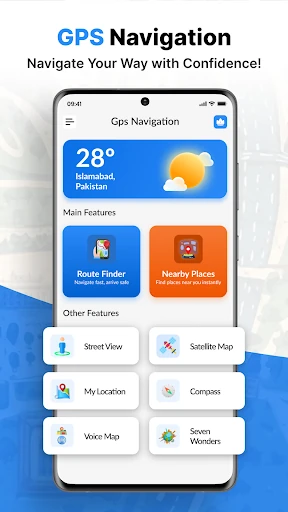
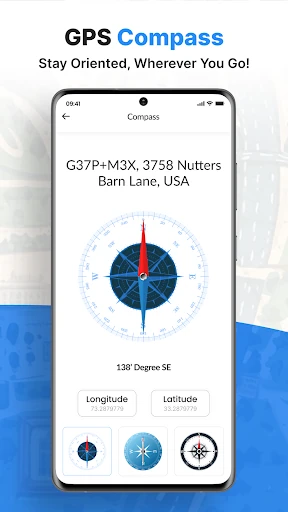
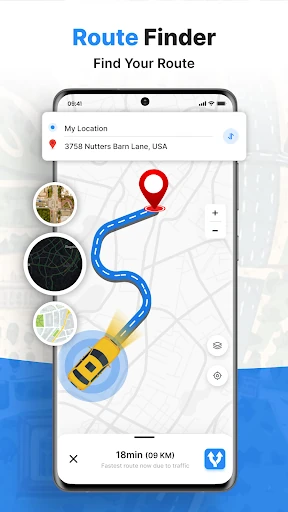
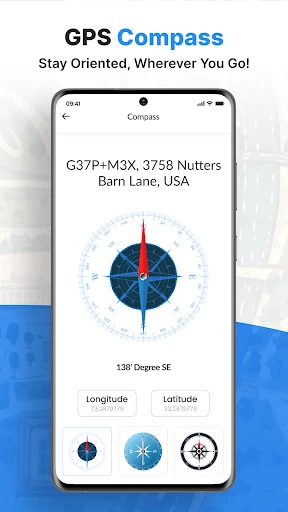
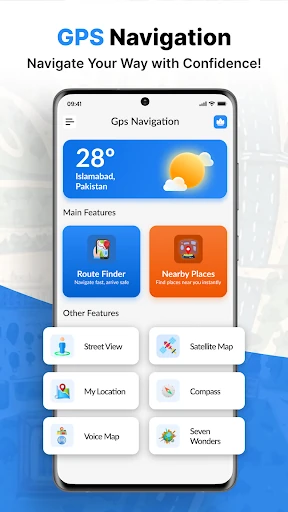
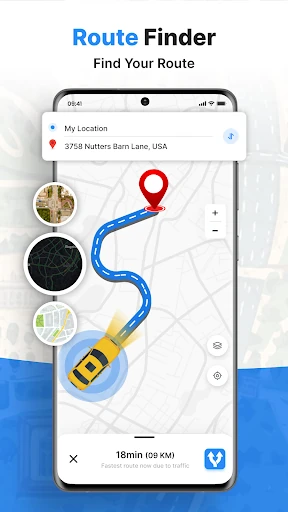
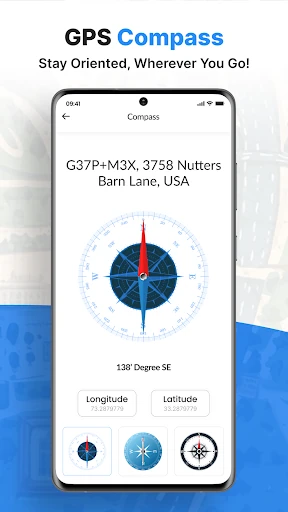
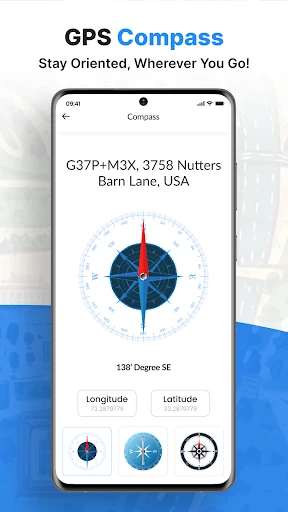
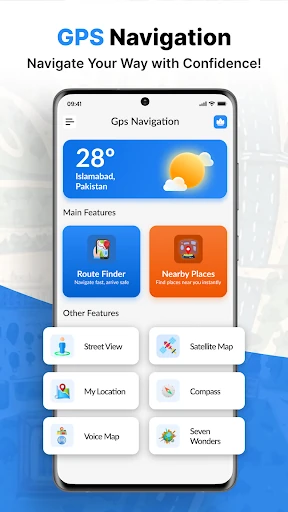
- Integrated Utility Suite: Bundles essential travel tools like a weather forecast, digital compass, and route finder within a single interface, reducing the need to switch between multiple applications.
🎨 User Experience & Design
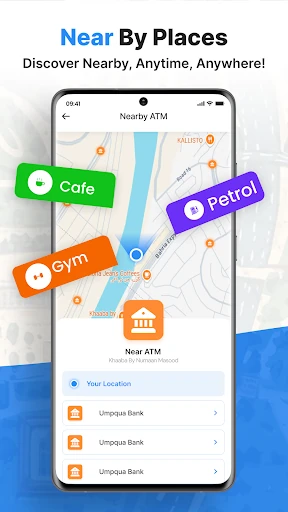
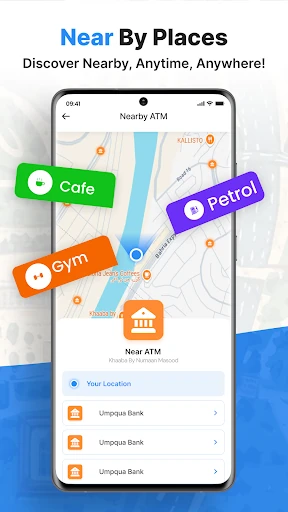
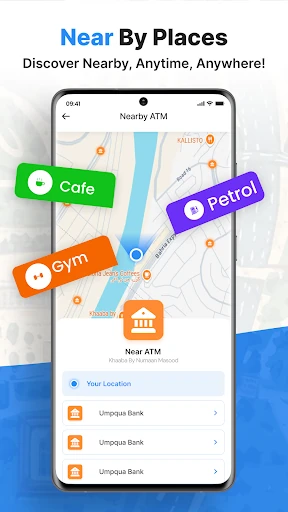
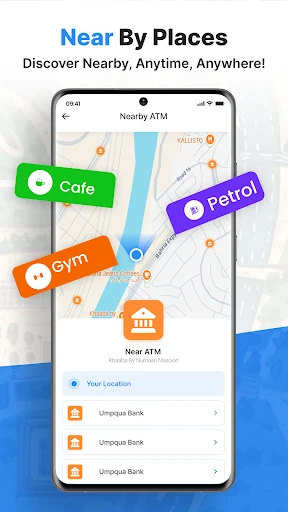
The application prioritizes accessibility through a streamlined interface designed for rapid interaction. By placing nearby points of interest—such as gas stations, restaurants, and ATMs—within a single tap, the UX minimizes cognitive load for drivers. The transition between different map layers is fluid, adhering to the high responsiveness standards expected in the navigation category. The search-to-navigation workflow is logical and intuitive, ensuring that even non-technical users can initiate a journey with minimal friction.
⚖️ Pros & Cons Analysis
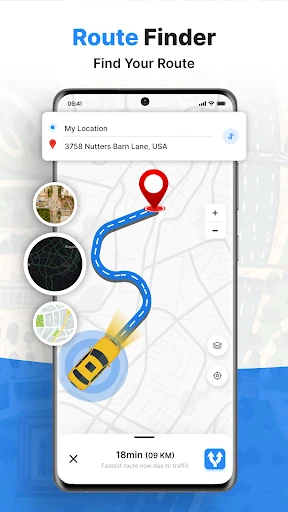
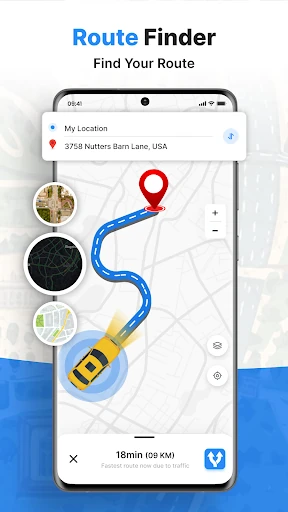
- ✅ The Good: Highly accurate route finding with realistic traveling time estimations for various transport modes.
- ✅ The Good: Comprehensive "Nearby Places" directory that makes it an excellent tool for local discovery.
- ❌ The Bad: The high density of extra tools like the compass and "seven wonders" guide can occasionally distract from the primary navigation objective.
- ❌ The Bad: Heavy reliance on active data connections to render high-resolution satellite imagery and AI guide data.
🛠️ Room for Improvement
To further elevate the user experience, the next update should consider implementing a robust offline maps mode to support navigation in remote areas with poor cellular reception. Additionally, integrating real-time traffic congestion alerts and crowd-sourced hazard reporting would bring the app closer to the functionality offered by Tier-1 competitors, making it a more comprehensive tool for urban commuters.
🏁 Final Conclusion & Recommendation
GPS Maps Voice Navigation is an ideal choice for road trippers, daily commuters, and international travelers who want more than just a basic map. With its unique AI Traveler Guide and integrated safety sharing features, it offers a distinct value proposition for those who prefer a feature-rich, "Swiss Army Knife" approach to mobile navigation. It is highly recommended for users who prioritize visual map variety and local exploration tools over minimalist designs.