Advertisement
Click to download now, finish the installation quickly, and directly unlock the all-round experience
Advertisement
Screenshots
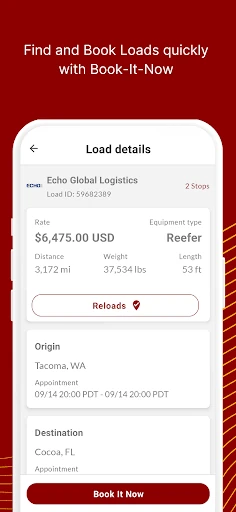
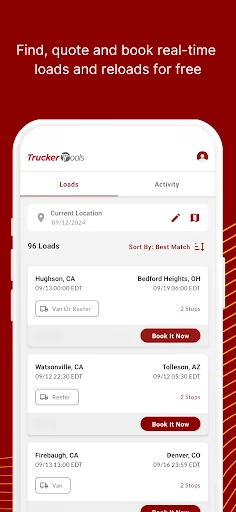
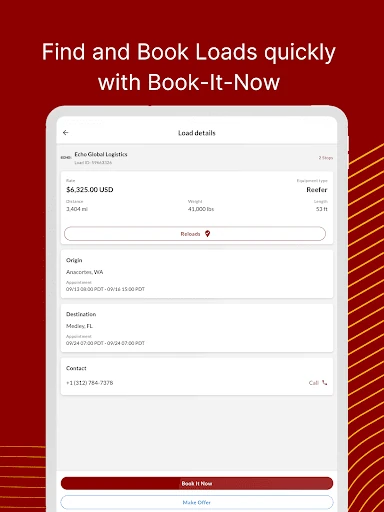
Click to download now, finish the installation quickly, and directly unlock the all-round experience
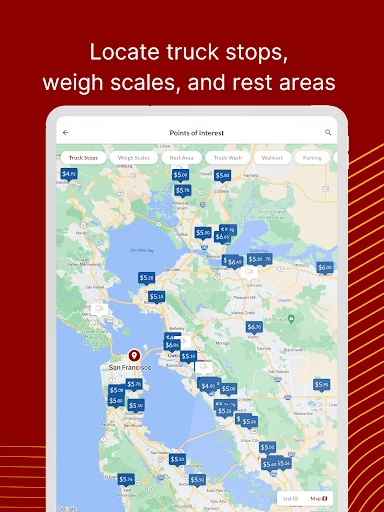
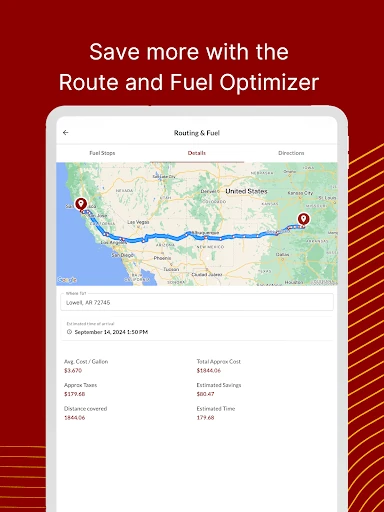
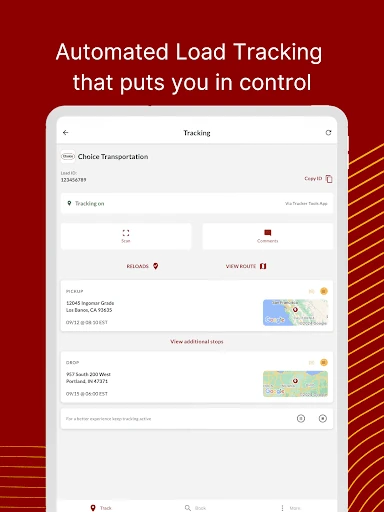
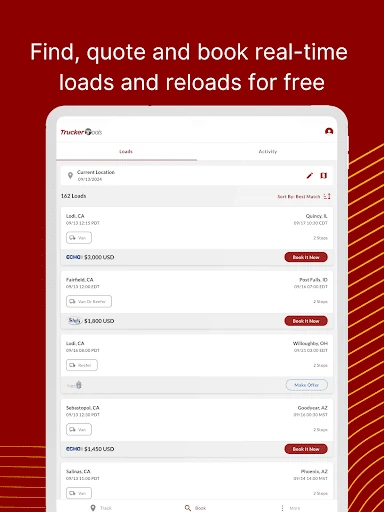
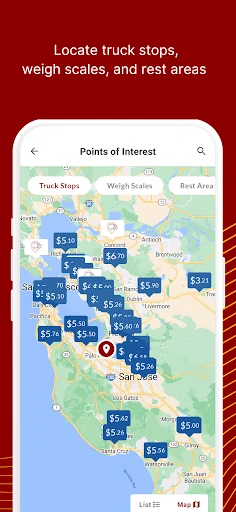
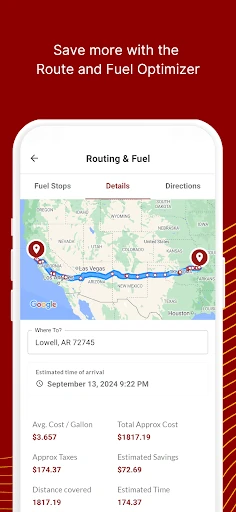
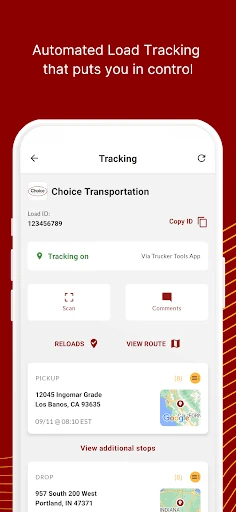
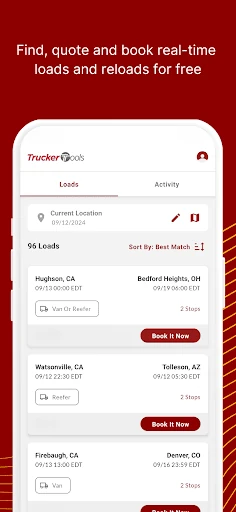
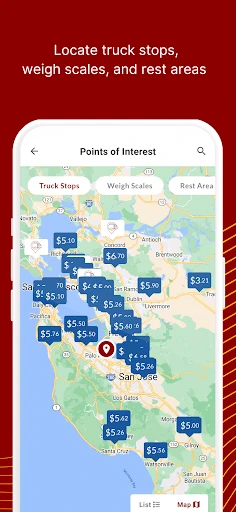
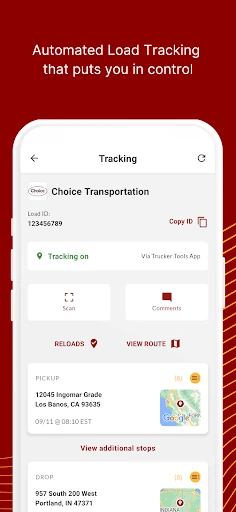
Trucker Tools stands out as a sophisticated, all-in-one utility that transcends simple navigation, positioning itself as a comprehensive digital ecosystem for the modern freight professional. In a crowded Maps & Navigation landscape, it distinguishes itself by bridging the gap between logistics management and over-the-road navigation. With a user base exceeding 350,000 drivers, the app successfully integrates freight matching, automated tracking, and trip planning into a single interface, effectively reducing the administrative "noise" that typically plagues owner-operators and fleet drivers.
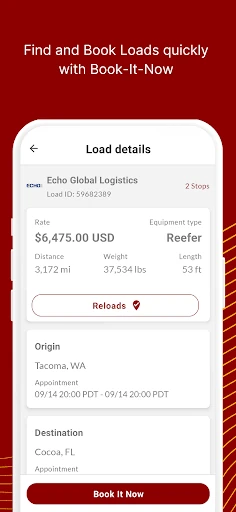
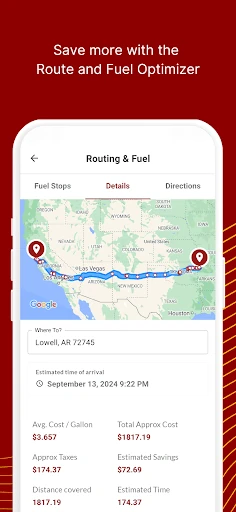
The interface of Trucker Tools is designed with a utility-first philosophy, prioritizing functional density over aesthetic fluff. For an app in the Maps & Navigation category, the UI is surprisingly robust, organizing complex data sets—like fuel prices and load details—into digestible views. The "Book-It-Now" workflow is optimized for quick interactions, which is vital for drivers who need to make fast decisions. While the sheer volume of tools can create a slight learning curve, the logical grouping of features ensures that essential functions like tracking and routing are never more than a few taps away.
To further elevate the user experience, Trucker Tools should consider implementing a more robust offline mode for its maps and POI database, as drivers frequently pass through areas with limited cellular connectivity. Additionally, integrating a dedicated "Night Mode" or high-contrast theme beyond standard OS settings would improve visibility and reduce eye strain during long-haul night shifts. Finally, refining the search filters on the load board to allow for more granular preferences would save drivers even more time during the booking process.
Trucker Tools is a must-have for independent owner-operators and small-to-medium fleet drivers who need to maximize their efficiency on the road. It is more than a navigation tool; it is a productivity suite that directly impacts a driver's bottom line. For any professional trucker looking to minimize administrative headaches and find the best fuel and freight prices, this app is highly recommended as a primary "digital co-driver."