🏆 Expert Verdict & Overview
Notion: Notes, Tasks, AI represents the gold standard in the "all-in-one" productivity space, effectively bridging the gap between simple note-taking apps and complex enterprise project management suites. By leveraging a modular "building block" philosophy, it offers unparalleled flexibility that scales from a student’s study planner to a startup's central nervous system. The recent integration of sophisticated AI capabilities—which handle everything from meeting summaries to data analysis—solidifies its position as a market leader in a crowded Productivity landscape. It is less an app and more a platform that empowers users to build their own bespoke organizational systems.
🔍 Key Features Breakdown
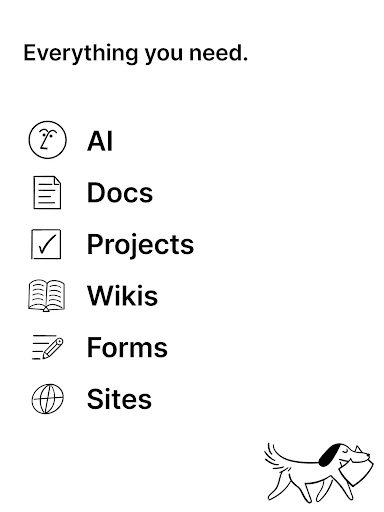
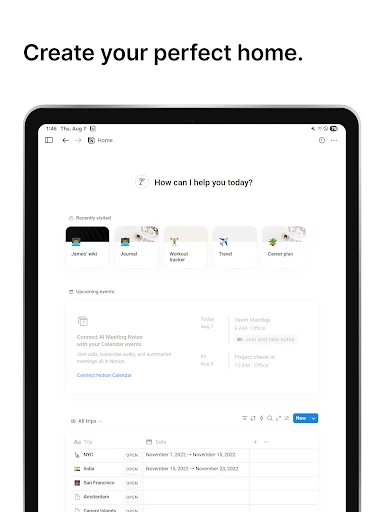
- AI-Powered Workspace: Notion AI solves the problem of information overload by transcribing meeting notes, brainstorming content, and providing instant answers to queries based on existing workspace data.
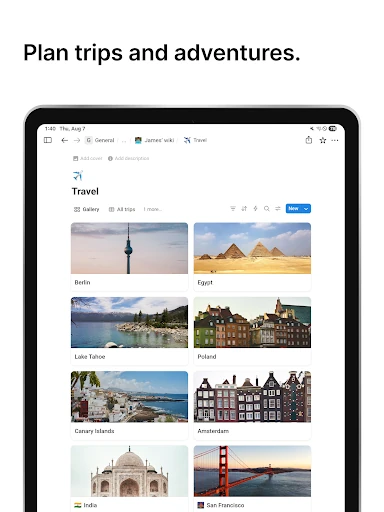
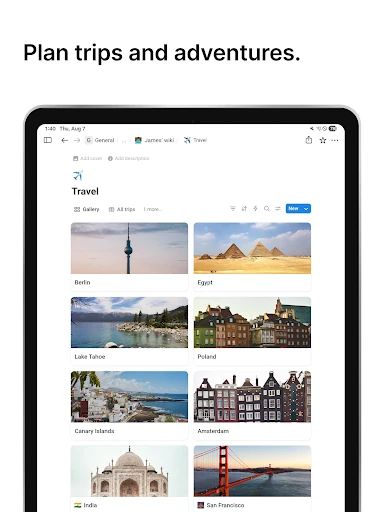
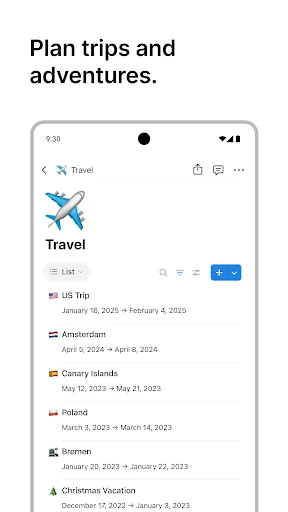
- Dynamic Databases & Maps View: Users can organize data beyond simple lists; the new Maps View allows for geographic visualization of databases, solving logistics and planning problems for travel, real estate, and client management.
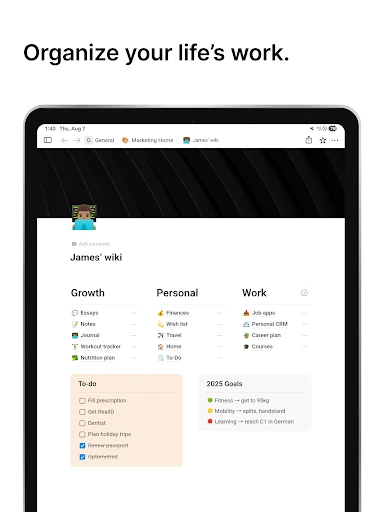
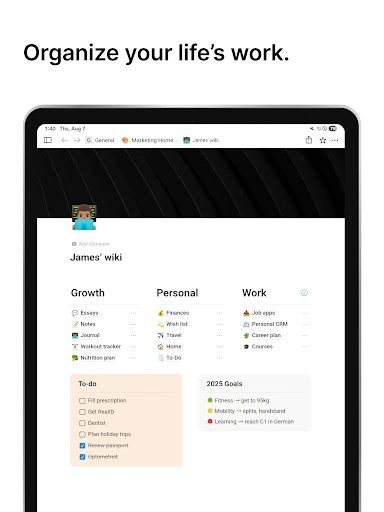
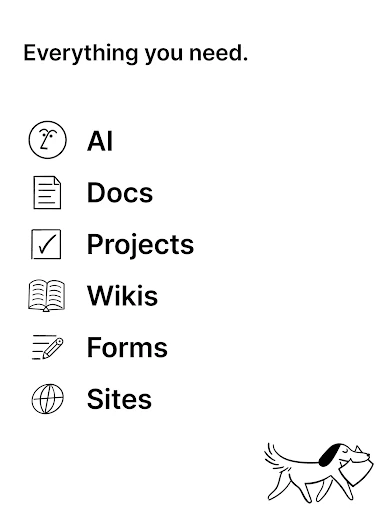
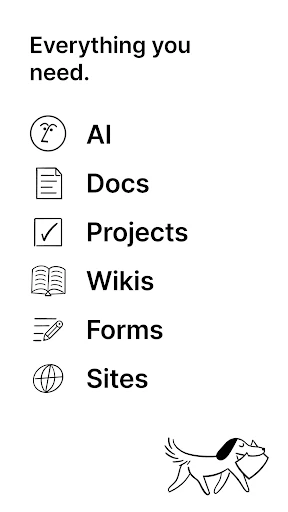
- Customizable Building Blocks: With over 50 content types, users can build layouts that fit their specific workflow, solving the "one size fits all" limitation found in traditional document editors.
- Cross-Platform Synchronization: Notion ensures seamless continuity by syncing instantly across mobile, browser, and desktop applications, solving the friction of switching between devices during a busy workday.
- Third-Party Integrations: By connecting with Slack, Figma, and GitHub, Notion acts as a centralized hub, reducing the need for "app switching" and improving team transparency.
🎨 User Experience & Design
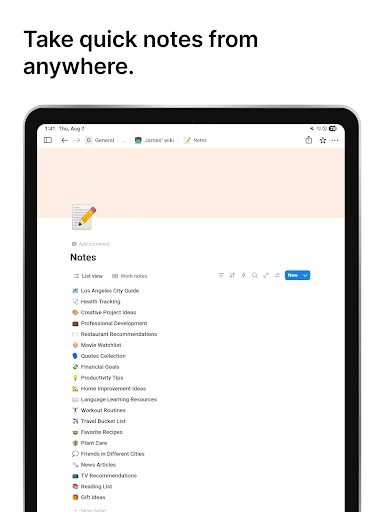
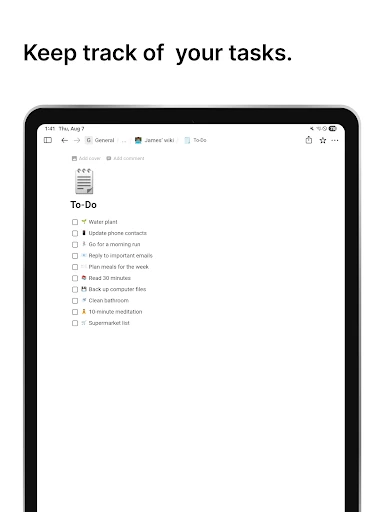
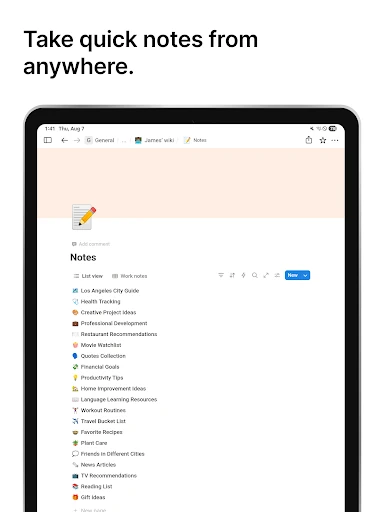
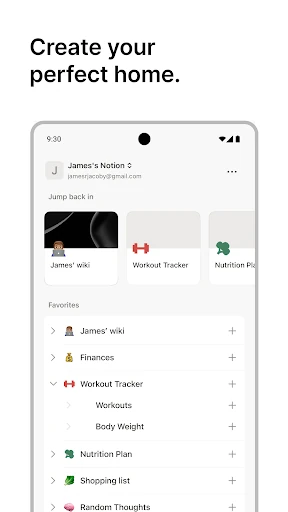
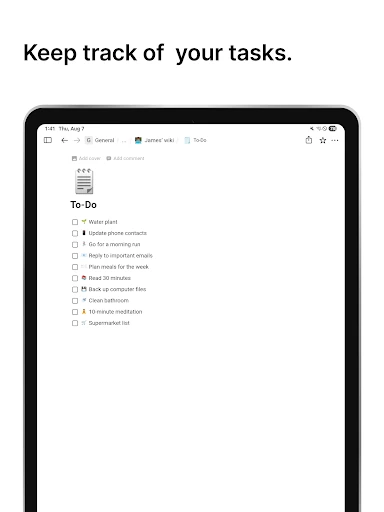
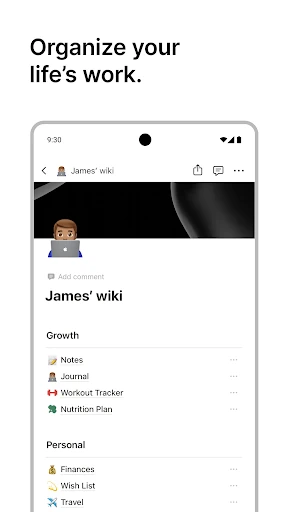
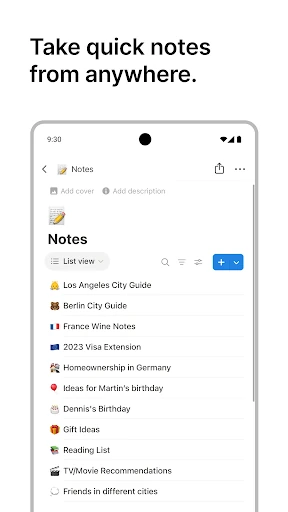
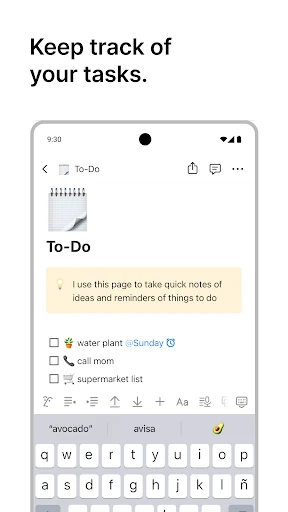
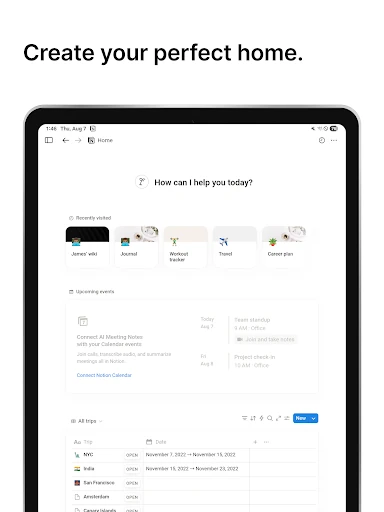
The UI of Notion is characterized by a clean, minimalist aesthetic that hides immense power beneath a simple surface. Its "slash command" interface provides a frictionless way to add complex elements without cluttering the screen. However, from a UX perspective, the sheer level of customization presents a double-edged sword: while experienced users will appreciate the lack of constraints, the "blank canvas" effect can be overwhelming for novices. The mobile experience is surprisingly robust, maintaining the integrity of complex databases, though it prioritizes data consumption and quick edits over the deep structural building found on the desktop version.
⚖️ Pros & Cons Analysis
- ✅ The Good: Unmatched flexibility that allows users to create truly custom workflows and dashboards.
- ✅ The Good: Generous free tier for personal use and students, making high-end productivity tools accessible to everyone.
- ❌ The Bad: Significant learning curve; mastering databases and relations requires a time investment that some users may find daunting.
- ❌ The Bad: Mobile performance can occasionally lag when loading extremely large databases or media-heavy pages compared to native task apps.
🛠️ Room for Improvement
To further dominate the productivity sector, Notion should focus on enhancing its offline functionality, as users still face limitations when working without a stable internet connection. Additionally, introducing a "Simplified Mode" or a more guided onboarding experience for new users could help reduce the initial friction of the learning curve. Improving the mobile app's navigation speed, particularly when switching between nested pages, would also provide a more "native" feel to the handheld experience.
🏁 Final Conclusion & Recommendation
Notion: Notes, Tasks, AI is the ultimate tool for power users, students, and collaborative teams who require a single source of truth for their projects and knowledge. It is particularly well-suited for those who find traditional apps too restrictive and want to build a personalized digital environment. While it may be "overkill" for someone seeking a simple grocery list, it is an essential recommendation for anyone looking to centralize their professional or academic life into one intelligent, AI-enhanced ecosystem.