🏆 Expert Verdict & Overview
Grammarly-AI Writing Assistant stands as the definitive benchmark in the Productivity landscape, successfully transitioning from a traditional proofreading tool into a sophisticated, generative AI-powered companion. While many apps offer basic spell-checking, Grammarly differentiates itself by providing deep contextual analysis and stylistic suggestions that integrate directly into the Android ecosystem. It acts as a professional-grade quality control layer, ensuring that whether a user is drafting a critical LinkedIn post or a quick internal email, the output is polished, coherent, and tone-appropriate. In an era where digital communication defines professional reputation, Grammarly has become an essential utility for high-stakes mobile writing.
🔍 Key Features Breakdown
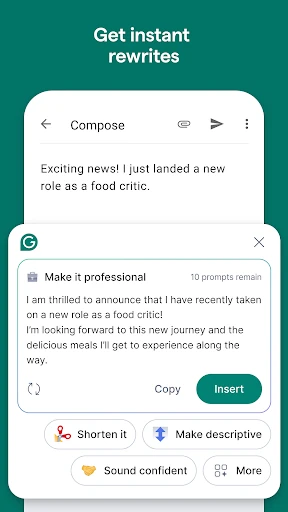
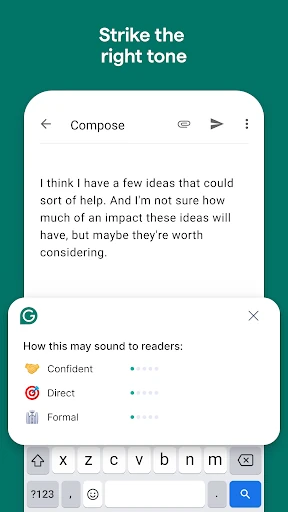
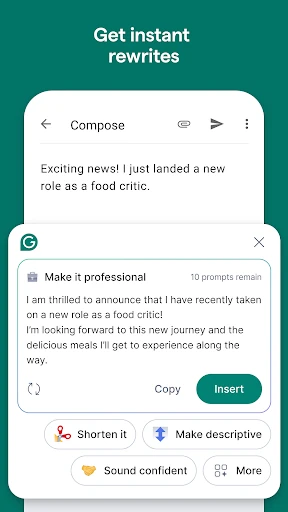
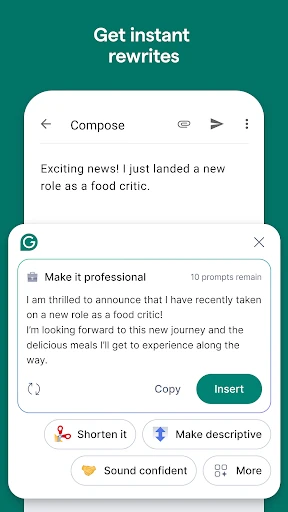
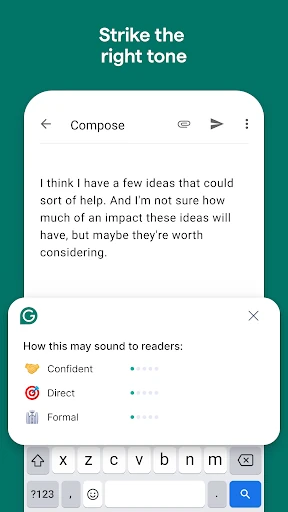
- AI-Powered Generative Rewrite: This feature leverages GenAI to offer users multiple variations of their existing text, allowing them to instantly toggle between formal, confident, or descriptive tones to better suit their audience.
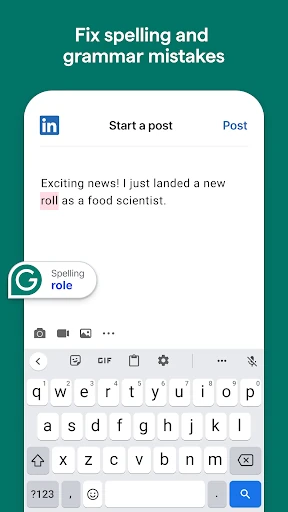
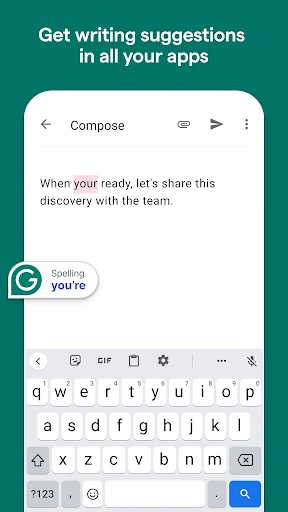
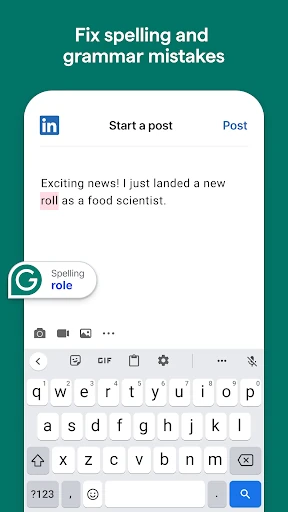
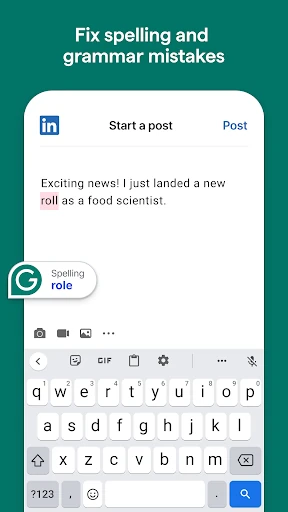
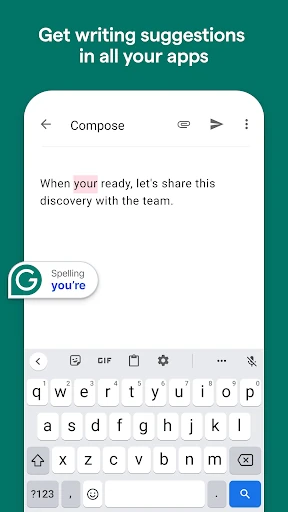
- Real-Time Contextual Grammar Checker: Beyond simple typos, this tool identifies complex syntax errors and punctuation mishaps as they happen, solving the problem of "on-the-go" sloppiness.
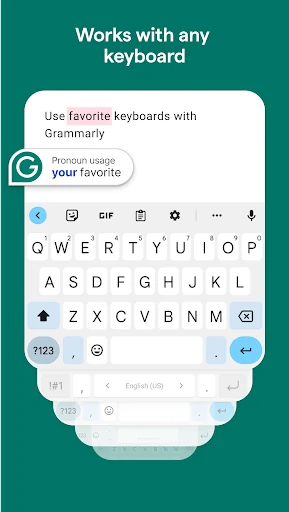
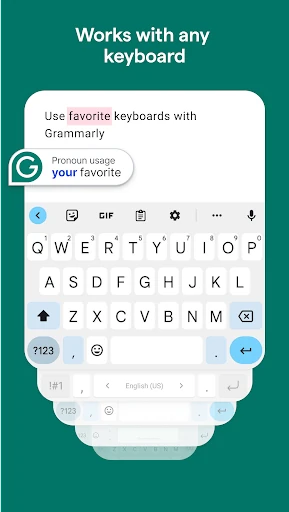
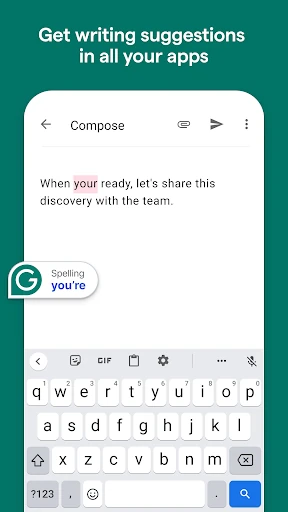
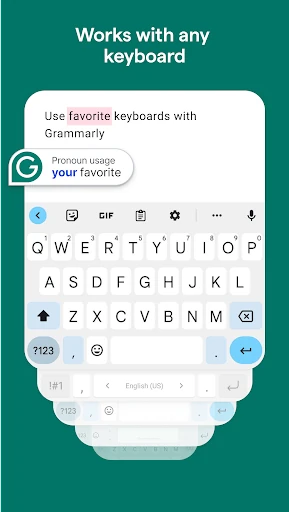
- Multi-Keyboard Compatibility: By working as an overlay for Gboard and SwiftKey, it eliminates the friction of switching between different keyboard layouts, solving the UX pain point of traditional third-party keyboards.
- Educational Explanations: Every correction is accompanied by a concise explanation, helping users understand their mistakes and improving their long-term communication skills rather than just providing a quick fix.
🎨 User Experience & Design
The user interface of Grammarly-AI Writing Assistant is a masterclass in non-intrusive design. By moving away from a mandatory standalone keyboard and instead utilizing Accessibility permissions to offer an assistant overlay, the app respects the user's existing typing habits. The UI is minimalist, featuring a clean floating icon that expands only when necessary, ensuring that the screen real estate remains focused on the content. The feedback loop is fast and responsive, which is a critical standard for the Productivity category where any latency can disrupt a user’s creative flow.
⚖️ Pros & Cons Analysis
- ✅ The Good: Seamless integration with almost any Android app, eliminating the need for tedious copying and pasting.
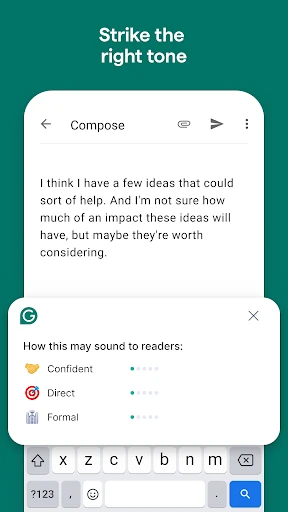
- ✅ The Good: The "Tone Adjustments" and "Vocabulary Enhancement" features provide professional-level editing that basic autocorrect cannot match.
- ❌ The Bad: The most impactful features, such as fluency and formality adjustments, are gated behind a high-priced Premium subscription.
- ❌ The Bad: High reliance on an active internet connection for the more advanced GenAI features can limit utility in offline scenarios.
🛠️ Room for Improvement
To further solidify its dominance, Grammarly should consider implementing a "Lite" mode for older hardware to reduce the memory footprint associated with the assistant overlay. Additionally, more granular privacy controls—such as a "blacklist" feature to automatically disable the assistant in specific sensitive apps without manual toggling—would provide users with greater peace of mind regarding the Accessibility permissions required for the app to function.
🏁 Final Conclusion & Recommendation
Grammarly-AI Writing Assistant is primarily designed for professionals, students, and non-native English speakers who prioritize precision in their digital correspondence. It is a "must-have" for anyone whose career or academic success relies on written clarity. While the free version is excellent for basic error catching, the Premium tier is a worthwhile investment for those who need their mobile device to act as a full-time editor. It remains the most comprehensive writing aid available on the Google Play Store today.