🏆 Expert Verdict & Overview
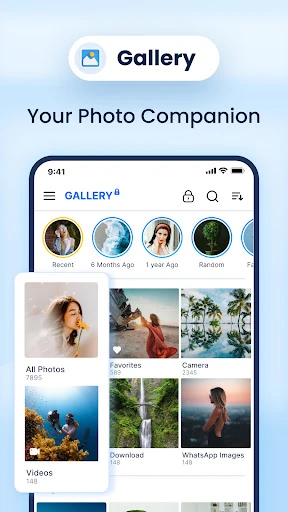
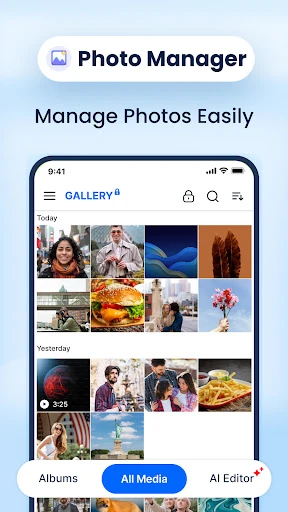
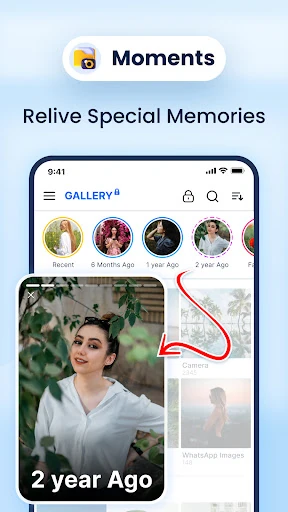
Gallery: Photo Gallery, Album is a robust, all-in-one media management solution that effectively bridges the gap between simple file viewing and advanced post-processing. In a crowded Photography landscape, it distinguishes itself by integrating high-tier security features and AI-driven utilities—such as background removal and duplicate detection—into a singular, cohesive package. It is designed for users who demand more control over their visual library than stock Android applications typically provide, offering a professional-grade environment for organizing, editing, and securing digital assets.
🔍 Key Features Breakdown
- Secure Photo Vault: Solves privacy concerns by allowing users to encrypt sensitive photos and videos behind a PIN, pattern, or password, ensuring private albums remain hidden from the main gallery.
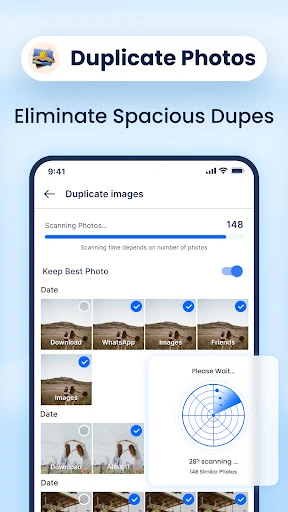
- AI-Powered Duplicate Removal: Addresses storage bloat by automatically identifying and purging redundant images and videos, helping users reclaim device space without manual sorting.
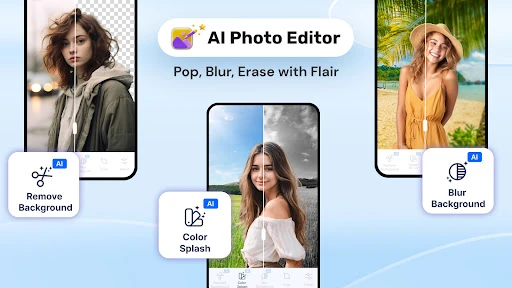
- Integrated AI Photo Editor: Streamlines the creative process with one-click background removal, blur effects, and professional adjustment tools for brightness, contrast, and saturation.
- Intelligent Search & Filter: Enhances discoverability by allowing users to browse their media collection based on specific colors or geographic locations.
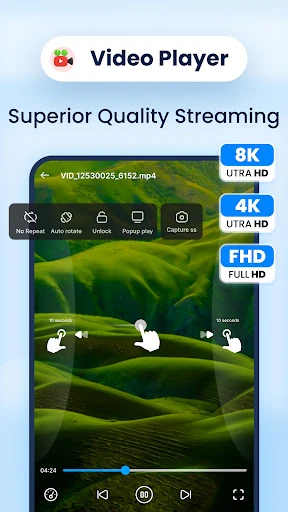
- Multi-Format Media Player: Eliminates compatibility issues by supporting an extensive range of formats including RAW, SVG, GIF, PNG, and various HD video containers.
🎨 User Experience & Design
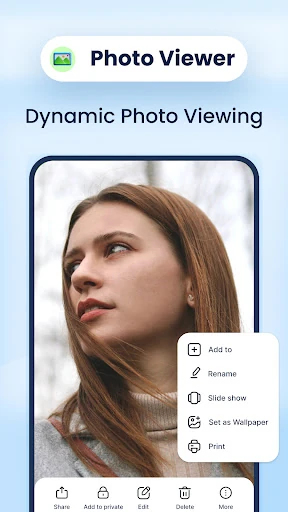
The interface of Gallery: Photo Gallery, Album is engineered for high-definition clarity and frictionless navigation. By prioritizing "one-click" actions for common tasks like mirroring, resizing, and sharing, the app adheres to modern UI/UX standards that favor speed and accessibility. The layout is clean and adapts well across different Android skins such as MIUI and Samsung’s One UI. Furthermore, the inclusion of a 30-day trash recovery system provides a critical user safety net, reducing the anxiety of accidental deletions.
⚖️ Pros & Cons Analysis
- ✅ The Good: Comprehensive support for professional formats like RAW and panoramic images.
- ✅ The Good: Highly effective AI tools for automated organization and storage optimization.
- ❌ The Bad: The sheer density of features may feel overwhelming for users seeking a minimalist viewing experience.
- ❌ The Bad: Advanced AI background removal is resource-intensive and may perform differently on entry-level hardware.
🛠️ Room for Improvement
While the feature set is extensive, the next update could benefit from integrated cloud backup options for the encrypted Photo Vault to ensure data portability. Additionally, refining the AI search algorithm to include object recognition (e.g., searching for "dog" or "beach") would further elevate the app to compete with top-tier global gallery services.
🏁 Final Conclusion & Recommendation
Gallery: Photo Gallery, Album is primarily designed for power users and photography enthusiasts who require a Swiss-army-knife approach to media management. It is a perfect fit for users with large photo libraries who need automated help with organization and those who prioritize privacy for their personal media. Our recommendation is clear: if you are dissatisfied with the limited functionality of your device's stock gallery, this app provides the professional-grade upgrade necessary to take control of your digital memories.