🏆 Expert Verdict & Overview
EPIK - AI Photo & Video Editor stands as a formidable powerhouse in the photography landscape, successfully bridging the gap between accessible mobile filtering and high-end professional post-production. As a multi-functional suite, it leverages cutting-edge generative AI to automate complex tasks like object isolation and skin retouching, while maintaining a robust set of manual tools—including RAW file compatibility—that satisfy the needs of serious photographers. Its authoritative position in the market is cemented by its ability to provide a "one-stop-shop" experience for both static images and short-form video content.
🔍 Key Features Breakdown
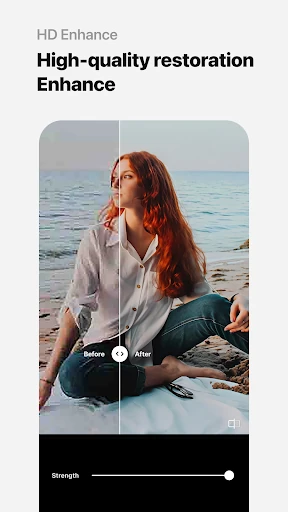
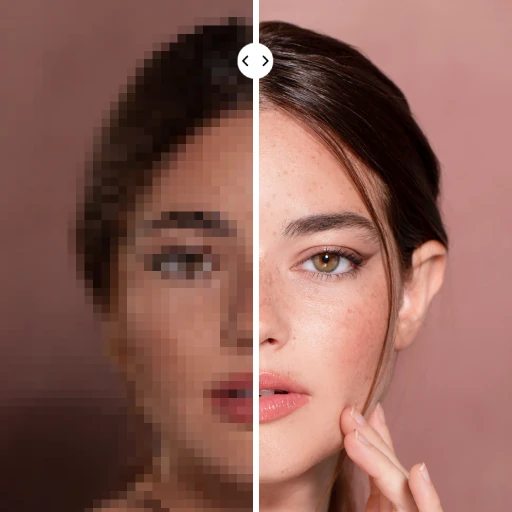
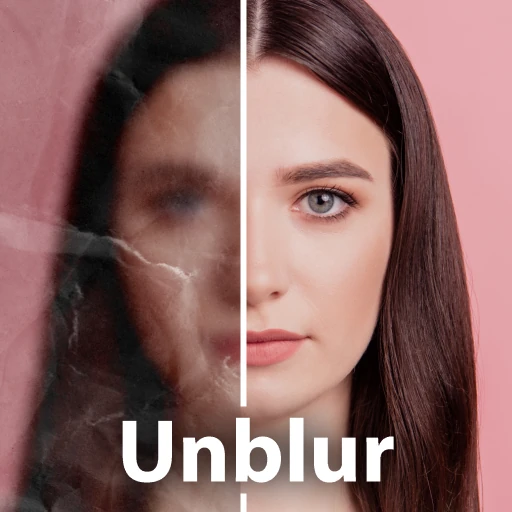
- Advanced AI Enhancement: Solves the problem of low-resolution or blurry captures by using neural networks to reconstruct details and improve overall image clarity.
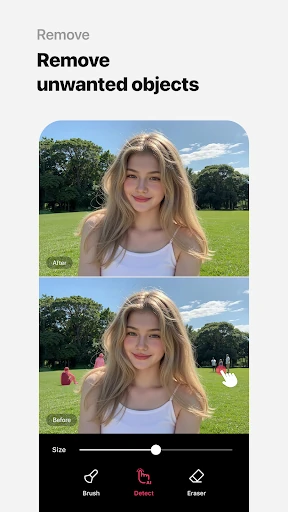
- Smart AI Cutout & Object Removal: Eliminates the tedious manual masking process, allowing users to instantly separate subjects from backgrounds or remove photobombers with high precision.
- Professional Color Grading (HSL & Curves): Provides granular control over luminance and color channels, solving the limitations of standard "one-tap" filters for users seeking a specific cinematic mood.
- Batch Editing: Addresses the efficiency bottleneck by allowing users to apply the same edits, filters, or adjustments to multiple photos simultaneously.
- AI Video Retouching: Extends professional portrait features to moving images, using automatic figure tracking to apply mosaics or face edits consistently across frames.
🎨 User Experience & Design
The interface of EPIK is remarkably intuitive given the depth of its feature set. It adheres to modern photography app standards with a clean, bottom-heavy navigation system that prioritizes thumb-reachability. The UX design successfully categorizes tools into logical clusters—AI, Professional, Portrait, and Creative—which prevents the user from feeling overwhelmed by the sheer volume of options. Performance is generally fluid, though the more intensive AI processes require a modern processor to maintain the "instant" feel that mobile users expect.
⚖️ Pros & Cons Analysis
- ✅ The Good: Comprehensive support for RAW files and advanced color tools typically found in desktop software.
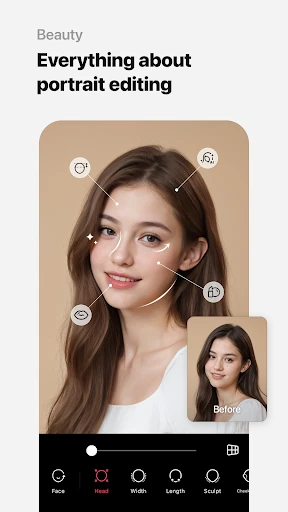
- ✅ The Good: Highly sophisticated AI portrait tools that offer natural-looking results compared to traditional "plastic" beauty filters.
- ❌ The Bad: The vast array of features can lead to a steep learning curve for casual users who only want basic edits.
- ❌ The Bad: High-resolution exports and premium AI features are often tied to a subscription model, which may deter one-time users.
🛠️ Room for Improvement
To further elevate the user experience, the next update should focus on optimizing the "Template" discovery engine, as the library has become so vast that it can be difficult to find specific styles. Additionally, integrating more robust project auto-save features for the "Movie" editing section would prevent data loss during intensive video processing tasks. Finally, providing more educational tooltips for professional features like "Split Tone" or "Perspective" would help bridge the gap for novice users.
🏁 Final Conclusion & Recommendation
EPIK - AI Photo & Video Editor is the definitive tool for social media influencers, content creators, and photography enthusiasts who require professional-grade results on the go. While it may be "overkill" for someone looking for a simple crop tool, it is an essential download for anyone serious about mobile aesthetics. Our final recommendation: It is a top-tier choice for those who want the power of a desktop editor in the palm of their hand.