Advertisement
Click to download now, finish the installation quickly, and directly unlock the all-round experience
Advertisement
Screenshots

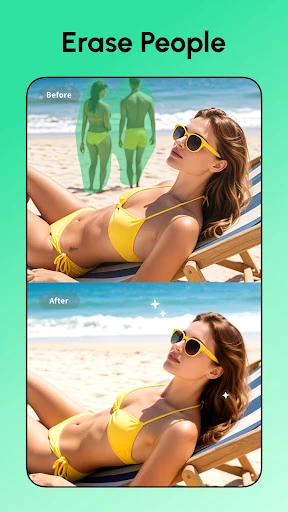

Click to download now, finish the installation quickly, and directly unlock the all-round experience
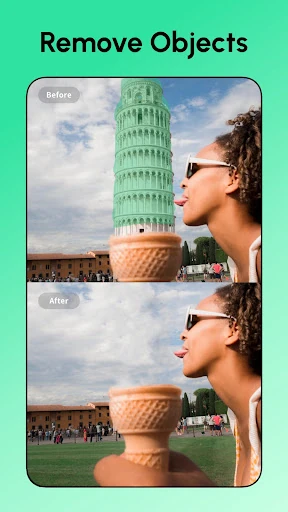
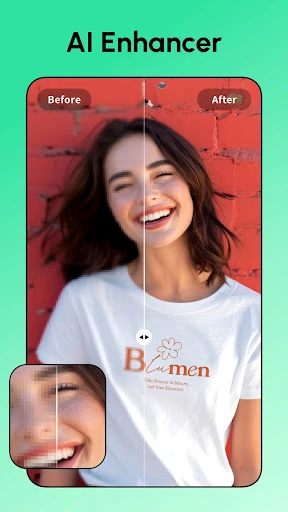
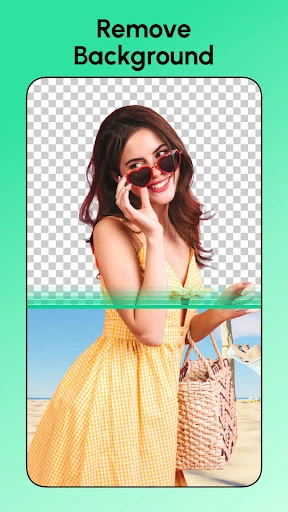
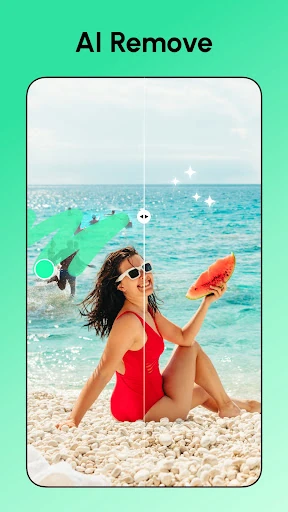
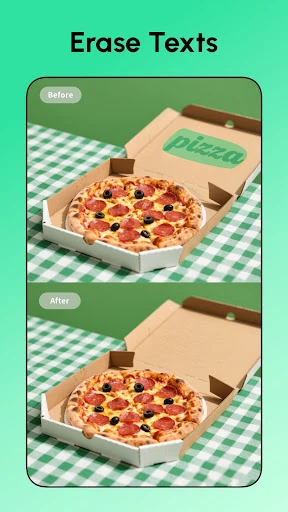
Remove Objects - Photo Editor enters a highly competitive Photography market by positioning itself as a surgical utility for the modern mobile photographer. While most general editors focus on global adjustments like brightness or contrast, this app leverages advanced AI to tackle the "micro-annoyances" that ruin otherwise perfect shots—specifically watermarks, photobombers, and environmental clutter. By integrating pixel-level precision with an intuitive "one-tap" philosophy, it bridges the gap between complex desktop software like Pixelmator and casual mobile filters, making professional-grade retouching accessible to the average user.
The interface of Remove Objects - Photo Editor is built around the "speed-to-result" metric. Recognizing that users typically open the app with a specific problem to solve, the UI prioritizes the brush and selection tools immediately. The implementation of a "pixel-level cut" ensures that the UX feels responsive and accurate, even on smaller smartphone screens. The inclusion of in-app tutorials significantly lowers the learning curve, guiding beginners through complex retouching tasks without overwhelming them with professional jargon. The design aesthetic is clean and functional, adhering to modern Android design standards while maintaining a focus on the photo canvas.
To further solidify its position as a market leader, the app could introduce batch processing, allowing users to apply the same watermark removal or enhancement settings to multiple photos simultaneously. Additionally, adding more granular manual controls for the AI's "generative fill" would benefit power users who want to fine-tune how the app reconstructs the space behind a removed object. Integrating a non-destructive editing history would also allow for better experimentation without the fear of losing the original image state.
Remove Objects - Photo Editor is an essential tool for social media influencers, hobbyist photographers, and anyone who frequently finds their photos "spoiled" by environmental distractions. It excels at turning cluttered snapshots into studio-quality images with minimal effort. We recommend this app for users who prioritize ease of use and speed but still demand high-fidelity, natural-looking results for their digital presence.