Advertisement
Click to download now, finish the installation quickly, and directly unlock the all-round experience
Advertisement
Screenshots
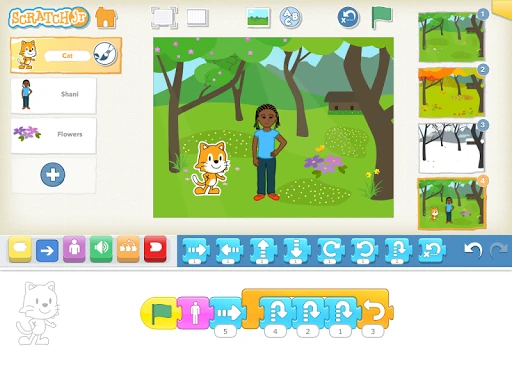
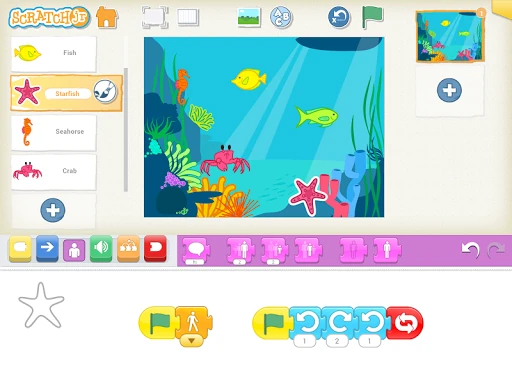
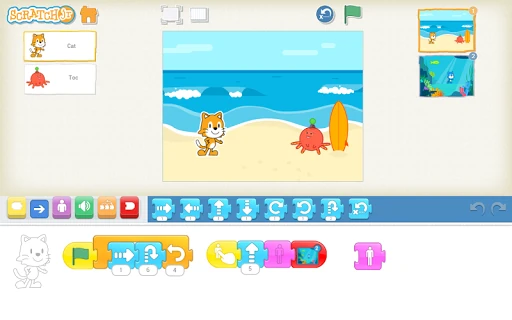
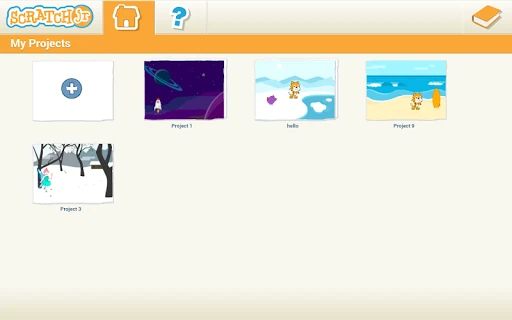
Click to download now, finish the installation quickly, and directly unlock the all-round experience
ScratchJr stands as a foundational pillar in the early childhood education landscape, effectively bridging the gap between passive digital consumption and active creative production. Developed by world-class researchers at MIT and Tufts, it distills the complex logic of the original Scratch platform into a tactile, icon-driven interface that empowers children as young as five to grasp computational thinking. In the broader Education category, ScratchJr is not merely an app; it is a literacy tool that treats programming as a primary form of self-expression, essential for the modern digital age.
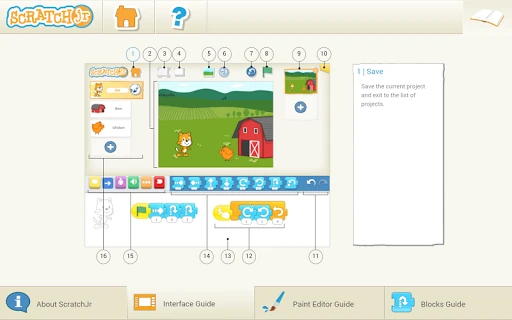
The UI is a masterclass in developmentally appropriate design. Eschewing traditional menus for a bright, horizontal layout, the interface accommodates the limited fine motor skills of its target demographic. Every element is color-coded and highly visual; motion blocks are blue, triggers are yellow, and sound is green, creating a mental map for the user. The "snap-to-grid" mechanic for blocks provides satisfying haptic-style feedback that minimizes frustration, ensuring the user experience remains focused on exploration rather than technical precision.
The most significant upgrade for ScratchJr would be the optimization of the UI for high-resolution smartphones, as the current tablet-only restriction is a barrier to accessibility. Furthermore, adding a moderated "Project Gallery" or a simplified export function (such as generating a video file of the story) would allow young creators to share their achievements with family and peers, reinforcing the social-emotional benefits of their hard work.
ScratchJr is an essential download for parents, guardians, and educators of children aged 5 to 7. It is the gold standard for introductory programming, successfully shifting the focus from "learning to code" to "coding to learn." For anyone seeking to foster numeracy, literacy, and problem-solving skills in a fun, non-intimidating way, this app is the definitive choice for early childhood development.