Advertisement
Click to download now, finish the installation quickly, and directly unlock the all-round experience
Advertisement
Screenshots







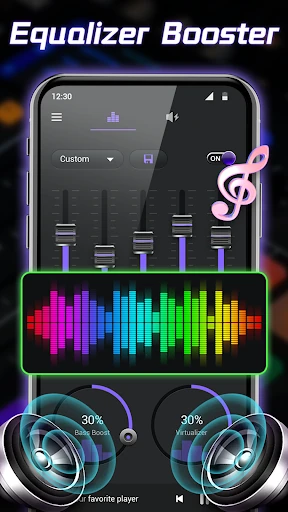
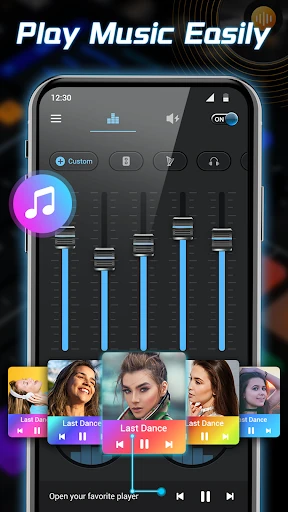
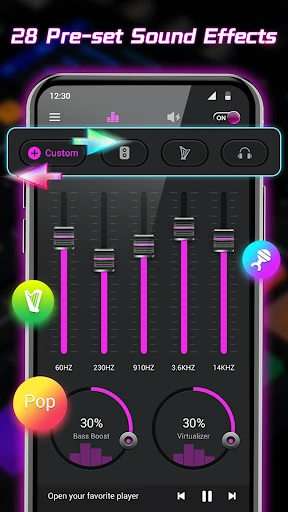
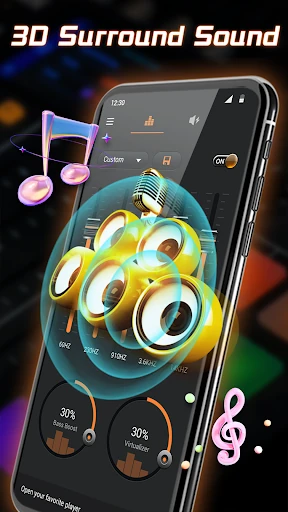

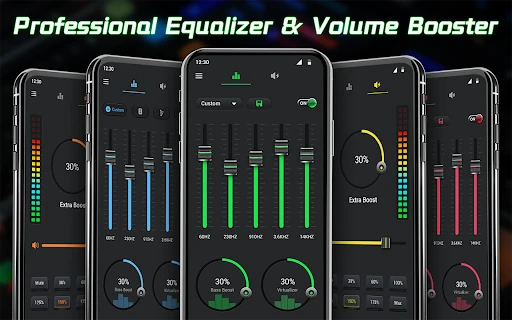
Click to download now, finish the installation quickly, and directly unlock the all-round experience
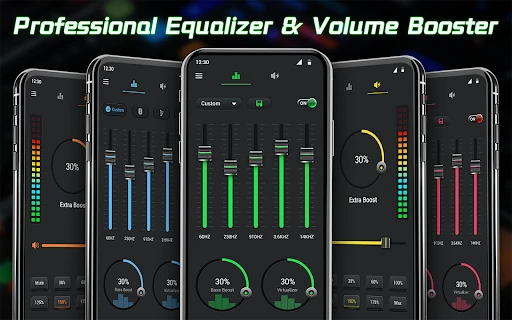
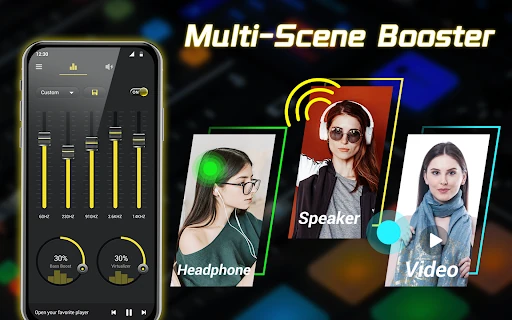
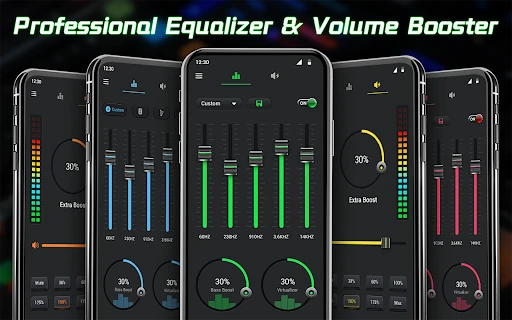
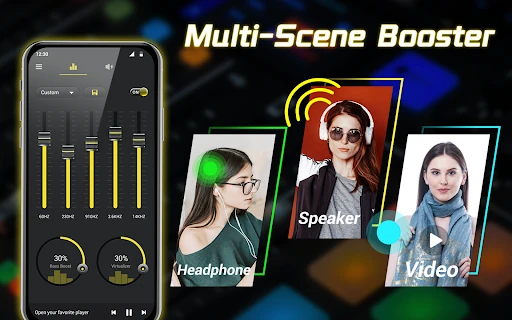
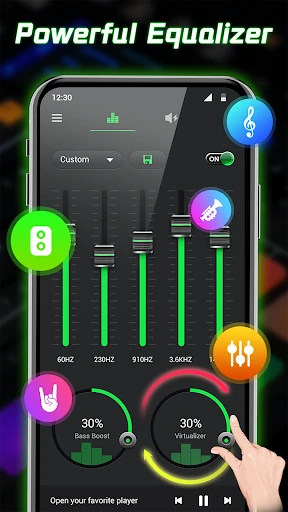
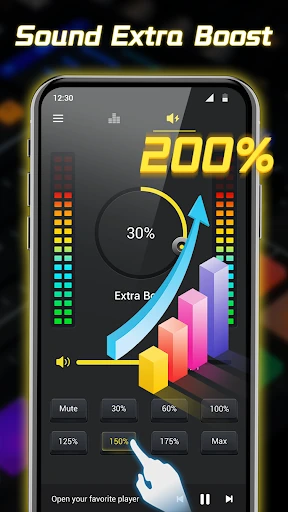
In the crowded Music & Audio category of the Google Play Store, Equalizer- Bass Booster&Volume distinguishes itself as a comprehensive sound-tuning utility that bridges the gap between casual listening and audiophile customization. By integrating a sophisticated 10-band equalizer (for Android 10+) with high-gain volume amplification, the app provides a level of granular control often missing from stock system settings. Its role in the ecosystem is that of a "system-wide enhancer," designed to operate seamlessly in the background to elevate the output of third-party media players, streaming services, and games. From a technical perspective, its implementation of a foreground service ensures stability, making it a reliable choice for users seeking a more immersive and high-fidelity mobile audio experience.
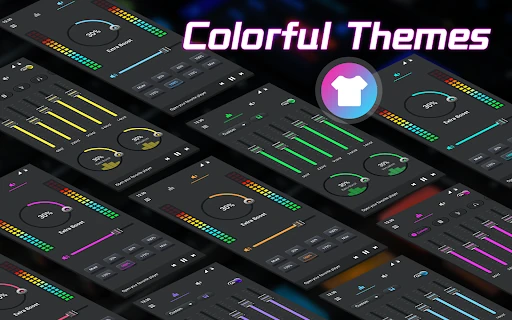
The UI design of Equalizer- Bass Booster&Volume leans into a modern, high-tech aesthetic that aligns with the expectations of the Music & Audio category. The inclusion of customizable themes and "edge lighting" adds a layer of personalization that appeals to the "prosumer" demographic. From a UX standpoint, the app excels in accessibility; the integration of home screen widgets (ranging from 1x1 to 4x4) and notification shortcuts allows users to adjust sound profiles on the fly without interrupting their primary activity. The visual spectrum analyzer provides real-time haptic and visual feedback, making the abstract process of frequency manipulation feel more tangible and intuitive for the user.
To further solidify its position as a market leader, the app could benefit from the implementation of "Auto-EQ" profiles that automatically detect the model of connected headphones and apply optimized settings. Additionally, adding a "Safe Volume" limiter that triggers at high gain levels could provide a layer of protection for users. Finally, expanding the customization of the visualizer to include more minimalist or abstract styles would cater to users who find the current "cool" aesthetic a bit too intense for night-time listening.
Equalizer- Bass Booster&Volume is an essential tool for Android users who find their device’s native audio output underwhelming. It is particularly well-suited for movie buffs who want a cinematic soundstage and music enthusiasts who prefer a customized "v-shaped" sound profile. While it offers professional-grade features, its intuitive layout makes it accessible to novices. We highly recommend this app as a primary sound management utility for anyone looking to unlock the full potential of their mobile audio hardware.