🏆 Expert Verdict & Overview
TradingView: Track All Markets stands as the gold standard in the Finance category, offering a sophisticated bridge between retail trading and professional-grade market analysis. As a senior analyst, it is rare to find a mobile application that maintains 1:1 feature parity with its desktop counterpart without compromising on performance. TradingView achieves this by delivering a high-performance charting engine and a massive social ecosystem to the palm of your hand. Whether you are tracking the S&P 500 or monitoring volatile cryptocurrency pairs, this app provides the technical depth required for serious decision-making while remaining accessible enough for those just beginning their investment journey.
🔍 Key Features Breakdown
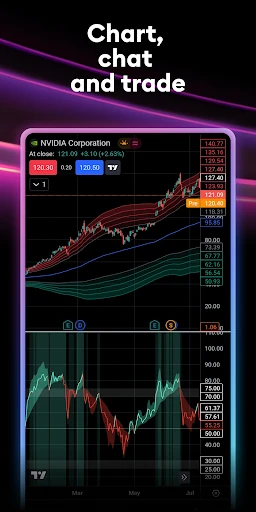
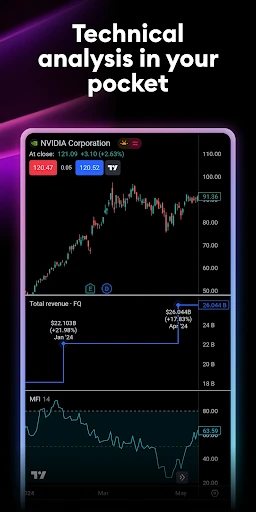
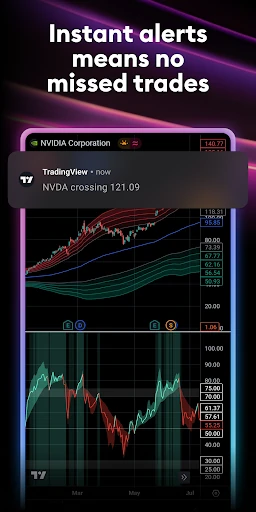
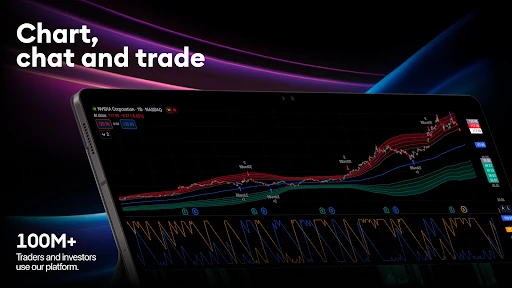
- Advanced Multi-Type Charting: Beyond standard line charts, the app provides access to Renko and Kagi charts. This solves the problem of "market noise" for technical analysts, allowing them to focus on price action and long-term trends rather than time-based volatility.
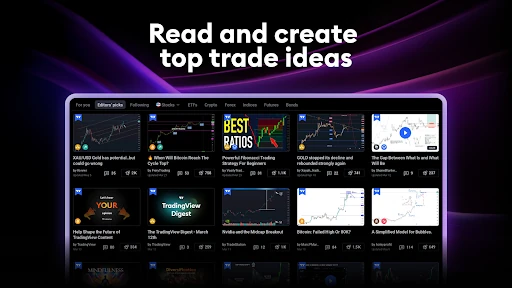
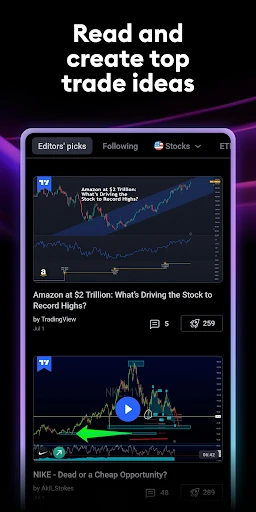
- Unified Social Ecosystem: By integrating a social network directly into the platform, it solves the isolation of individual trading. Users can view, discuss, and critique trading ideas from millions of global investors in real-time.
- Cross-Platform Cloud Synchronization: Any drawing, alert, or technical indicator added on a desktop is instantly mirrored on the mobile app. This ensures a seamless transition for traders who perform deep research at their desk but need to manage positions on the move.
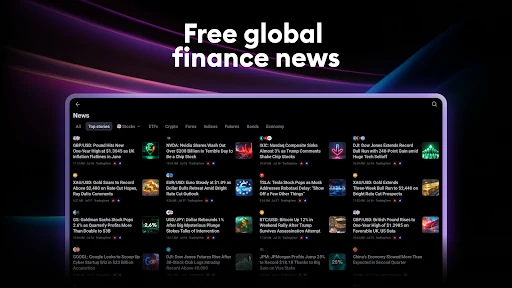
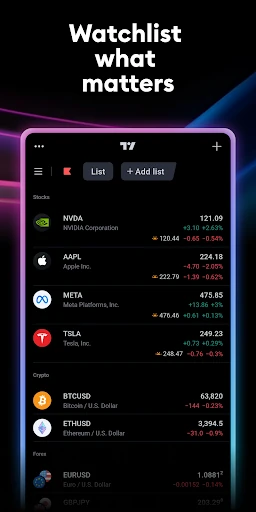
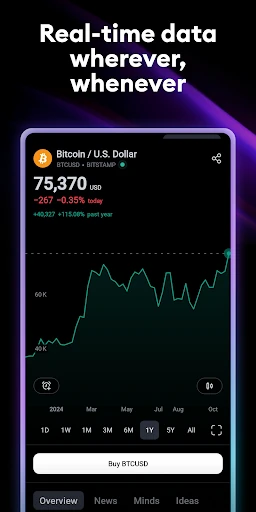
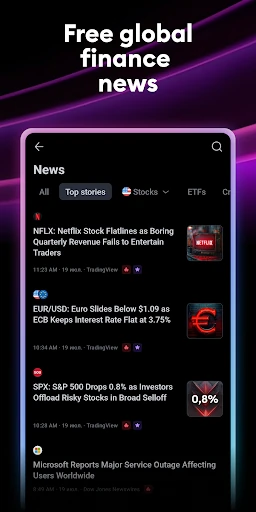
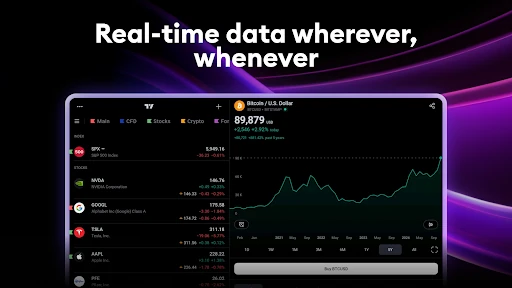
- Global Real-Time Data: With access to over 100 exchanges and 3.5 million instruments, the app solves the fragmentation of market data by providing a single source of truth for stocks, forex, futures, and crypto.
🎨 User Experience & Design
The UI of TradingView is a masterclass in information density management. Finance apps often struggle to display complex technical indicators on small screens, but TradingView utilizes a highly responsive gesture-based interface that allows for fluid zooming and panning. The design philosophy favors utility and precision; buttons are strategically placed to maximize chart real estate, and the transition between the dark and light modes is handled with high-contrast elements that remain readable under various lighting conditions. While the sheer volume of tools may initially intimidate a novice, the logical grouping of drawing tools and indicators ensures a predictable and efficient user journey.
⚖️ Pros & Cons Analysis
- ✅ The Good: Unrivaled charting capabilities that surpass almost every other mobile brokerage or analysis app on the market.
- ✅ The Good: Massive library of technical indicators and drawing tools, including Fibonacci retracements, Gann fans, and Elliott Wave analysis.
- ❌ The Bad: The learning curve is significantly steeper than "lifestyle" investment apps, which may overwhelm casual users.
- ❌ The Bad: High data usage and battery consumption during extended sessions due to the constant stream of real-time market updates and complex rendering.
🛠️ Room for Improvement
While the app is feature-rich, the onboarding process for absolute beginners could be refined. Implementing a "Lite Mode" or a guided tutorial specifically for the more exotic chart types like Renko or Kagi would help bridge the knowledge gap. Additionally, improving the haptic feedback when placing drawing objects like trend lines would enhance the tactile precision for mobile-first traders who do not use a stylus.
🏁 Final Conclusion & Recommendation
TradingView: Track All Markets is the essential tool for any serious investor, swing trader, or technical analyst. It is specifically designed for users who demand professional-grade data and sophisticated visualization tools without being tethered to a workstation. If you are a passive investor looking for a simple portfolio tracker, this might be more power than you need; however, if you intend to master market trends and join a global community of experts, there is no better application in the Google Play ecosystem.