🏆 Expert Verdict & Overview
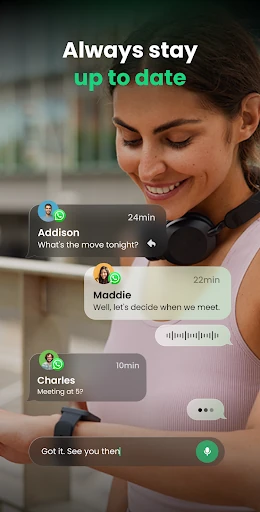
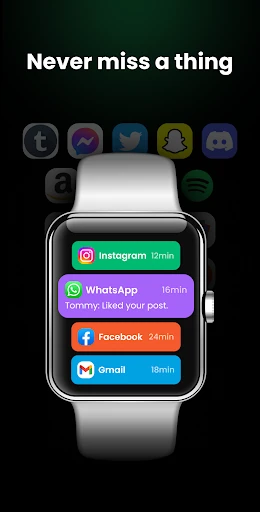
Watch Sync App - BT Notifier emerges as a utilitarian bridge in the fragmented wearable ecosystem. Positioned within the Communication category, it addresses a critical pain point: the synchronization gap between diverse smartwatch hardware and various smartphone manufacturers. By offering a universal connection layer, it transforms a potentially frustrating setup process into a streamlined experience, ensuring that Wear OS devices remain functional regardless of the brand's native ecosystem limitations. As a "Watch Mate," it acts as a centralized hub for notification management, catering to users who demand reliable connectivity across heterogeneous device environments.
🔍 Key Features Breakdown
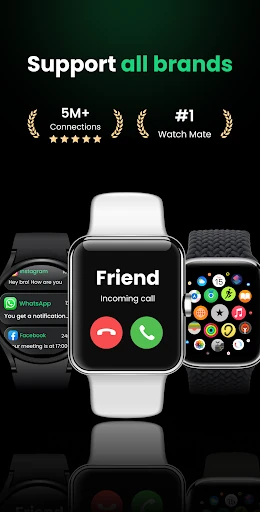
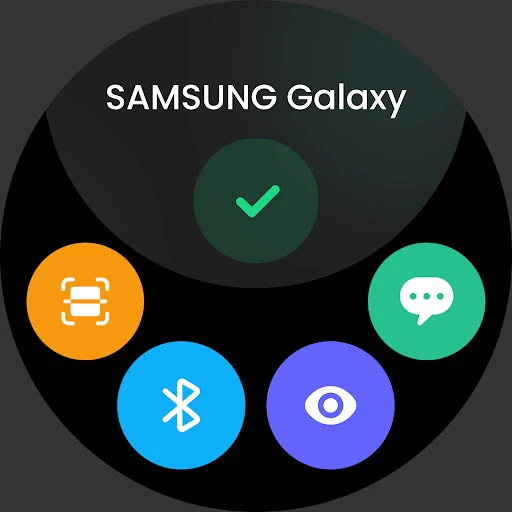
- Universal Wear OS Compatibility: This feature eliminates proprietary barriers by supporting brands ranging from Samsung and Garmin to budget-friendly options like Fire-Boltt and Noise, solving the problem of ecosystem lock-in.
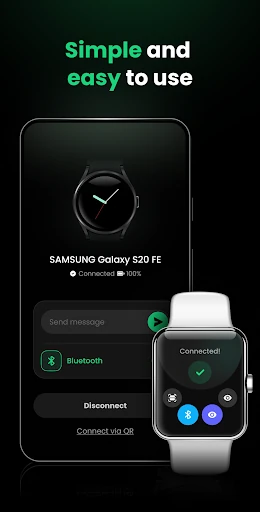
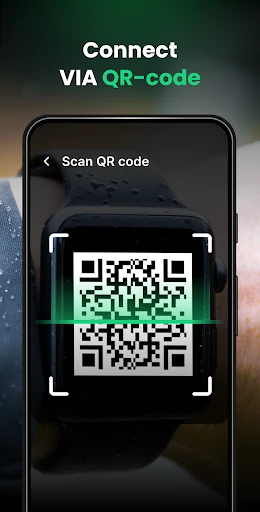
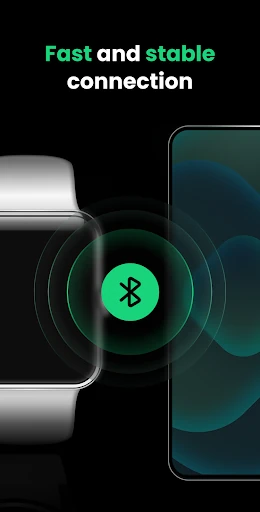
- Dual-Layer Connection Protocols: By providing both standard Bluetooth pairing and a QR code fallback, the app solves common pairing failures often encountered in crowded radio-frequency environments.
- Multi-Device Synchronization: It allows a single smartwatch to aggregate notifications from multiple phones simultaneously, a specific solution for professionals who carry both personal and work devices.
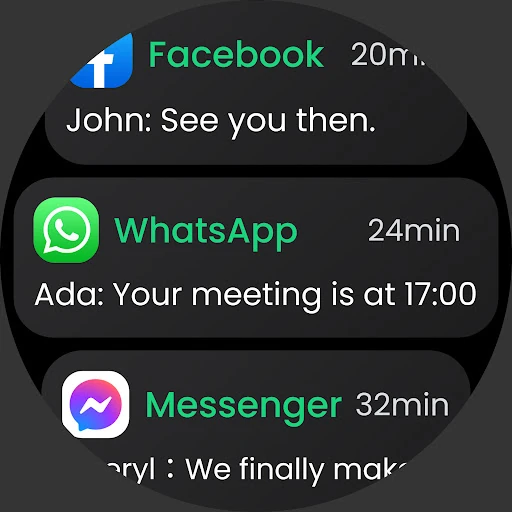
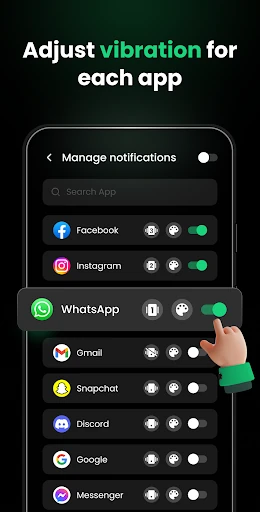
- Granular Notification Filtering: Users can whitelist specific applications, solving the issue of "notification fatigue" and ensuring only high-priority alerts interrupt the user's workflow.
- Scheduled Quiet Time: The dedicated Do Not Disturb (DND) mode provides a customizable silence window, allowing users to manage their digital well-being without manually toggling settings on multiple devices.
🎨 User Experience & Design
The UI/UX of Watch Sync App - BT Notifier is built around a "functional-first" philosophy common in the Communication category. The interface prioritizes a clean, step-by-step onboarding process that minimizes technical friction for non-expert users. The inclusion of a visual Bluetooth Sync Guide directly within the app significantly flattens the learning curve. While the design leans toward a utility-style aesthetic, the layout is logical, ensuring that critical functions like "Connect a device" are front and center, which is essential for a tool designed to run in the background with minimal user intervention.
⚖️ Pros & Cons Analysis
- ✅ The Good: Exceptional compatibility range that covers high-end, mid-range, and entry-level smartwatch brands.
- ✅ The Good: The QR code connection method serves as a highly effective fail-safe for standard Bluetooth pairing issues.
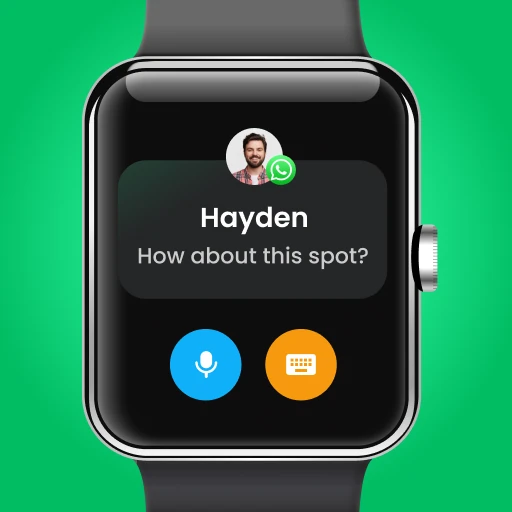
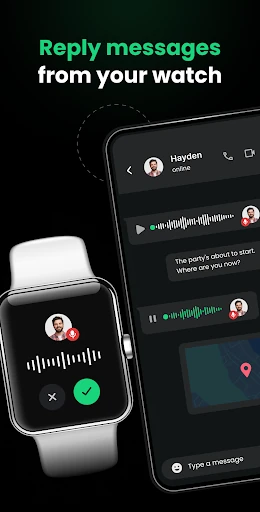
- ❌ The Bad: Advanced interactive features, such as replying to voice or video messages, are currently listed as "upcoming" and are not yet functional.
- ❌ The Bad: Maintaining persistent background sync for multiple devices can lead to noticeable battery drain on both the smartphone and the wearable.
🛠️ Room for Improvement
To elevate the app to a top-tier status, the developers should prioritize the immediate release of two-way communication features, specifically the ability to reply to messages directly from the watch interface. Additionally, incorporating a battery-saver mode that adjusts sync frequency based on battery percentage would be a significant UX improvement. Finally, adding health data synchronization (heart rate and steps) would transition the app from a notification mirror to a comprehensive wearable management suite.
🏁 Final Conclusion & Recommendation
Watch Sync App - BT Notifier is an essential utility for users who own smartwatches that struggle with native manufacturer app stability, or for those using "off-brand" wearables that lack dedicated software. It is the ideal solution for "power users" who manage multiple smartphones and need a unified notification stream. Our final verdict: it is a reliable, highly compatible bridge that fulfills its promise of keeping users connected, though its full potential will only be realized once the promised interactive communication features are deployed.