
Advertisement
Click to download now, finish the installation quickly, and directly unlock the all-round experience
Advertisement
Screenshots


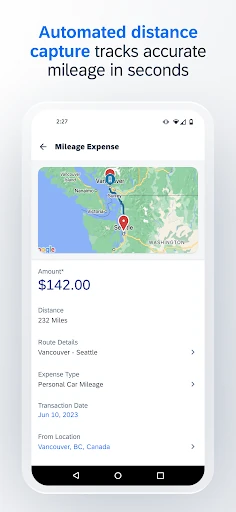
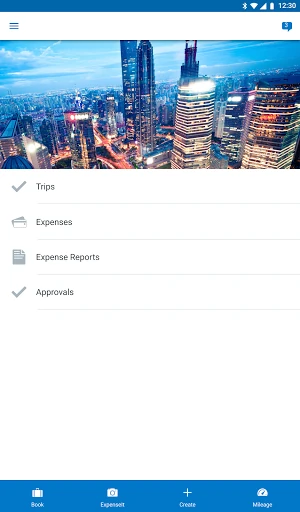
Click to download now, finish the installation quickly, and directly unlock the all-round experience
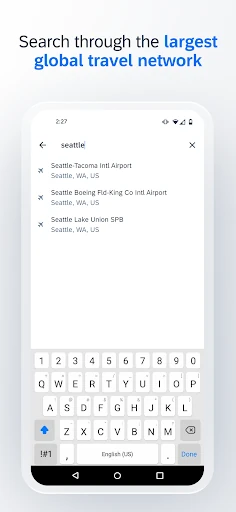
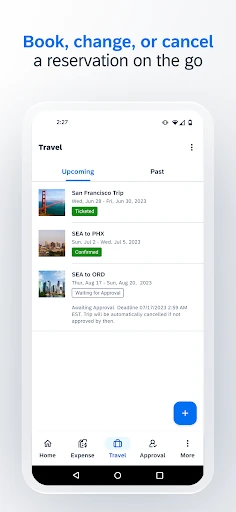
SAP Concur remains the gold standard for enterprise-level travel and expense management. As a companion app to the broader SAP ecosystem, it bridges the gap between desktop administration and the mobile needs of the modern business traveler. Its primary strength lies in its ability to consolidate complex financial workflows—travel booking, expense tracking, and invoice approval—into a single, secure mobile interface. Within the Business landscape, it is an essential tool for maintaining corporate compliance while significantly reducing the administrative burden on employees and finance departments alike.
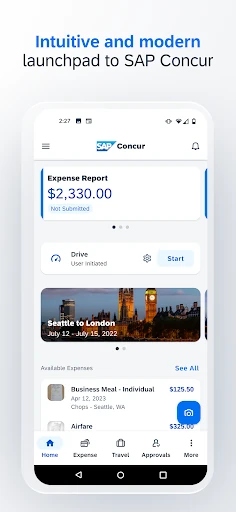
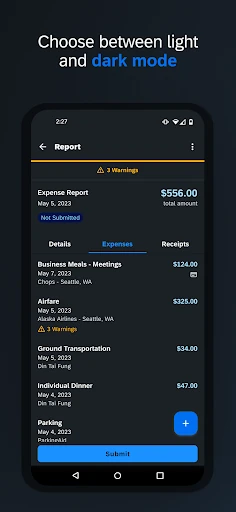
The UI of SAP Concur is designed with a focus on utility and high-density information management, which is standard for the Business category. While it lacks the minimalist aesthetic of modern consumer apps, its structured layout is highly functional for corporate users who need to navigate complex itineraries or multi-line invoices. The UX is optimized for speed, allowing for "quick actions" like receipt uploading to be performed with minimal taps. However, because it mirrors a deep enterprise system, the menu hierarchy can sometimes feel rigid, requiring a slight learning curve for new users to find advanced settings.
For future updates, the application would benefit from an enhanced offline mode that allows users to draft entire expense reports without an active internet connection, syncing only once they are back online. Additionally, streamlining the receipt OCR (Optical Character Recognition) process to improve speed and accuracy on handwritten receipts would further reduce user frustration. A more modern, "card-based" UI refresh could also help declutter the main dashboard and improve overall readability.
SAP Concur is specifically designed for corporate employees, managers, and finance professionals whose organizations are already integrated into the SAP ecosystem. It is not a standalone tool for freelancers but a powerful mobile extension for enterprise users. For its target audience, the app is an indispensable tool that transforms the tedious task of expense reporting into a streamlined, mobile-first process. Our recommendation: If your company uses Concur, this app is a mandatory download to ensure you stay compliant and get reimbursed faster.